166
M
ANAGING CALLS VOICEMAIL
You can use any spreadsheet application to open the file for viewing. This file displays the phone number,
caller name, and the line that the call came in on.
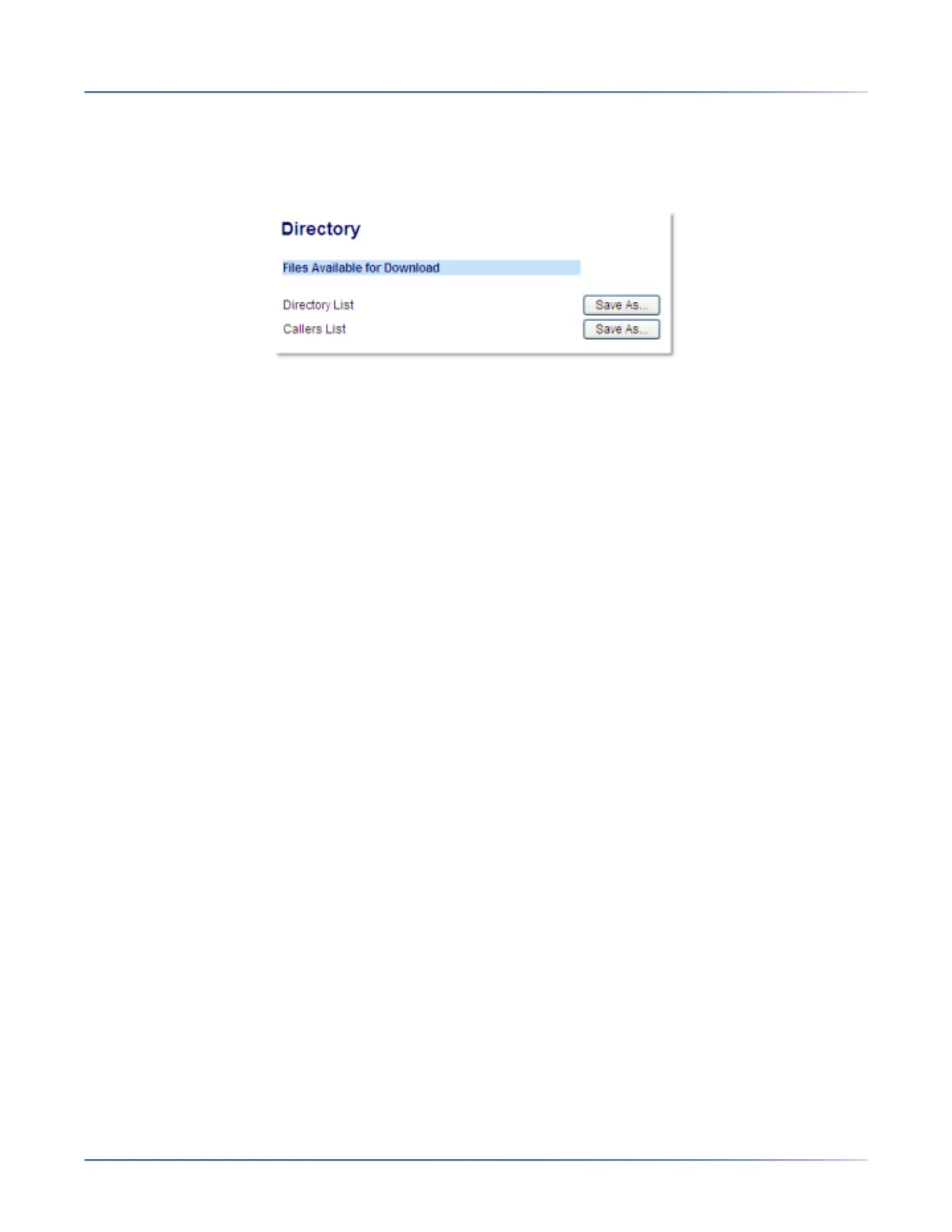
Downloading the Received Callers List
1. Click on Operation > Directory.
2. In the Callers List field, click on Save As.A download window displays.
3. Click OK.
4. Enter the location on your computer where you want to download the Received Callers List and click
Save.The callerslist.csv file downloads to your computer.
5. Use a spreadsheet application to open and view the Received Callers List.
Voicemail
The 6930 SIP phone provides a hardkey for configuring voicemail.
NOTE:
1. Voicemail functionality must be configured by your System Administrator.
2. Voicemail is not supported on the mobile line.





 To Next Page