11
G
ETTING STARTED PLUGGING IN AND STARTING THE PHONE
screen.
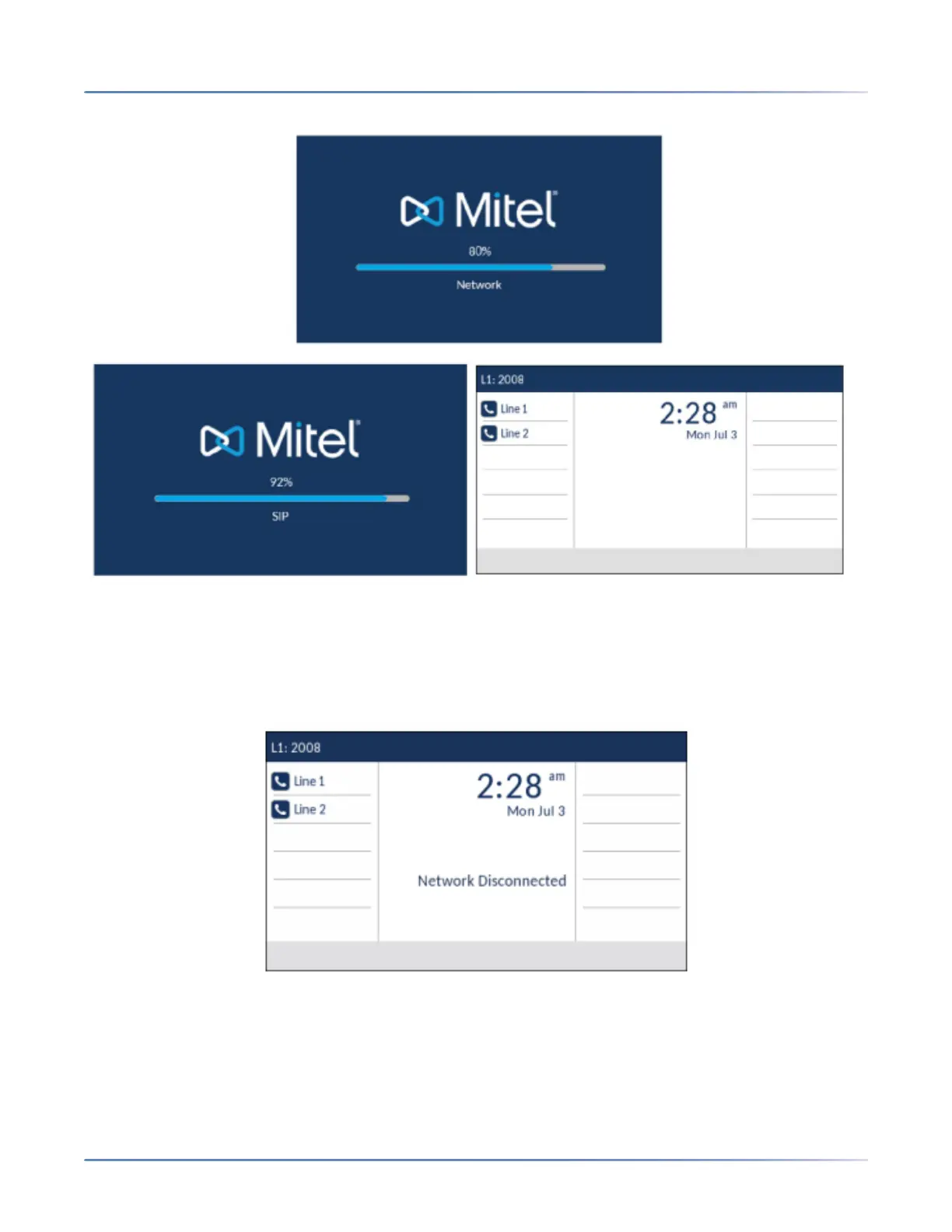
Network Connected/Network Disconnected
If your phone successfully connects to the network the phone will go directly to the Homescreen.
If your phone did not successfully connect to the network, the Network Disconnected prompt appears
on the display and the telephone status light turns on.
Check that the cables are tightly connected to the phone and to the wall jack. The phone should automat-
ically detect when it is reconnected and remove the Network Disconnected prompt from the screen.
However, if changes have been made to your phone’s network settings, you may need to restart your
phone. Check with your System or Network Administrator for assistance.
For more information about connecting your phone, see the Mitel 6930 IP Phone Installation Guide .




 To Next Page