62
C
USTOMIZING YOUR PHONE BLUETOOTH
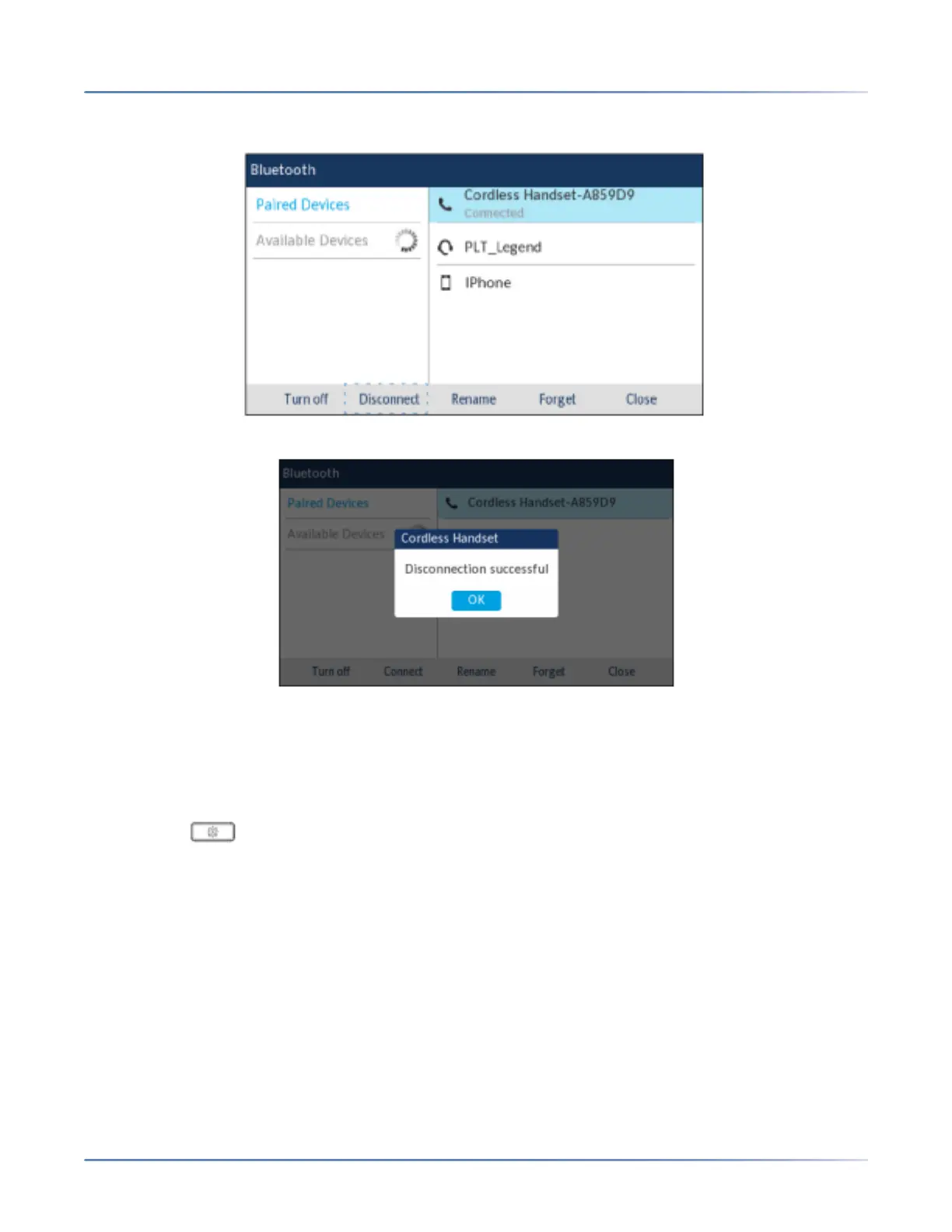
5. Using the up and down navigation keys, highlight the connected Bluetooth device you want to discon-
nect to and press the Disconnect softkey.
A confirmation message displays on screen.
6. Press the OK button to acknowledge the successful disconnection.
Renaming a paired Bluetooth device
To rename a paired Bluetooth device:
1. Press the (Options) key on the phone to enter theSettings menu.
2. Navigate to the Bluetooth setting and press the Selectbutton or Select softkey.
3. Ensure Bluetooth functionality is enabled. If it is not enabled, press the Turn Onsoftkey to enable
Bluetooth functionality.
4. Press the right navigation key to move to the paired Bluetooth device selection column.





 To Next Page