20
G
ETTING STARTED UI NAVIGATION
NOTE: The Detailed-View Call screen is only accessible when at least one call is in a ringing or connected
state. Moreover, the Multi-View Call screen is only accessible when more than one call is a ringing or
connected state.
UI Navigation
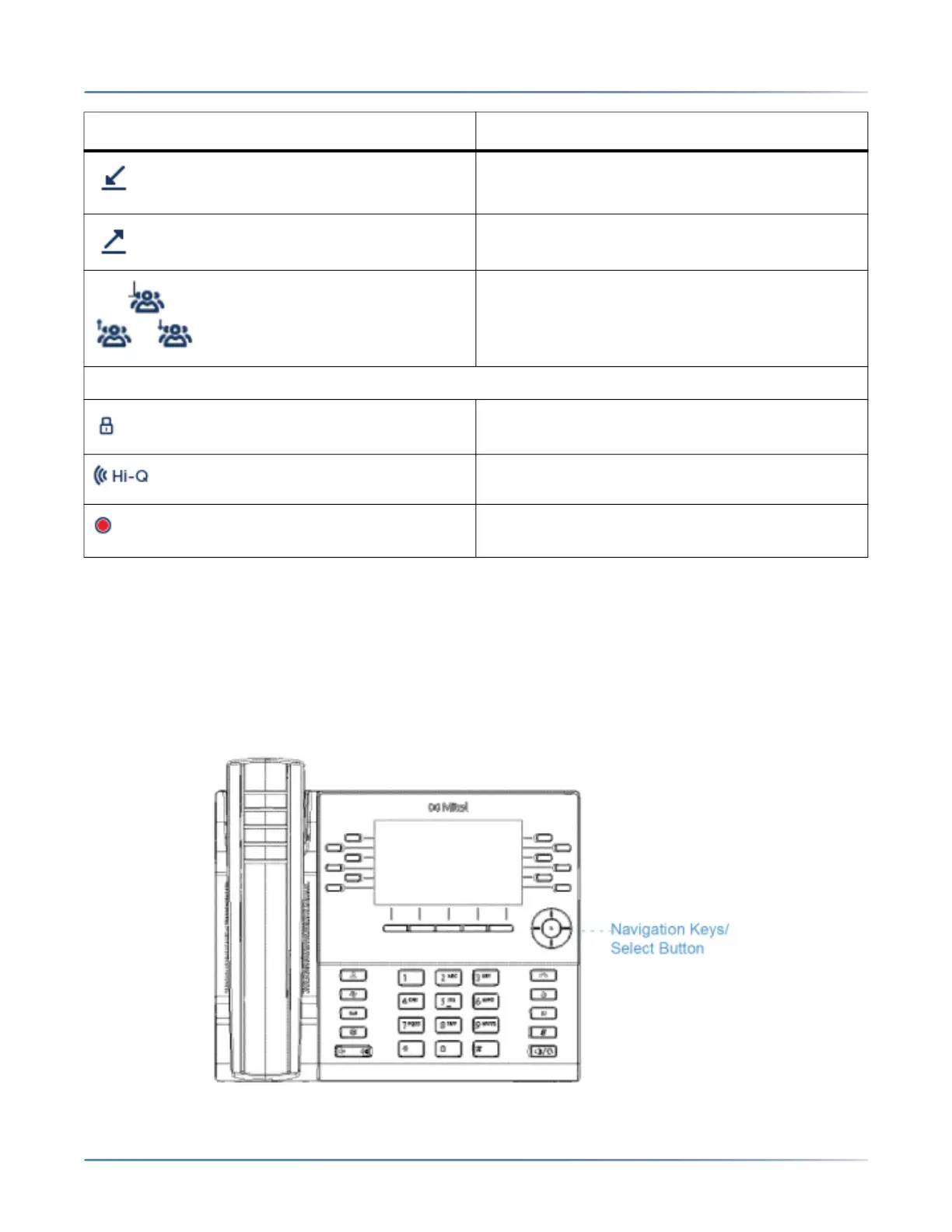
UI navigation is easily performed using the navigation keys located above the Received Callers List key.
Indicates the call is an incoming call.
Indicates the call is an outgoing call.
Indicates the party is a conference call
participant. The direction of the arrow (if
applicable) denotes where the other conference
call participant is in the list of calls.
Call Feature Indicators
Indicates the call is secured using TLS/SRTP
encryption.
Indicates the call is using Mitel Hi-Q™ audio.
Indicates active VoIP recording is enabled and
the call is being recorded.
Indicator/ Icon Description





 To Next Page