78
C
USTOMIZING YOUR PHONE DIALING
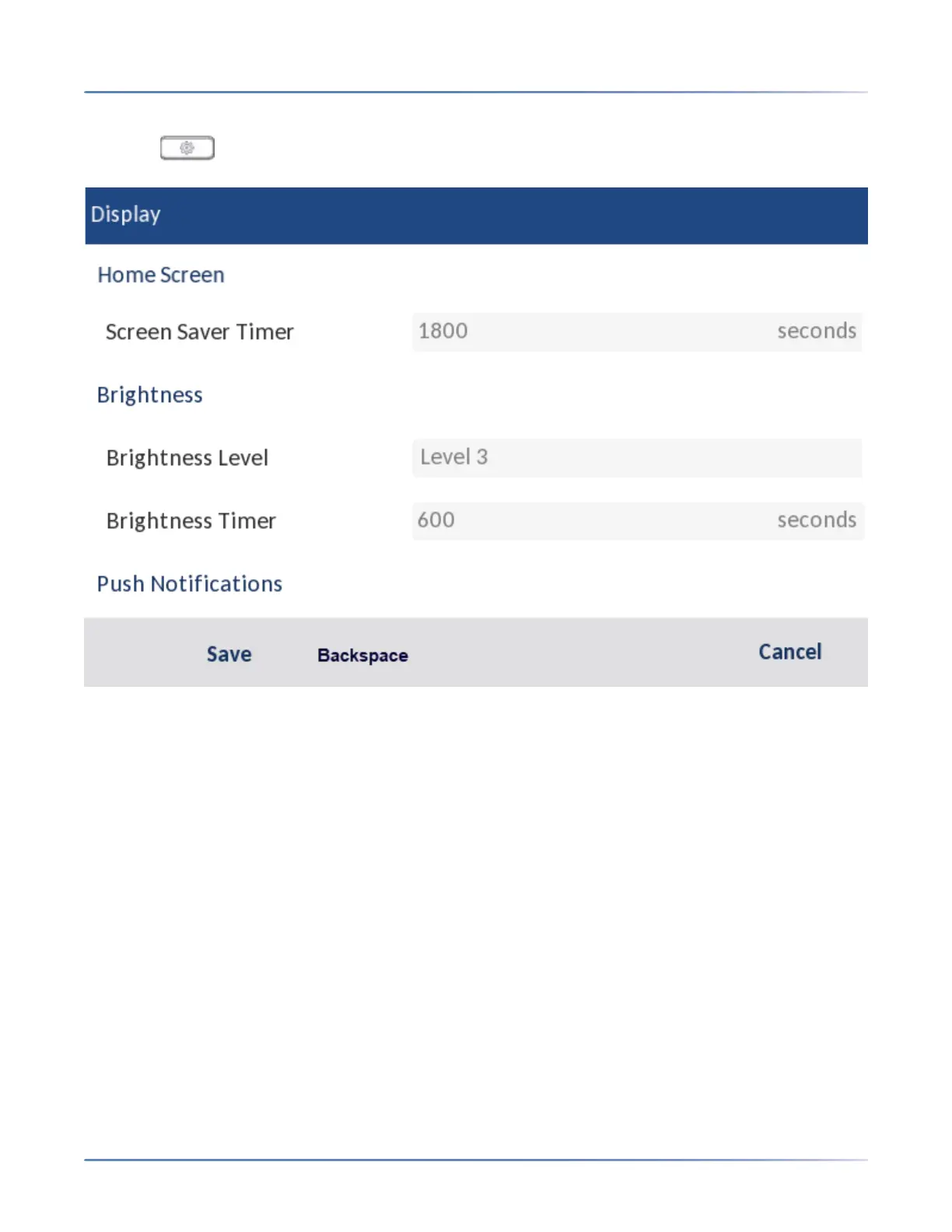
Setting the Brightness Level and Timer Using the IP Phone UI
1. Press on the phone to enter the Options List.
2. Navigate to the Display option and press the select button or Select softkey.
3. Press the down navigation key twice to highlight Brightness Level.
4. Use the left and right navigation buttons to increase or decrease the intensity of brightness on the
LCD.
5. Press the down navigation key to highlight Brightness Timer.
6. Enter a value, in seconds, using the dialpad keys. You can set the timer from 1 to 36000 seconds.
Default is 600 (10 minutes).
7. Press the Save softkey to save your changes.
Dialing
Live Dialpad
The Live Dialpadoption on the IP phone turns the live dialpad mode on or off. With the live dialpad feature
enabled, the 6930 IP phone automatically dials out and turns on handsfree mode as soon as a dialpad





 To Next Page