64
C
USTOMIZING YOUR PHONE DIAGNOSTICS
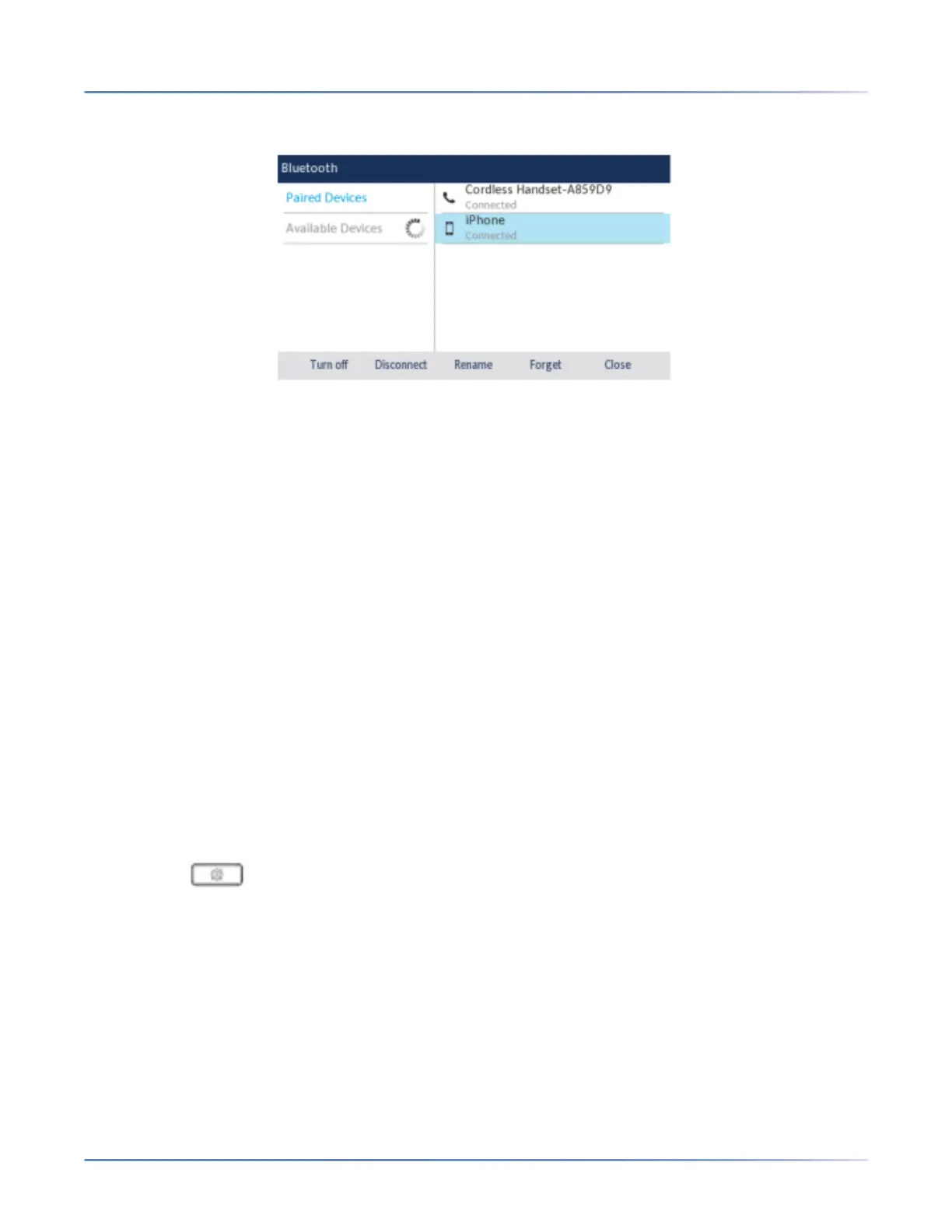
5. Using the up and down navigation keys, highlight the applicable Bluetooth device you want to connect
to and press the Connect softkey.
The phone attempts to connect to the device.
a. NOTE: If connecting fails, an error message displays on screen. Press Retry to attempt to
connect again, or Cancel to cancel the attempt.
b. If connecting a mobile phone, depending on the connection state of the mobile phone, you may
need to retry multiple times before the mobile phone connects successfully.
6. Press the OK button to acknowledge the successful connection.The connected Bluetooth device is
ready to use.
Diagnostics
The Diagnostics option allows you to capture TCP network packets for up to 5 minutes as well as collect
the captured logs that can in turn be used to help debug and troubleshoot various issues.
Audio Diagnostics
The Audio Diagnosticssub-menu allows you to collect up to 5 minutes of audio log files that can help to
debug audio issues on the Mitel 6930 SIP phone.
Capturing Audio Log Files Using the IP Phone UI
To capture audio diagnostic logs on the Mitel 6930 SIP phone:
1. Press the ( Settings) key on the phone to enter the Settings menu.
2. Navigate to Diagnostics> Audio Diagnosticsusing the navigation keys and press the Selectsoftkey.
3. In the Timeoutinput field, enter the amount of time (in minutes from 1 to 5) you would like to run the
audio diagnostic tool for, using the dialpad keys.
4. Press the Start softkey.The IP phone displays " Capturing" and when the timeout elapses, "
Collecting Logs" is displayed. When all the logs have been collected, a " Complete" message is
displayed.
NOTE:
a. Press the Stop softkey at any time to stop capturing the audio diagnostic logs.
b. A "log issue" is issued only after the completion of an audio diagnostics run.





 To Next Page