6
IP P
HONE KEYS KEY DESCRIPTION
Key Description
The following table describes the keys on the 6930:
y Voicemail Key h Navigation Keys/Select
Button
u Settings Key j State-Sensitive
Softkeys
i Volume Control k Programmable Keys
o Dialpad l LCD Screen
Key Description
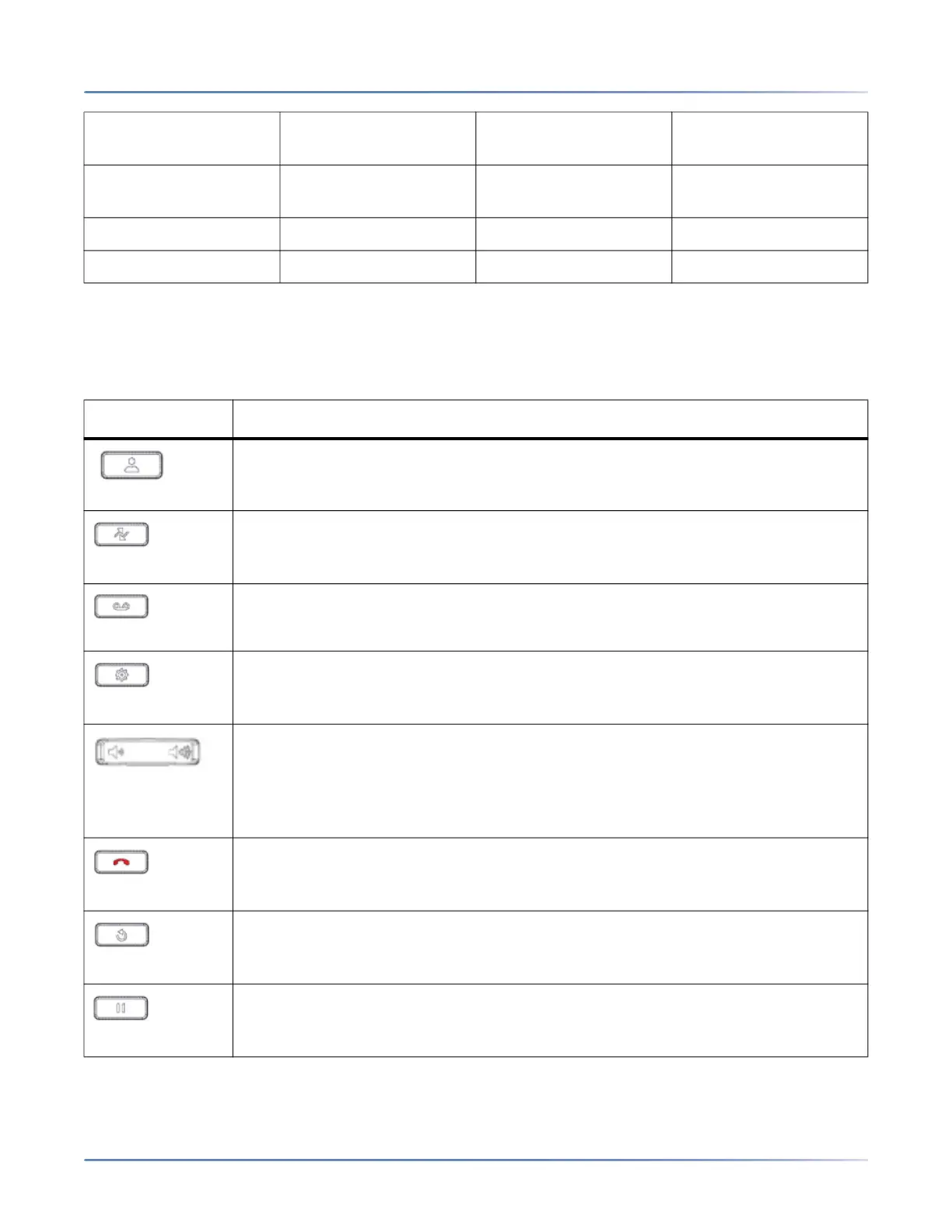
Directory key - Displays a list of your contacts.
For more information, see Directory .
Call History key - Call History key displays All folder list which includes the list of
your missed, outgoing, and received calls.
For more information, seeCall History Key .
Voicemail key - Provides access to your voicemail service (if configured).
For more information, see Voicemail .
Settings key- Provides services and static settings that allow you to customize
your phone.
For more information, see Customizing Your Phone .
Volume controls - Adjusts the volume for the ringer, handset, headset, and
speakerphone.
Press the volume control keys while the phone is ringing to adjust the ringer
volume. Pressing these keys during an active call adjusts the volume of the audio
device being used (handset, headset, or speaker).
Goodbye key- Ends an active call. The Goodbye key also exits an open list (such
as Call History) and menus (such as the Static Settings menu) without saving
changes.
Redial key - Displays a list of your previously dialed calls. Pressing the Redial key
twice redials the last dialed number displayed on the Home screen.
For more information, see Outgoing Redial Key .
Hold key - Places an active call on hold. To retrieve a held call, press the
applicable Linekey.
For more information, see Placing a Call on Hold .





 To Next Page