222
M
ITEL INTEGRATED DECT HEADSETCHECKING THE BATTERY LEVEL, FIRMWARE VERSION AND POWER/BANDWIDTH OF THE HEADSET
Checking the Battery Level, Firmware Version and
Power/Bandwidth of the Headset
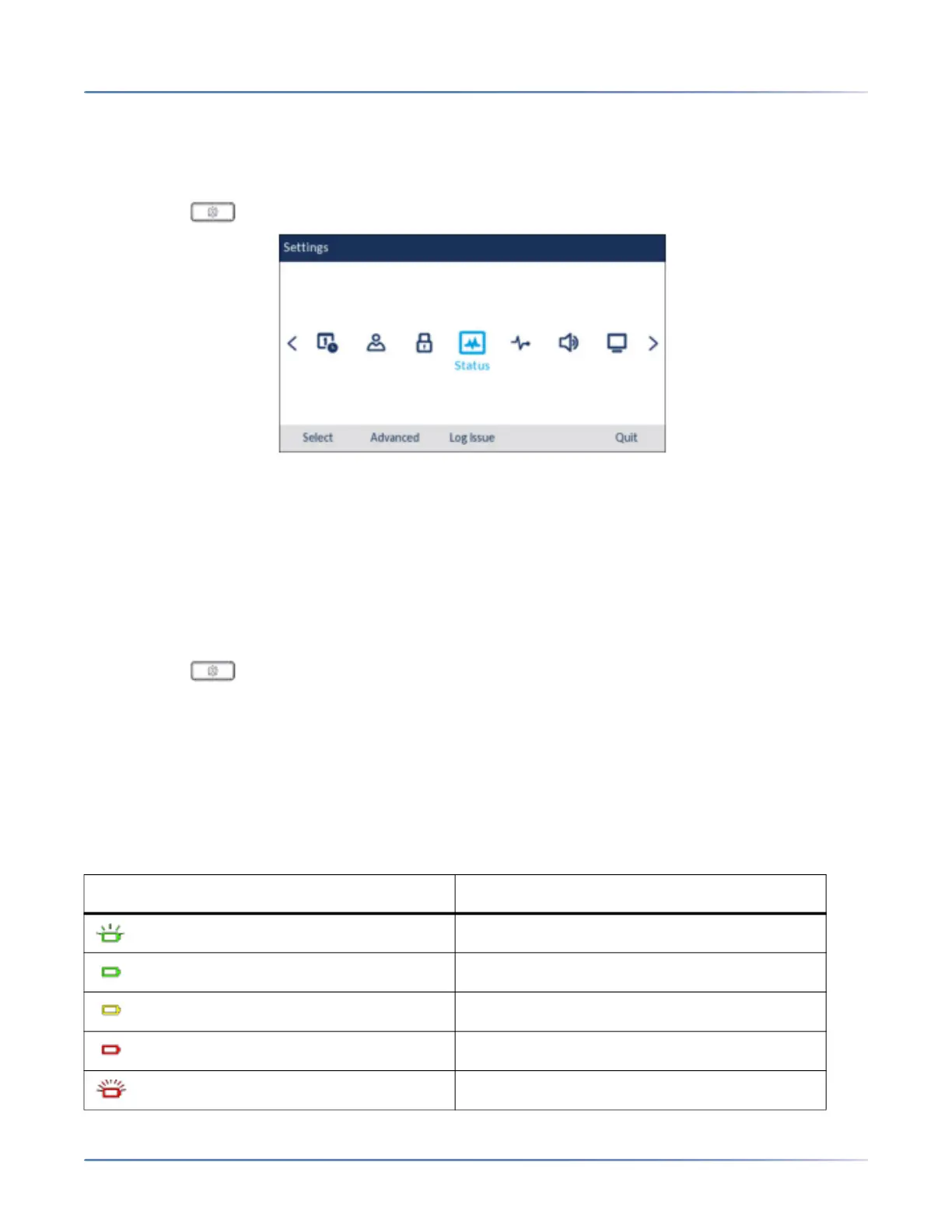
1. Press the (Settings) key on the phone to enter the Options menu.
2. Use the left and right navigation keys to highlight the Status icon.
3. Press the Select button or Select softkey.
4. Press the down navigation key to navigate to Accessory Info. The firmware version, and battery
level, and Power/Bandwidth info of the Integrated DECT Headset is available on the screen.
Checking the Power/Bandwidth of the Headset
1. Press the (Settings) key on the phone to enter the Options menu.
2. Use the left and right navigation keys to highlight the Audio icon.
3. Press the Select button or Select softkey.
4. Press the down navigation key to navigate to Headset.The power level of the Integrated DECT
Headset is available on the screen.
LED status
LED indicator Description
Battery charging (Green - slow flash)
Full battery (Green)
Medium battery (Yellow)
Low battery (Red)
Very low battery (Red - flashing)




 To Next Page