65
C
USTOMIZING YOUR PHONE AUDIO
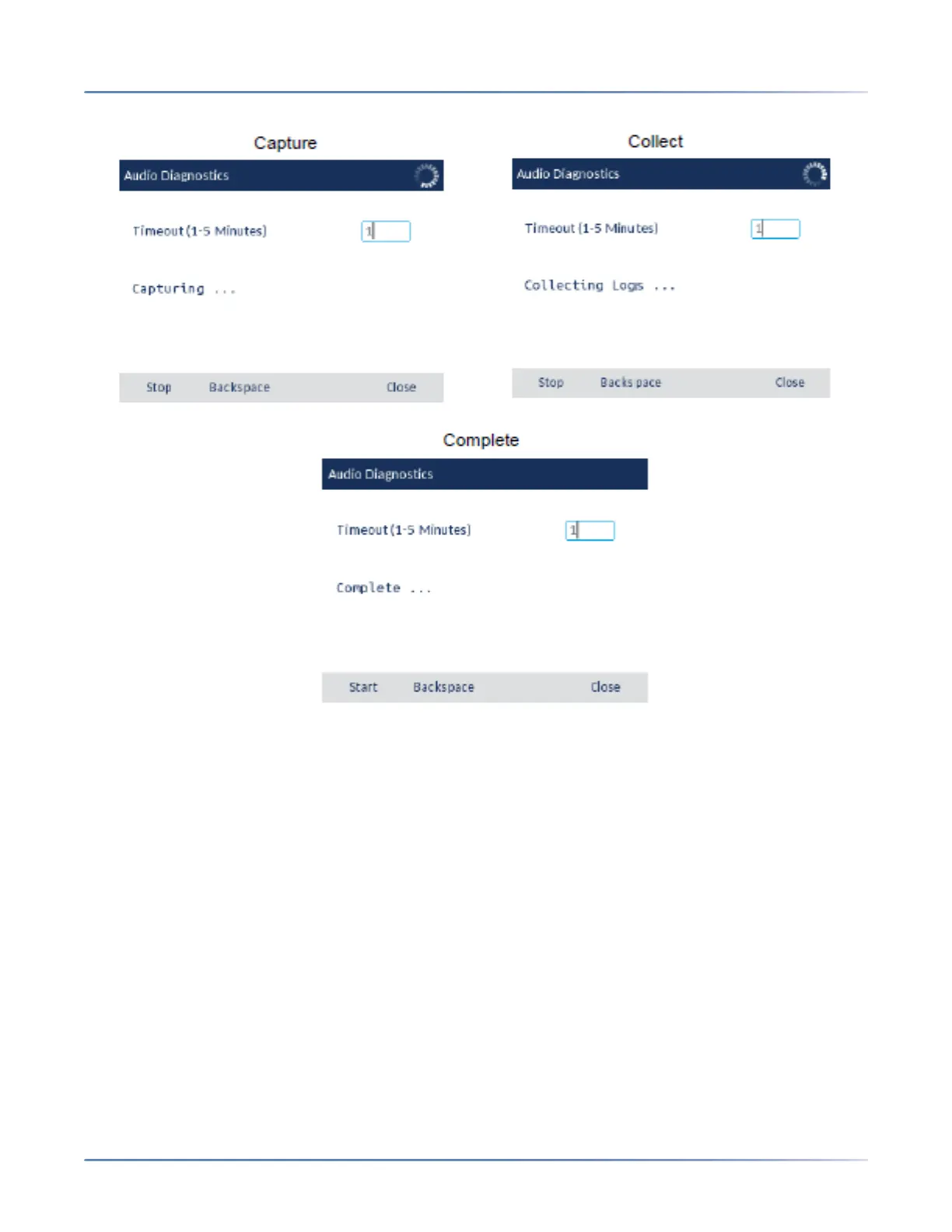
CAUTION: Do not change the audio device when you run the audio diagnostics tool.
Audio
The Audio option on the IP phone allows you to set the audio mode for your IP phone, configure headset
settings, and personalize ring tones and tone sets.
Audio Mode
The 6930 allows you to use a handset, a headset, or handsfree mode to handle incoming and outgoing
calls. The Audio Mode option provides different combinations of these three methods to provide
maximum flexibility in handling calls. There are four audio mode options you can set:





 To Next Page