22
M
ETHODS OF CUSTOMIZING YOUR PHONE PHONE OPTIONS THROUGH THE IP PHONE UI
Methods of Customizing Your Phone
There are two ways to customize specific options on your phone:
• Using the Options key on the IP phone
• Using the Mitel Web UI in an Internet browser window from your PC
Phone Options through the IP Phone UI
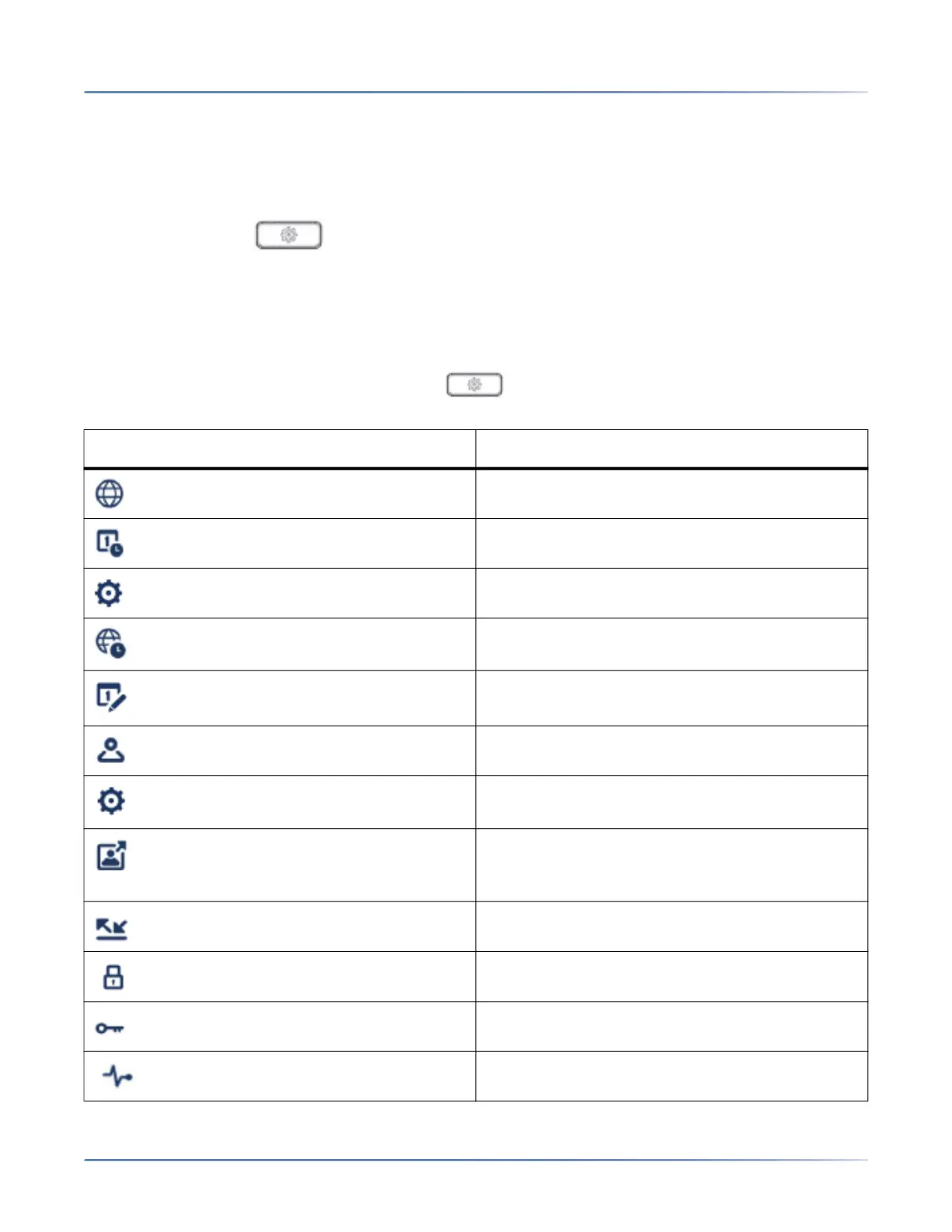
You can customize your phone by pressing the key and accessing the IP phone UI. These
options allow you to customize the following phone settings:
Icon Option
Language
Time and Date
• Settings
• Time Zone
• Set Date and Time
Directory
• Settings (available only if external directory
sources are configured by your Administrator)
• External Sources (available only if external
directory sources are configured by your
Administrator)
Call Forward
Lock
• Password
Diagnostic





 To Next Page