87
C
ONFIGURING SOFTKEYS LINE KEY
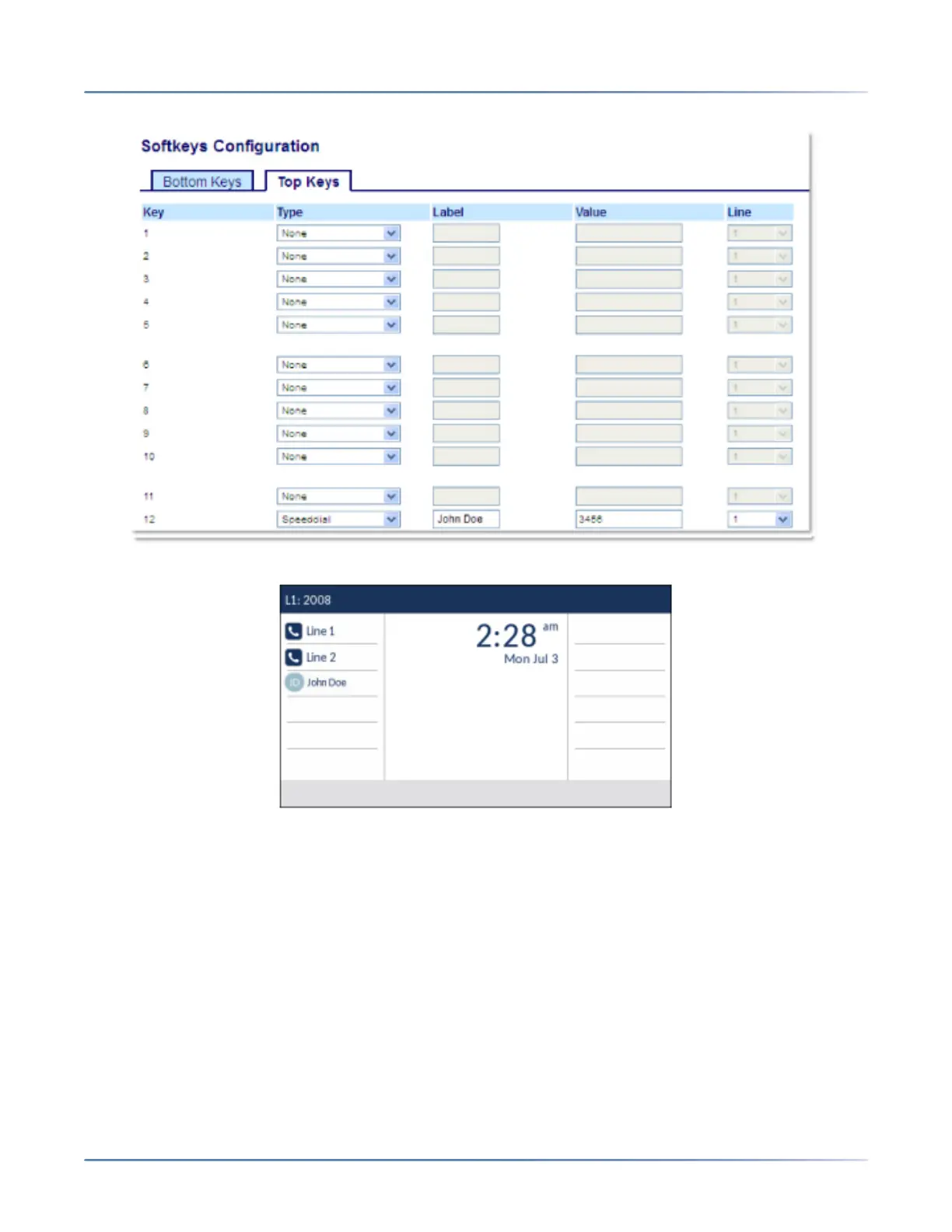
Mitel Web UI Configuration
Corresponding 6930 Display
NOTE: Contact your System Administrator for other softkey display behavior options.
Line Key
Line KeyNote: Line functionality can only be programmed on the top softkeys.
NOTE: Line functionality can only be programmed on the top softkeys.
The Line 1 and Line 2 softkeys are autoconfigured in the 6930 SIP phone due to the absence of Line 1
and Line 2 hardkeys. By default, the line values for top softkey 1 and topsoftkey 2 are set to Line 1 and
Line 2 in the WebUI.
You can set a softkey to act as a line/call appearance key on the 6930.





 To Next Page