169
M
ANAGING CALLS DND AND CALL FORWARD
You can then configure a DND key (for the phone or for an expansion module) using the Mitel Web UI at
the path, Operation > Softkeys and XMLor Operation > Expansion Module <N>. You can toggle DND on
and off by pressing the key, or by setting DND for a specific account at the path, Basic Settings > Account
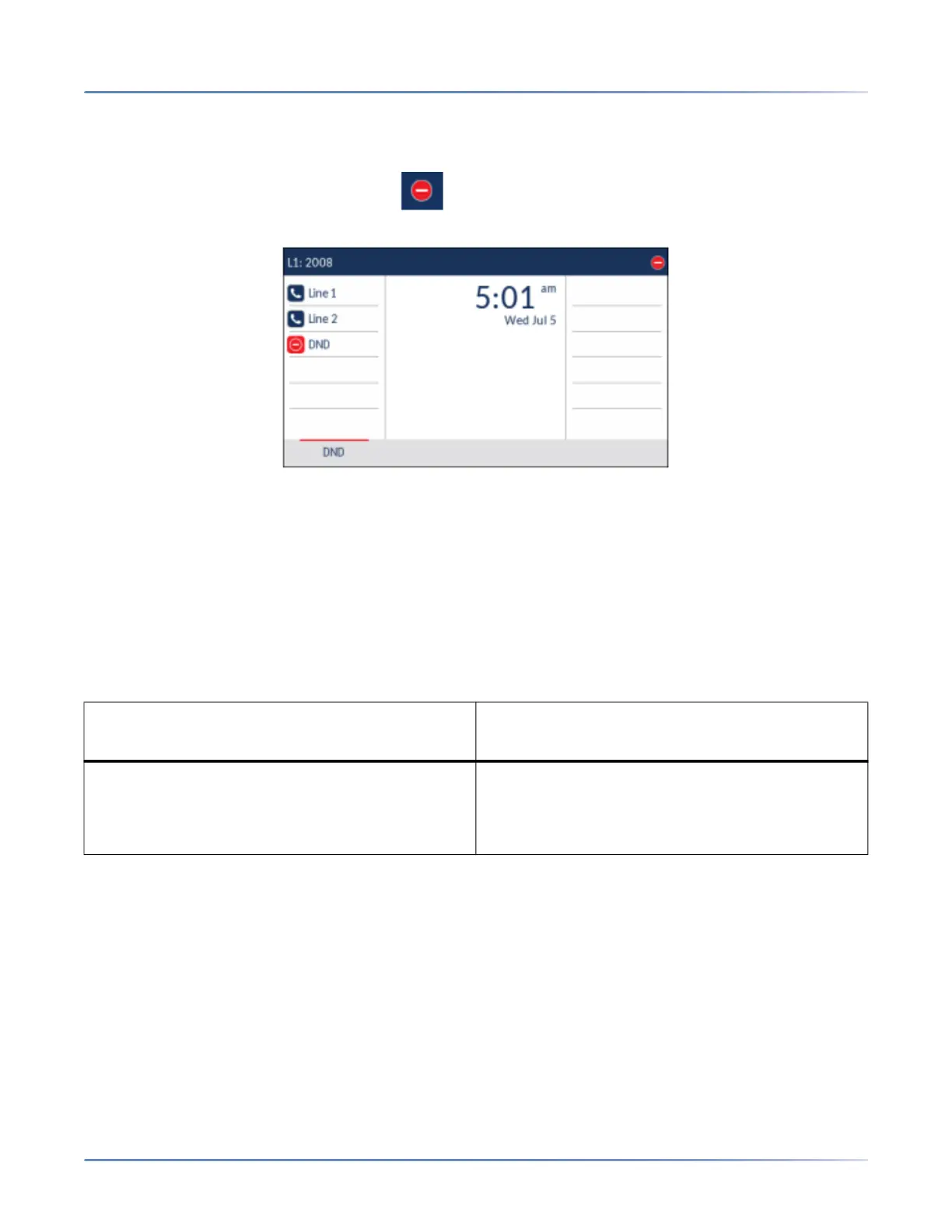
Configuration. Once you enable DND, the
icon displays on screen for the applicable account.
NOTE: If there is only one account configured on the phone, then the mode setting is ignored and the
phone behaves as if the mode was set to Phone.
The following describes the key behavior for each DND mode:
• Account: The DND key toggles the account in focus on the IP phone UI to on or off.
• Phone (default): The DND key toggles all accounts on the phone to on or off.
• Custom: The DND key displays custom screens on the IP phone UI. The user can select whether to
enable/disable DND per account, enable DND on all accounts, or disable DND on all accounts.
The following table describes the key and Message Waiting Indicator (MWI) LEDs when you enable DND
on the IP phone.
NOTE: If you make changes to the configuration for DND through the IP phone UI, you must refresh the
Mitel Web UI screen to see the changes.
Configuring a DND Key
The following describes the process of configuring DND on your phone. To configure a DND key, see “Do
Not Disturb (DND) Key” on page 83 .
NOTE: If there is no DND key configured or if it has been removed, DND is disabled on the IP phone.
Key LED Behavior for All Modes (top softkeys
Only) MWI LED Behavior for All Modes
DND key LED RED if current account in focus
has DND on.
DND key LED off when current account in focus
has DND disabled.
MWI LED on if current account in focus has DND
on.
MWI LED off if current account in focus has DND
off.





 To Next Page