104
C
ONFIGURING SOFTKEYS PARK/PICKUP KEYS
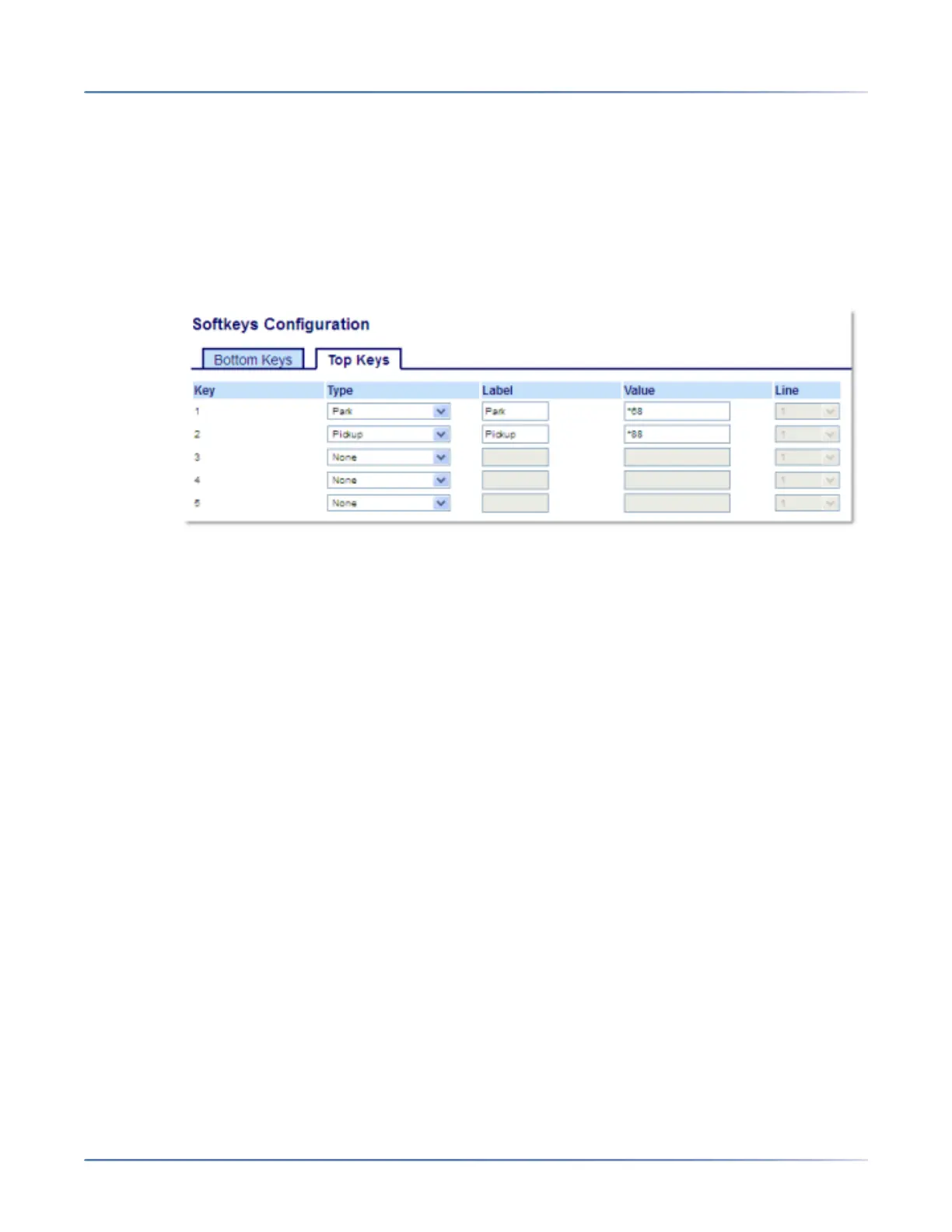
Administrators can configure theParkand Pickupkeys for any line using the configuration files or the Mitel
Web UI.
Users can make changes to customize the label of the ParkandPickup keys using the Web UI.
Configuring Park/Pickup Keys Using the Mitel Web UI
1. Click on Operation > Softkeys and XML.orClick on Operation > Expansion Module <N>.
Softkeys
2. Select from Key 1through Key 44 on the Top keys.orSelect from Key 1through Key 24 on the Bottom
keys.
3. In the Typefield, select Park.
4. In the Labelfield, enter a label for the Park softkey.
NOTE: The Valueand Linefields are configured by the Administrator.
5. In the state fields, check (enable) or uncheck (disable) the Connected state for this softkey.
6. Select from Key 1through Key 44.
7. In the Type field, selectPickup
8. In the Labelfield, enter a label for the Pickup softkey.
NOTE: The Valueand Linefields are configured by the Administrator.
9. In the state fields, check (enable) or uncheck (disable) the states you want to apply to this softkey.
10. Click Save Settings.
11. Click on Reset, then click Restart to restart the IP phone and apply the changes.
Expansion Module Keys
12. Select from Key 1through Key 84(M695).
13. In the Typefield, select Park.
14. In the Value field, enter the appropriate value for accessing specific services from the server.
NOTE: The Valueand Linefields are configured by the Administrator.
15. Select from Key 1through Key 84(M695).





 To Next Page