180
M
ANAGING CALLS MOBILELINK
tional Bluetooth devices from your mobile phone when using the MobileLink feature on your Mitel
6930 IP Phone.
2. Mobile integration with the SIP desktop phones does not support any softphone client application on
the mobile phones.
Pairing a mobile phone using Bluetooth
For instructions on how to pair your mobile phone with your Mitel 6930 SIP IP phone, see Pairing a Blue-
tooth device.
Syncing mobile contacts
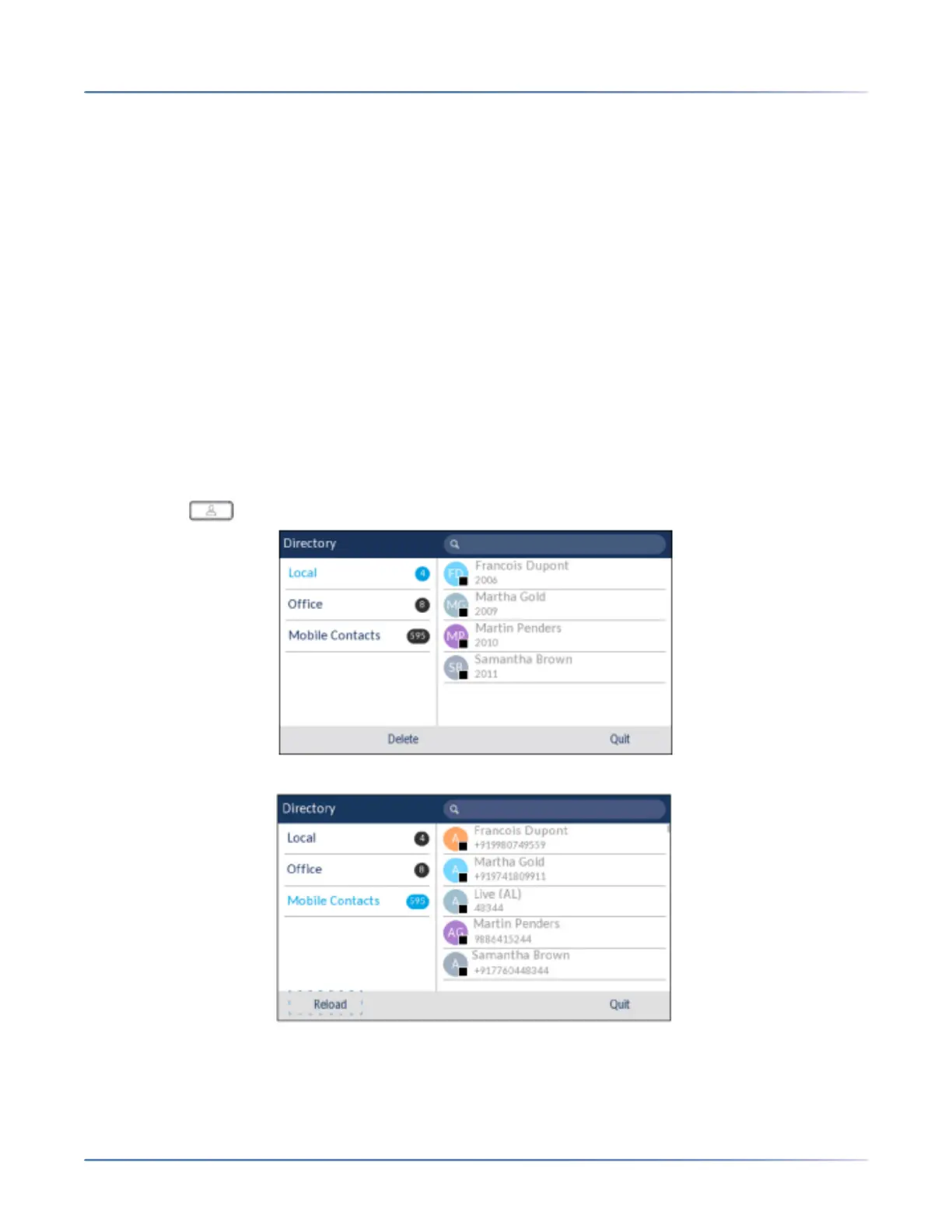
When pairing and connecting a mobile phone for the first time, the Mitel 6930 SIP IP phone automatically
attempts to sync your mobile contacts to the Directory application.
To manually synchronize or update your mobile contacts:
1. Ensure that you have paired your mobile phone with your 6930 IP phone. See “Pairing a Blue-tooth
device” .
2. Press the (Directory) key.
3. Navigate to the Mobile contacts folder.
4. Press the Reload softkey. The Mitel 6930 IP phone attempts to re-synchronize and update your
mobile contacts.




 To Next Page