158
M
ANAGING CALLS DIRECTORY
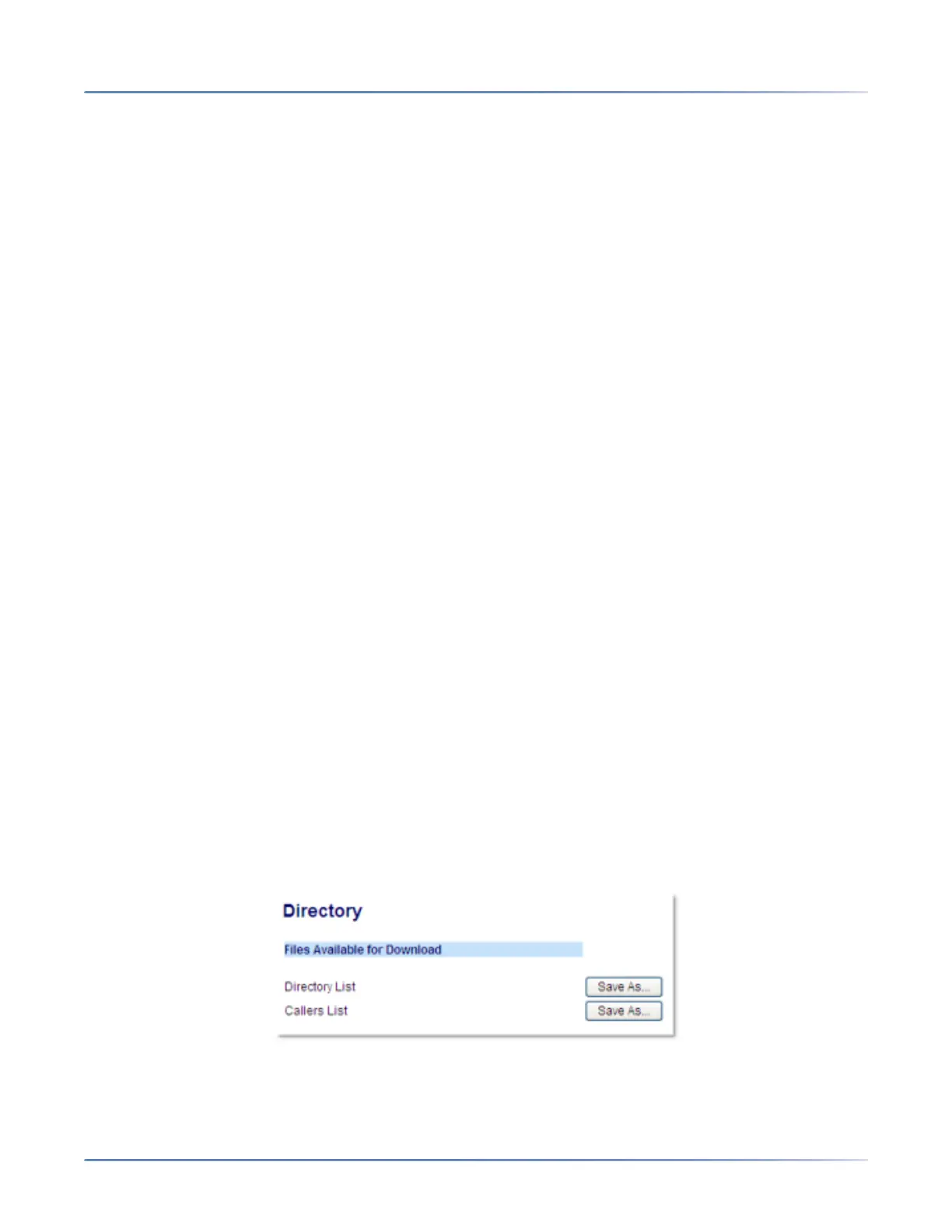
Downloading the Local Directory to Your PC
You can download the Local Directory to your PC through the Mitel Web UI. The phone stores the direc-
torylist.csvfile to your PC in comma-separated value (CSV) format.
You can use any spreadsheet application to open the file for viewing. The file displays the following items
for each Local Directory entry:
• First Name
• Last Name
• Company
• Job Title
• Work Address Street
• Work Address City
• Work Address State/Province
• Work Address Zip/Postal Code
• Work Address Country
• Home Address Street
• Home Address City
• Home Address State/Province
• Home Address Zip/Postal Code
• Home Address Country
• Email1
• Email2
• Email3
• Number of Total Phone Numbers
• Phone Number 1 Type
• Phone Number 1 Line #
• Phone Number 1
• ...
• Phone Number 7 Type
• Phone Number 7 Line #
• Phone Number 7
Downloading the Directory
1. Click on Operation > Directory.
2. In the Directory field, click on Save As...A download window displays.
3. Click OK.





 To Next Page