223
M
ITEL INTEGRATED DECT HEADSET REPLACING THE HEADSET
NOTE: For details on how to install the Mitel DECT Headset to your 6930 SIP phone or the Mitel M695
Programmable Key Module, see the Mitel Integrated DECT Headset Installation Guide.
Replacing the Headset
If the Integrated DECT Headset is malfunctioning, or if you have paired a wrong Integrated DECT Headset
with the base, you must replace or repair the Integrated DECT Headset.
To replace or repair the Integrated DECT Headset:
1. Remove the headset from the base.
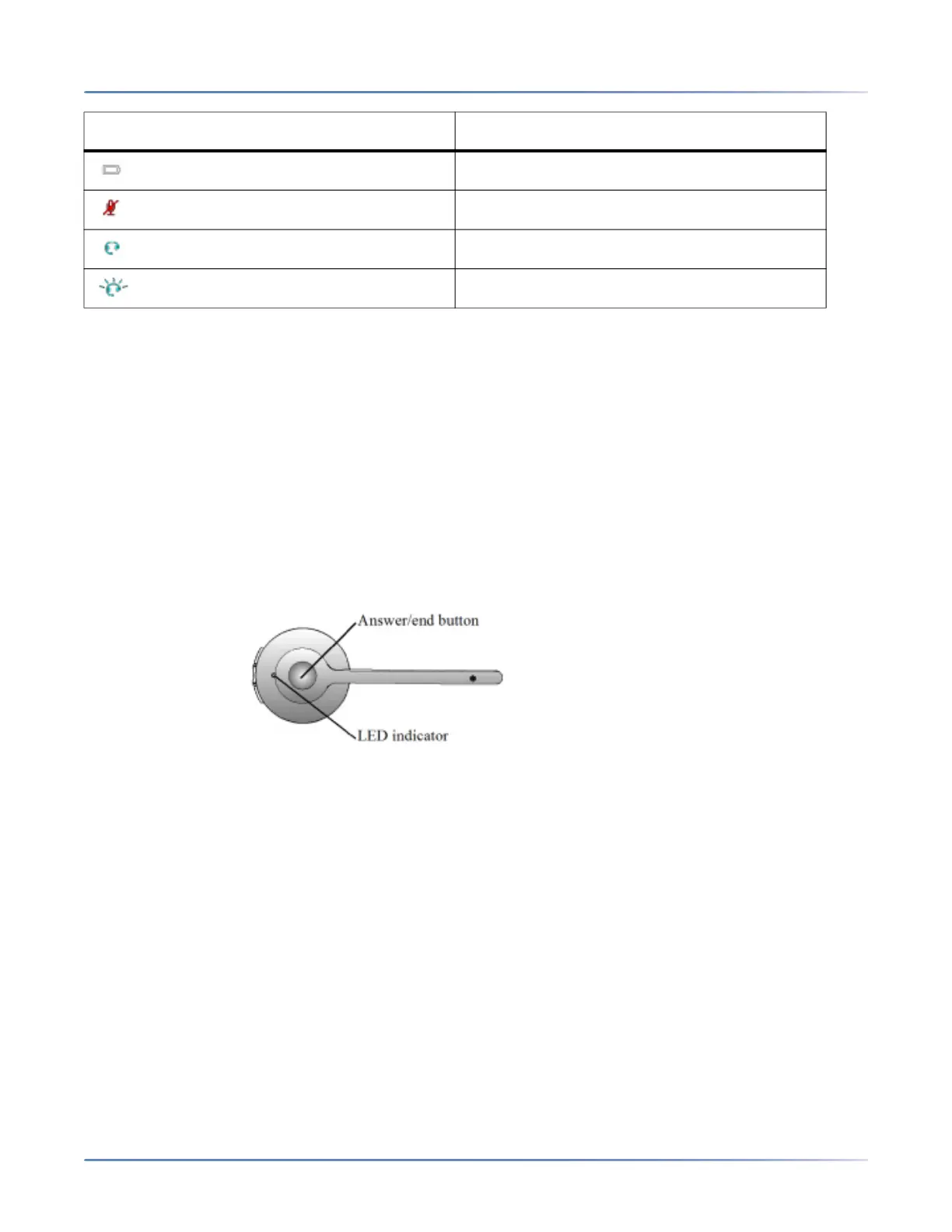
2. Turn off the headset by pressing the Answer/end button for 10 seconds until the LED indicator stops
flashing.
3.
4. Dock the new headset in the base. The new headset is paired with the base after 1 minute.
Unknown battery status (White)
Microphone muted
Active audio between headset and base
Searching for headset (flashing)
LED indicator Description





 To Next Page