47
C
USTOMIZING YOUR PHONE TIME AND DATE
Time Zone
Configuring the Time Zone Using the IP Phone UI
1. Press on the phone to enter the Options List.
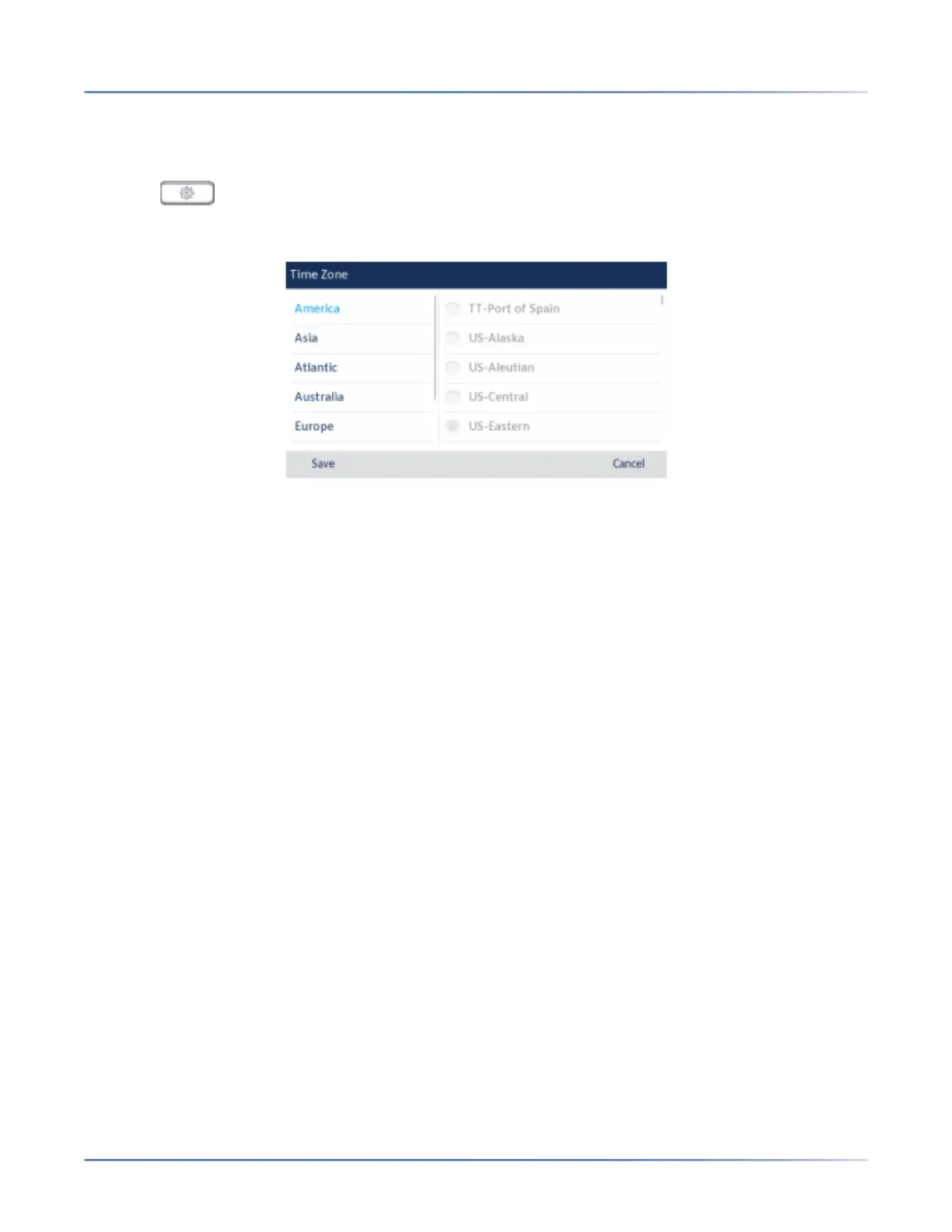
2. Navigate to the Time and Date > Time Zoneoption and press the select button or Select softkey. A
list of time zones displays for different areas of the world.
3. Use the up and down navigation keys to scroll through and highlight the desired region. Valid values
are:
– America
– Asia
– Atlantic
– Australia
– Europe
– Pacific
– Others
4. With the desired region highlighted press the right navigation key to move to selection column.
5. Use the up and down navigation keys to scroll through and choose thetime zone that applies to your
area. The default time zone is US-Eastern.
NOTE: For a list of the time zone values available on the IP phone, see “Appendix A - Time Zone
Codes.”
6. Press the Savesoftkey to save your changes.
Set Date and Time
Configuring the Date and Time Using the IP Phone UI





 To Next Page