46
C
USTOMIZING YOUR PHONE TIME AND DATE
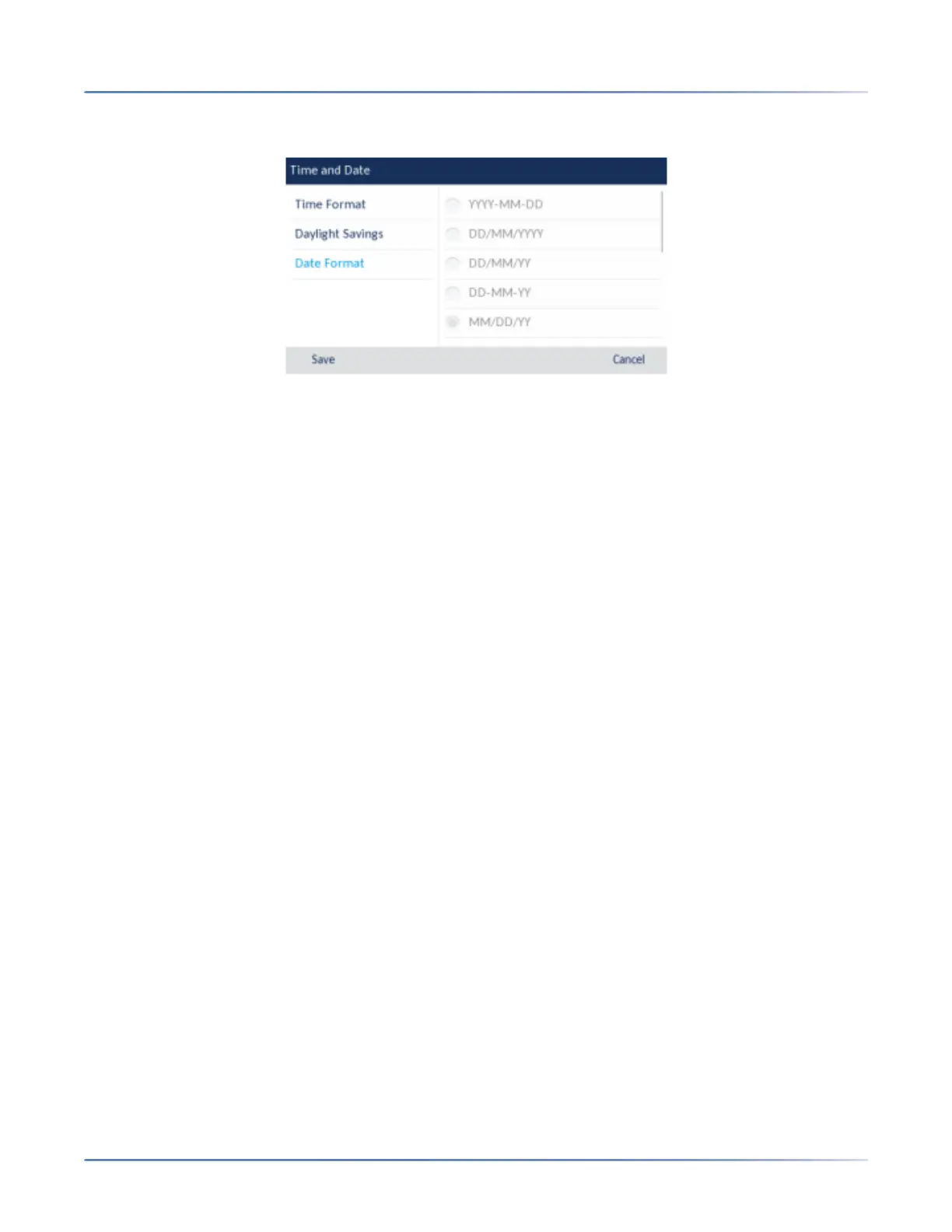
8. Press the left navigation key to move back to the options column and press the down navigation key
to highlight Date Format.
9. With Date Formathighlighted press the right navigation key to move to selection column.
10. Use the up and down navigation keys to scroll through and choose the desireddate format. Valid
values are:
– WWW MMM DD (default)
– DD-MMM-YY
– YYYY-MM-DD
– DD/MM/YYYY
– DD/MM/YY
– DD-MM-YY
– MM/DD/YY
– MMM DD
– DD MMM YYYY
– WWW DD MMM
– DD MMM
– DD.MM.YYYY
11. Press the Savesoftkey to save your changes.
NOTE: The time and date formats you configure are applicable to the Homescreen as well as the Received
Callers and Outgoing Redial Lists.





 To Next Page