145
H
ANDLING CALLS CONFERENCING CALLS
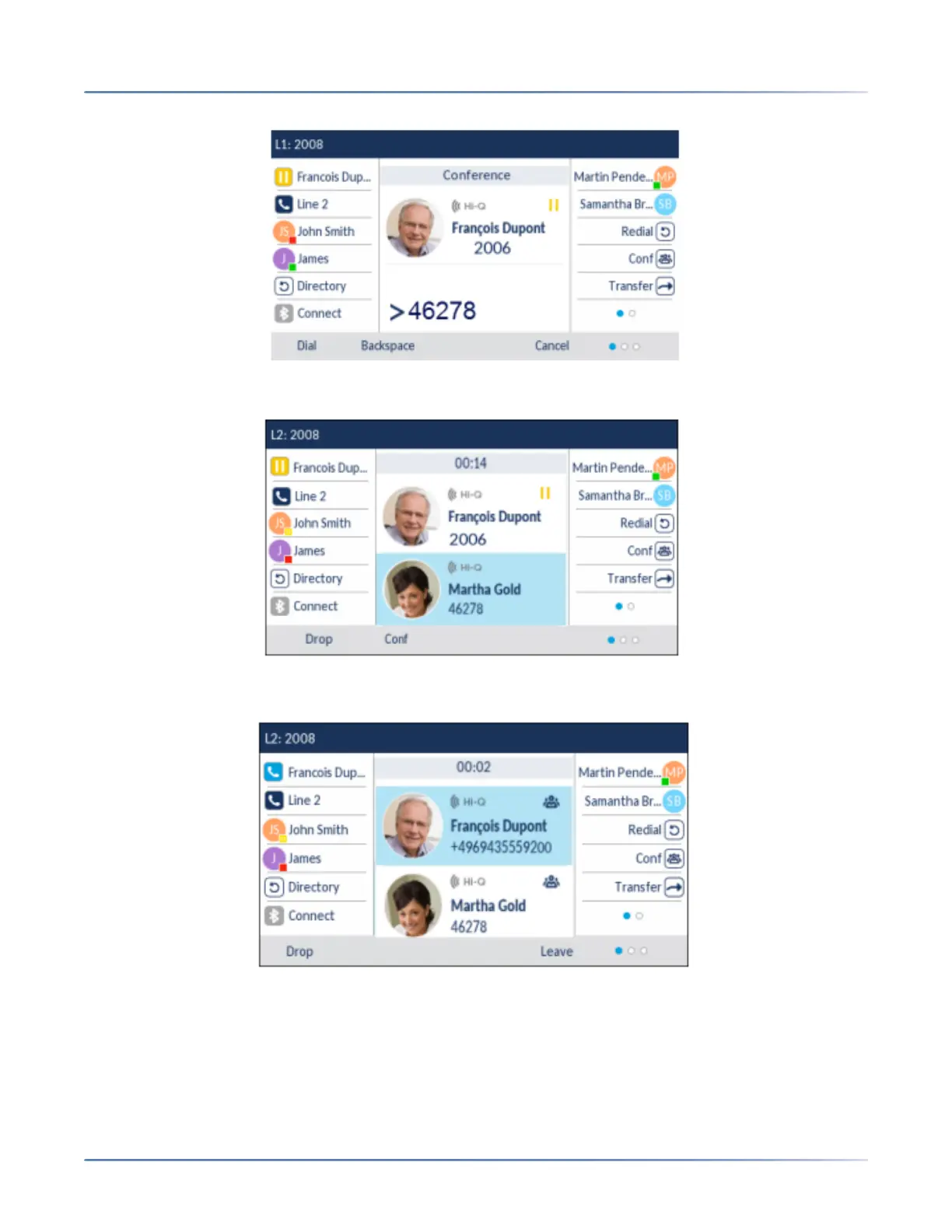
5. Enter the phone number of Party 3.
6. Wait for Party 3 to answer. When Party 3 answers, you can consult with them before adding them to
the conference.
7. Press the Conf softkey again to add Party 3 to the conference. Party 2 and Party 3 will connect with
you to form a conference call.
8. To drop a party from the conference, use the up and down navigation keys to highlight the desired
party and press the Drop key.





 To Next Page