182
M
ANAGING CALLS MOBILELINK
4. If you pair a second mobile phone with your 6930 IP phone, the 6930 IP phone automatically syncs
the mobile call history of the second mobile phone to the Call History application. To re-sync the
mobile call history of your first (or an already paired) mobile phone to the Call History application,
connect the mobile phone to your 6930 IP phone.
5. The Call History application displays the mobile phone call history even when the paired mobile
phone is not connected to your 6930 IP phone.
6. The mobile phone call history is lost when the mobile phone is unpaired or your 6930 IP phone resets.
7. Mobile phone call history is supported for Hot Desk users. When a Hot Desk user logs in, the mobile
phone call history of the Hot Desk user’s paired mobile phone is displayed. When the Hot Desk user
logs out, the mobile phone call history of mobile phone paired with the registered extension is
displayed.
8. Mobile phone call history is cleared from the Call History application when the Bluetooth connectivity
is lost. The mobile phone call history is resynced when the Bluetooth connectivity is reestablished.
Viewing mobile call history
To view your mobile phone call history:
1. Ensure that you have paired your mobile phone with your 6930 IP phone. See Pairing a Bluetooth
device.
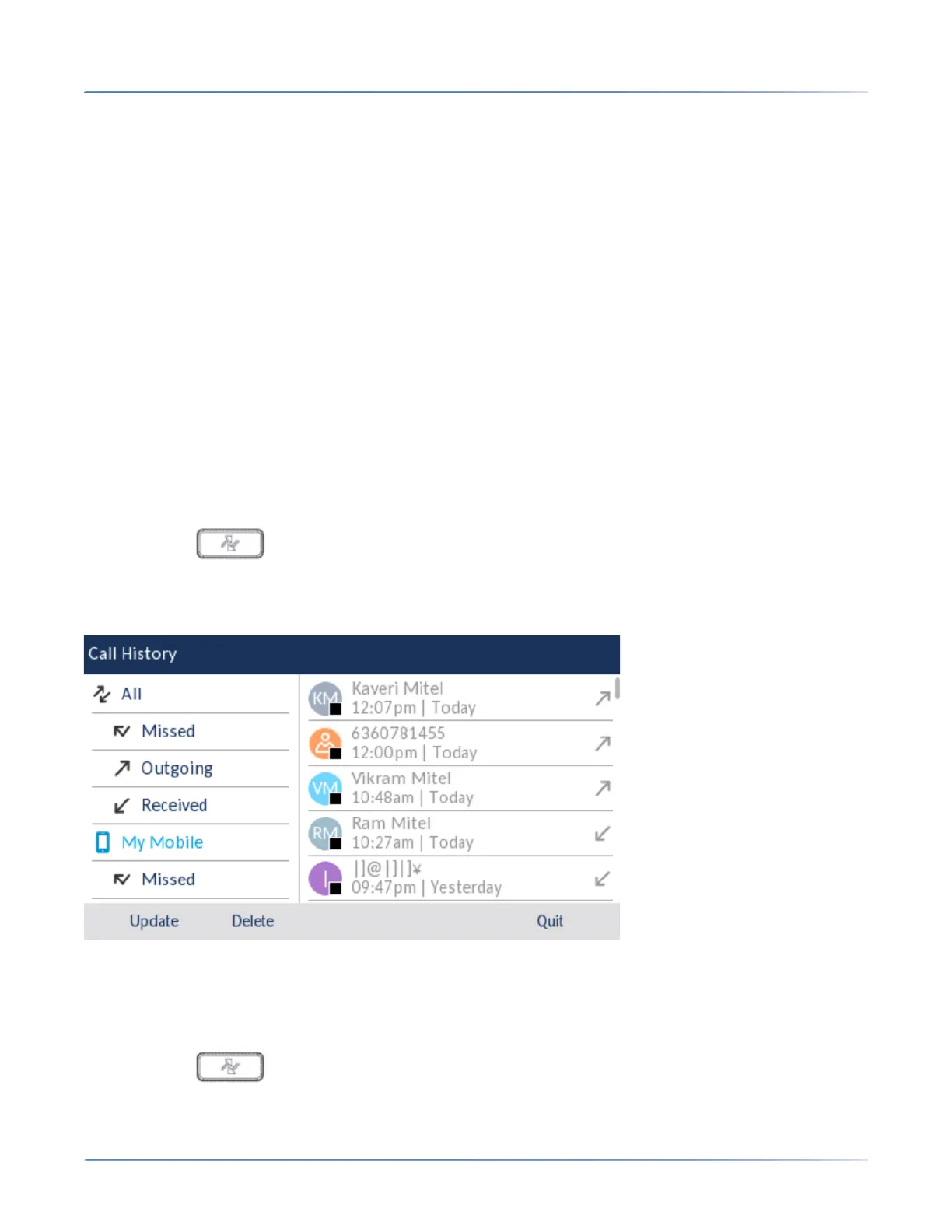
2. Press the ( Call History) key.
3. Navigate to the My Mobile folder.
Your mobile phone call history is displayed on the screen.
Viewing mobile missed calls
To view your mobile phone missed calls:
1. Ensure that you have paired your mobile phone with your 6930 IP phone. See Pairing a Bluetooth
device.
2. Press the ( Call History) key.
3. Navigate to the Missed folder.





 To Next Page