76
C
USTOMIZING YOUR PHONE DISPLAY
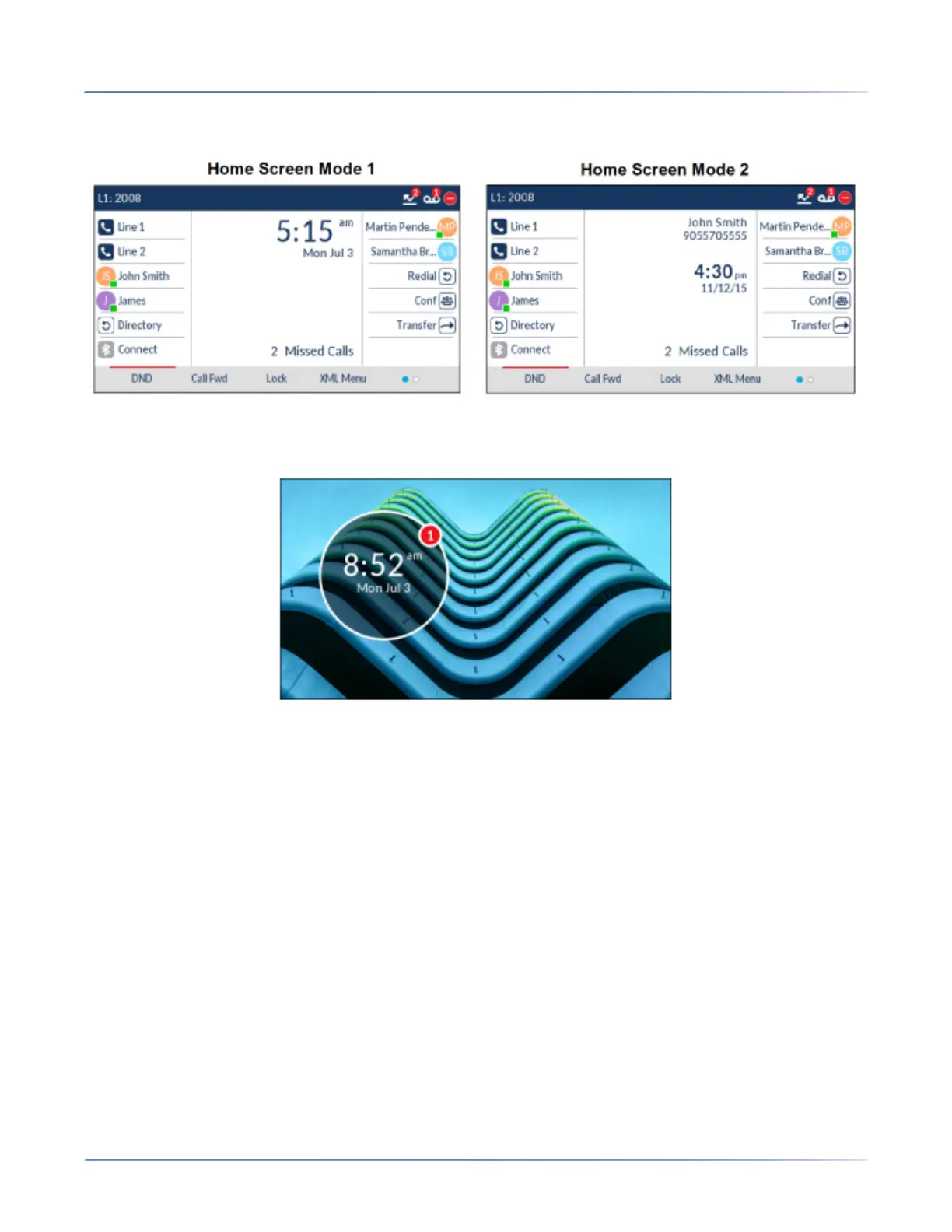
number in the top status bar. The secondary home screen mode displays both screen name and screen
name 2 (if configured) and are displayed above the smaller, repositioned date and time.
The Screen Saver Timer option allows you to configure the amount of time (in seconds) the phone must
be idle before the screen saver initiates. When the specified amount of time expires, a screen saver
displaying the date and time and the number of missed calls (if applicable) is displayed on screen.





 To Next Page