B
Introduction • All-Purpose Edge QAM
APEX1000 All-Purpose Edge QAM Software Version 2.4.x • Installation and Operation Manual
2
573408-001-a
Related Documentation
• SmartStream Device Manager (SDM) User Guide
• NE1000 Network Encryptor User Guide
• REM1000 User Guide
Note: The SDM is the required device to perform any upgrades with the APEX.
Document Conventions
Before you begin using the APEX1000, familiarize yourself with the stylistic conventions
used in this manual:
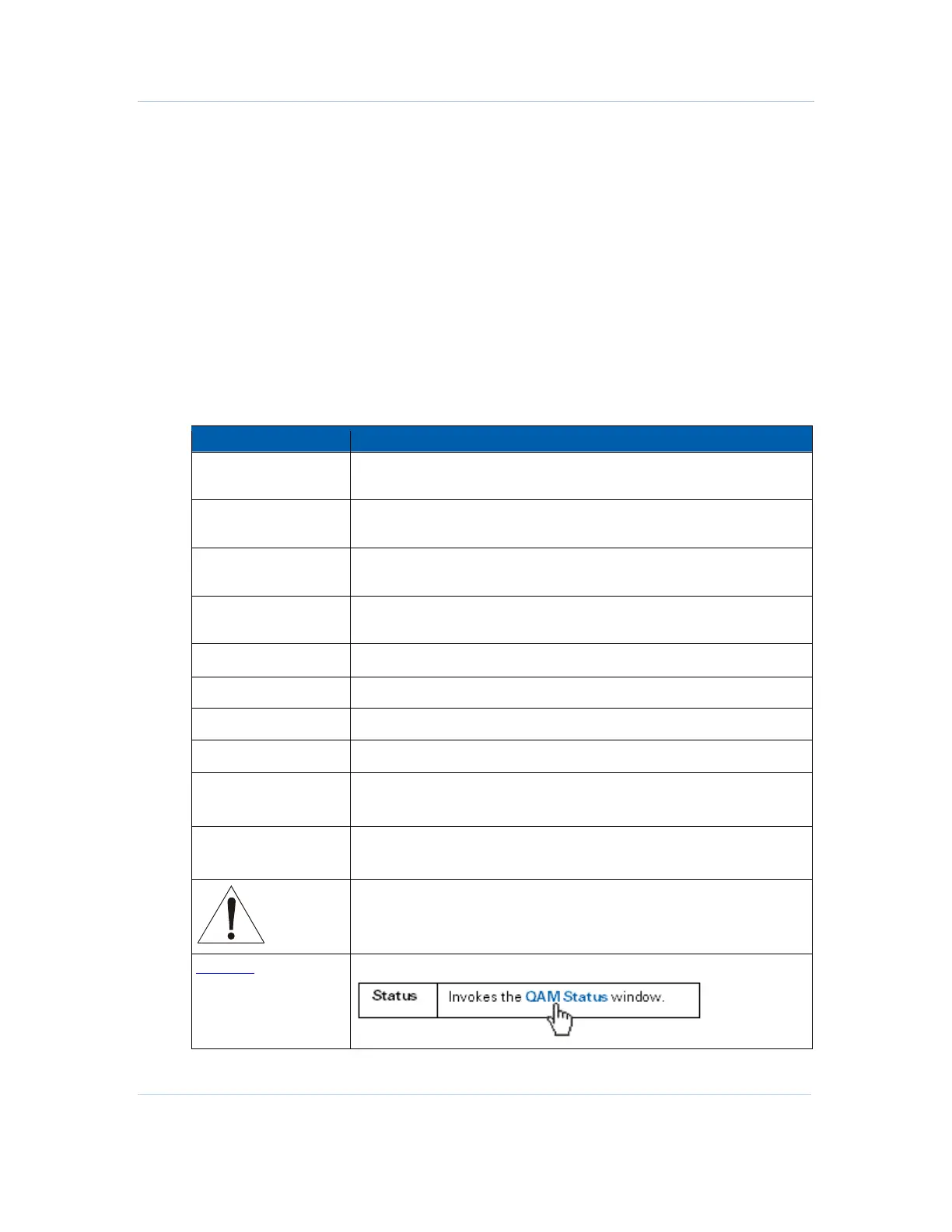
Convention Description
Bold type
tier_match(1,524) Indicates text that you must type exactly as it
appears or indicates a default value.
SILK SCREEN Denotes silk screening on the equipment, typically representing front-
and rear-panel controls and input/output (I/O) connections, and LEDs.
* (asterisk) Indicates that Note and Caution information applies to several topics in a
list (items marked with the asterisk).
Variable
Denotes a displayed variable, a variable that you must type, or is used
for emphasis.
System Output
Indicates displayed text.
> Points to the next window in navigation paths.
Italics The field must be. . . .
Courier Font validate_string
Note: Information that is useful to the process:
Note: You may choose to record the starting time…
Caution Information that is essential to the process:
Caution: Do not reboot until the upgrade completes…
Information that is necessary to the process or may pose a physical
danger:
Warning! Keep hands away from the fan blades …
Hyperlink Body text strings in blue generally indicate a hyperlink to a related topic:



 To Next Page
 Loading...





