B
SimulCrypt • EIS Configuration
APEX1000 All-Purpose Edge QAM Software Version 2.4.x • Installation and Operation Manual
196
573408-001-a
EIS Configuration
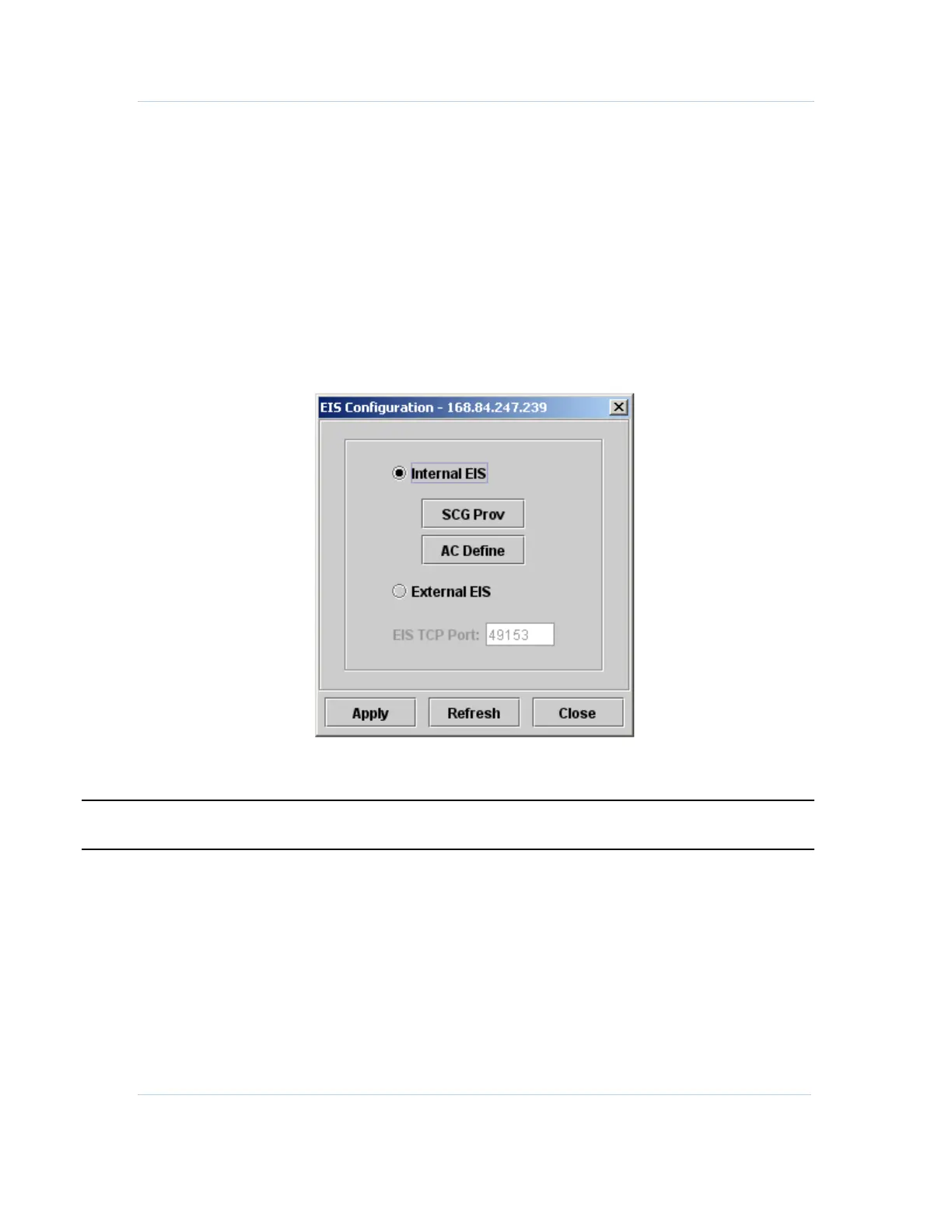
This window allows you to define if the scrambling provisioning is to be performed by an
external EIS entity, or by means of direct configuration in APEX1000 element manager.
To access this feature, select SimulCrypt > EIS Configuration.
Internal EIS Configuration
Select this mode to manually perform provisioning of scrambling in the APEX1000.
Figure 10-6 — Internal EIS Configuration
.
CAUTION The APEX must be rebooted for an EIS mode change to take effect.



 To Next Page
 Loading...





