B
Status • Reports
APEX1000 All-Purpose Edge QAM Software Version 2.4.x • Installation and Operation Manual
218
573408-001-a
Alarms
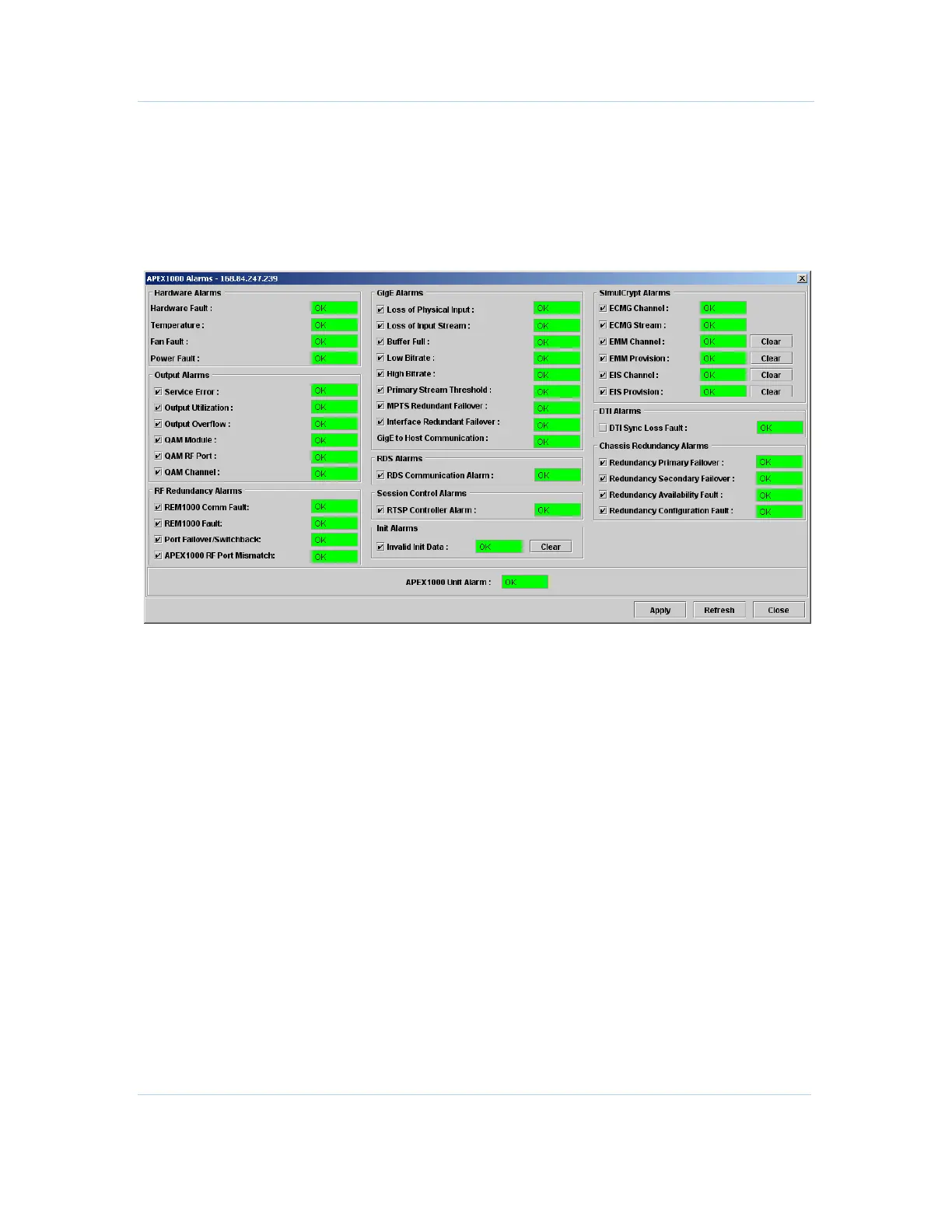
The Alarms window represents a software panel of monitored conditions in the
APEX1000. Although not applicable to all alarm conditions, the six status levels are listed
in the preceding graphic.
Figure 12-1 — APEX Alarms
Note: All alarms are enabled by default. To disable any enabled alarm, un-click the check
box and click Apply. (Items without a checkbox cannot be disabled through the APEX-
EM.)
For a complete listing of all alarm conditions, reference
Alarms Window Field Definitions.



 To Next Page
 Loading...





