B
Status • Reports
APEX1000 All-Purpose Edge QAM Software Version 2.4.x • Installation and Operation Manual
255
573408-001-a
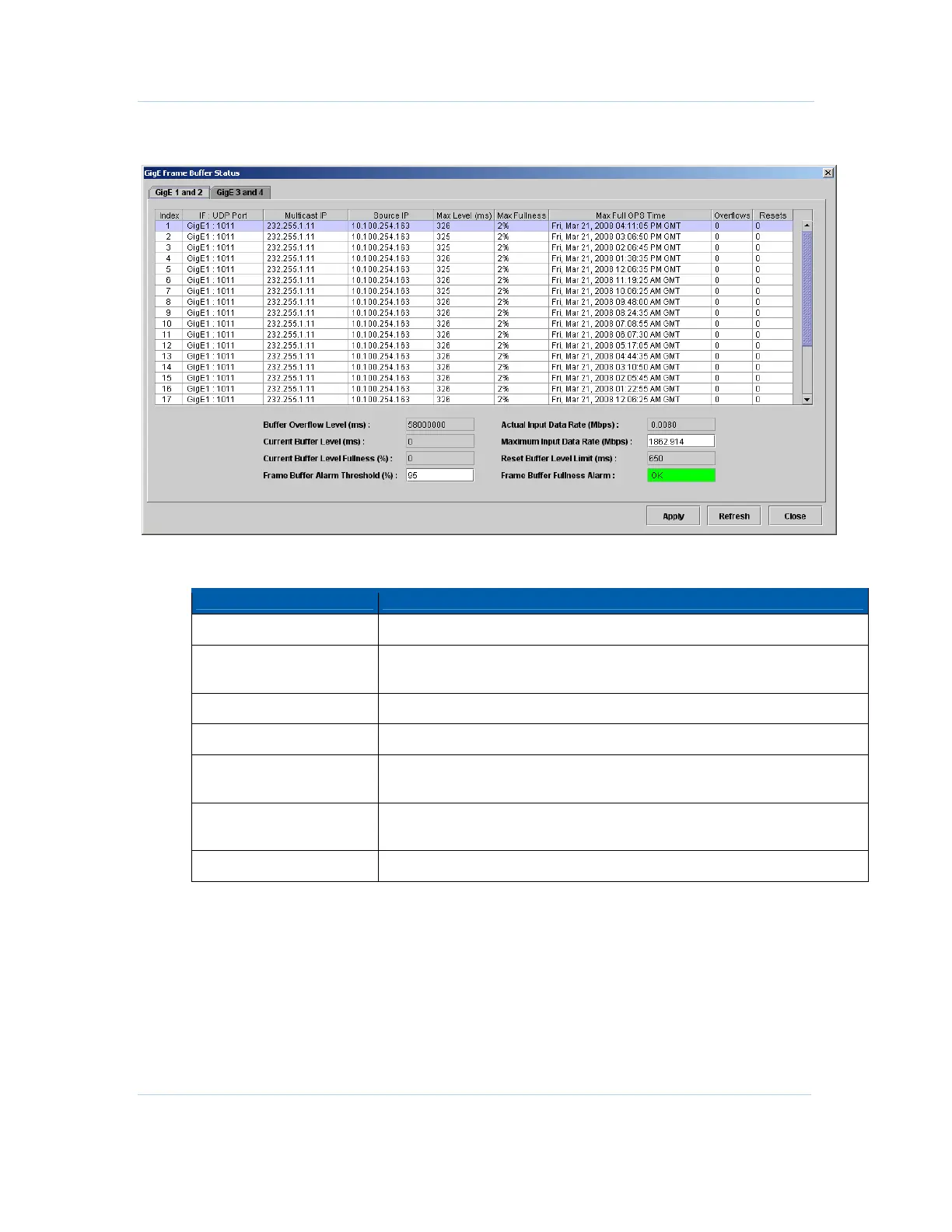
Figure 12-21 — GigE Frame Buffer Status
GigE Frame Buffer Status window field definitions
Item Definition
Index
Identifies the window line item.
Interface: UDP Port
Shows the GigE interface and UDP port that experienced the highest buffer
level for the hour.
Multicast IP
Shows the multicast IP address.
Source IP
Shows the source IP address.
Max Level (ms)
Displays the maximum GigE frame buffer level (in milliseconds) recorded for
the hour.
Max Fullness
Displays the maximum GigE frame buffer level (as a percentage of Buffer
Overflow Level) recorded for the hour.
Max Full GPS Time
Displays the GPS time when this table entry was last updated.



 To Next Page
 Loading...





