B
SimulCrypt • SCS-ECMG Configuration
APEX1000 All-Purpose Edge QAM Software Version 2.4.x • Installation and Operation Manual
193
573408-001-a
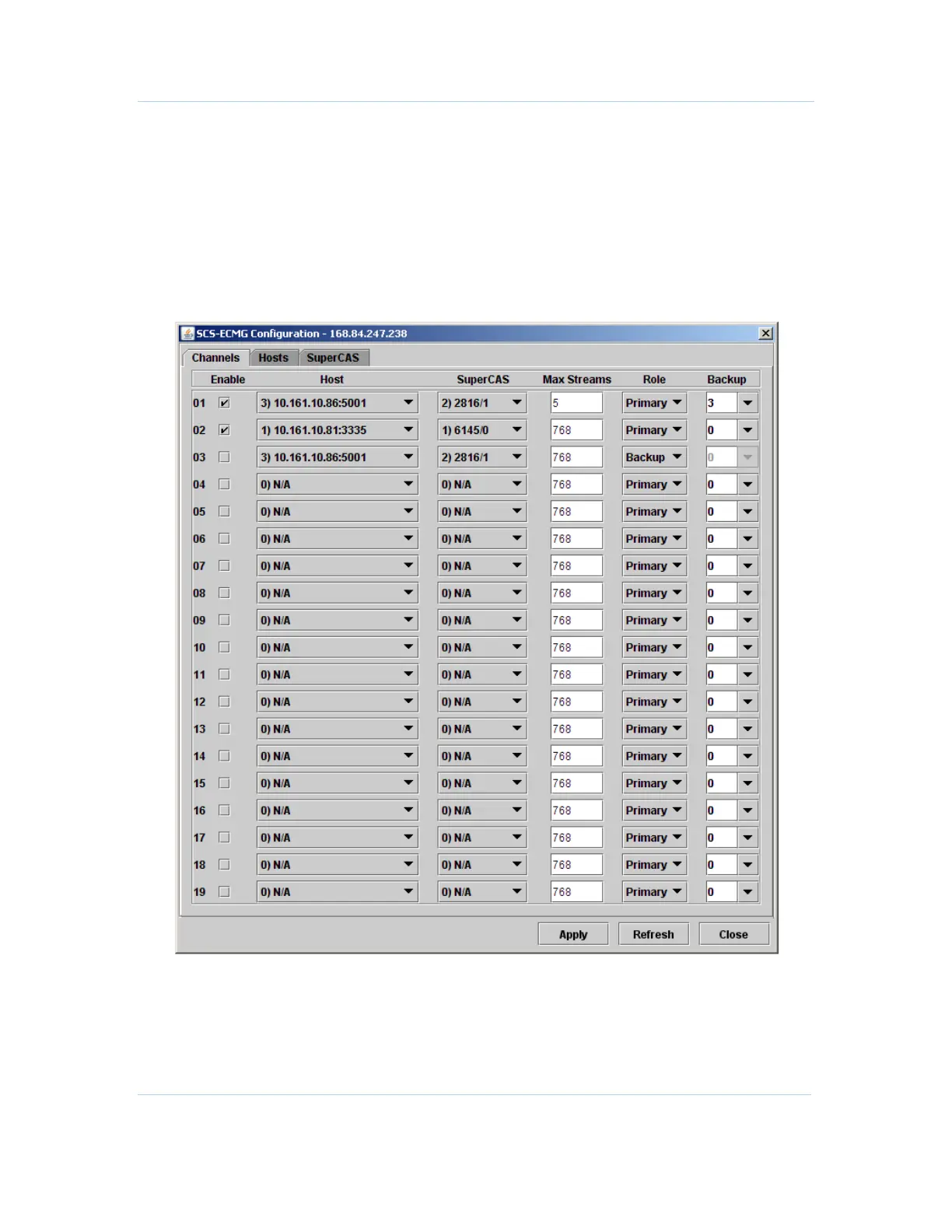
SCS-ECMG Configuration
When communicating with ECMG entities to receive ECM information from different
Conditional Access Systems for SimulCrypt, use this window to configure specific
parameters and define behavior.
For access, select SimulCrypt > SCS-ECMG Configuration.
The SCS-ECMG Configuration screen displays in the default Channels tab:
Figure 10-3 — SCS-ECMG Configuration — Channels



 To Next Page
 Loading...





