TRANSMISSION
Ch 2 page 222 Ch 2 page 223
TRANSMISSION
SHOP MANUAL MT26/31 - 08.2006 SHOP MANUAL MT26/31 - 08.2006
TRANSMISSION
Ch 2 page 222 Ch 2 page 223
TRANSMISSION
SHOP MANUAL MT26/31 - 08.2006 SHOP MANUAL MT26/31 - 08.2006
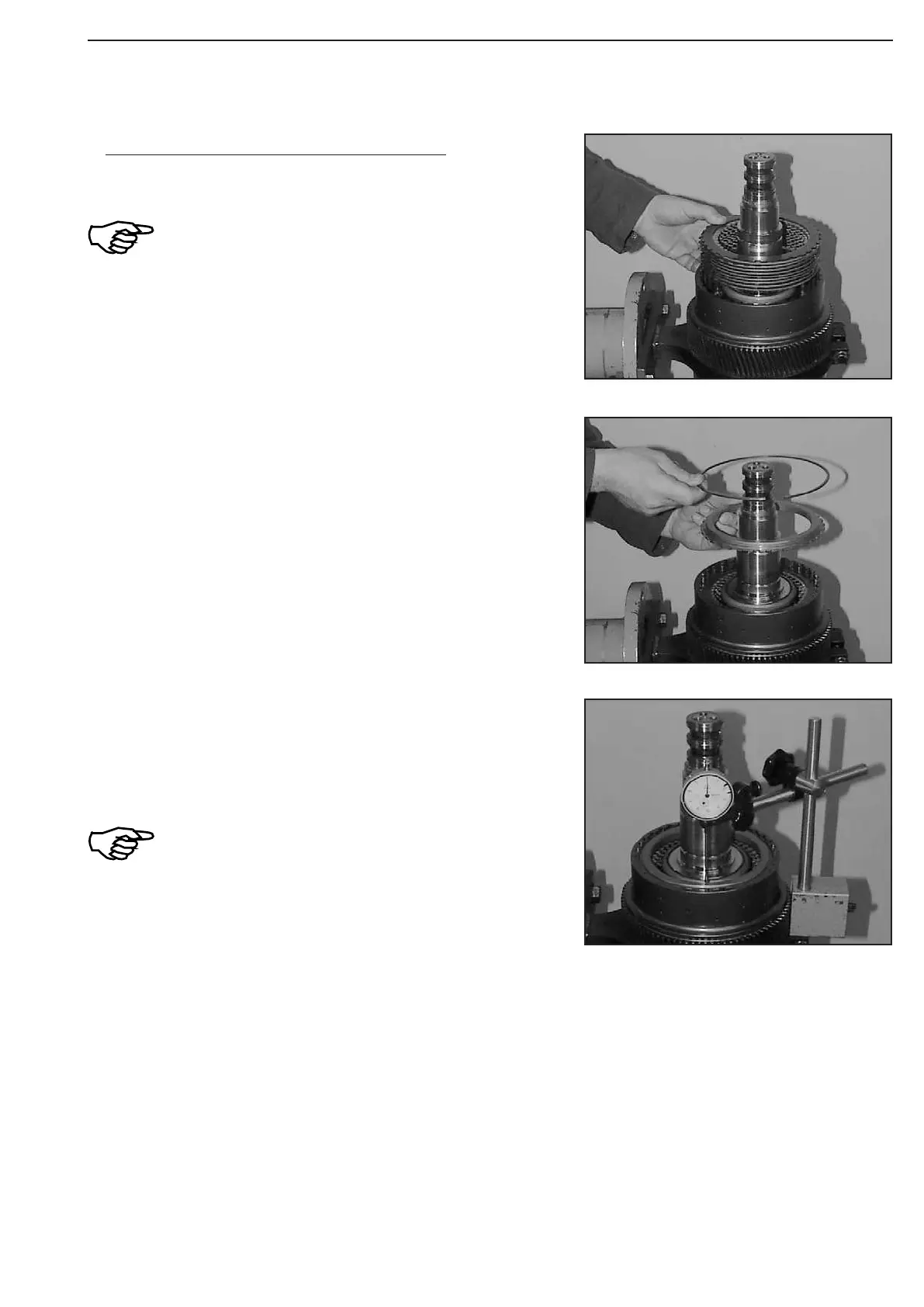
Figure 350
Figure 352
Figure 351
Check plate clearance -K1 (Figure 350 ... 352) !
To ensure a correct measuring result, initially
install plate pack without oil!
Install plate pack according to sketch or table (page 3.65 or 3.66).
Press on end shim with about 100 N (10 kg) and set dial indicator
to „Zero“.
Now, press end shim against snap ring (upwards) and read plate
clearance from dial indicator.
In case of deviations from the required plate
clearance (see table/page 3.65 or 3.66),correct
with suitable inner plate
(optionally 2,5 ... 3,5 mm) or and snap ring
(optionally).
(S) Magnetic stand 504171
(S) Dial indicator 504172
After the performed adjustment of the plate clearance, dismantle
plate pack, oil plates as per ZF-list of lubricants TE-ML 03 and
mount it again!
Introduce end shim and fix it by means of snap ring.



 To Next Page