102
1. Objective
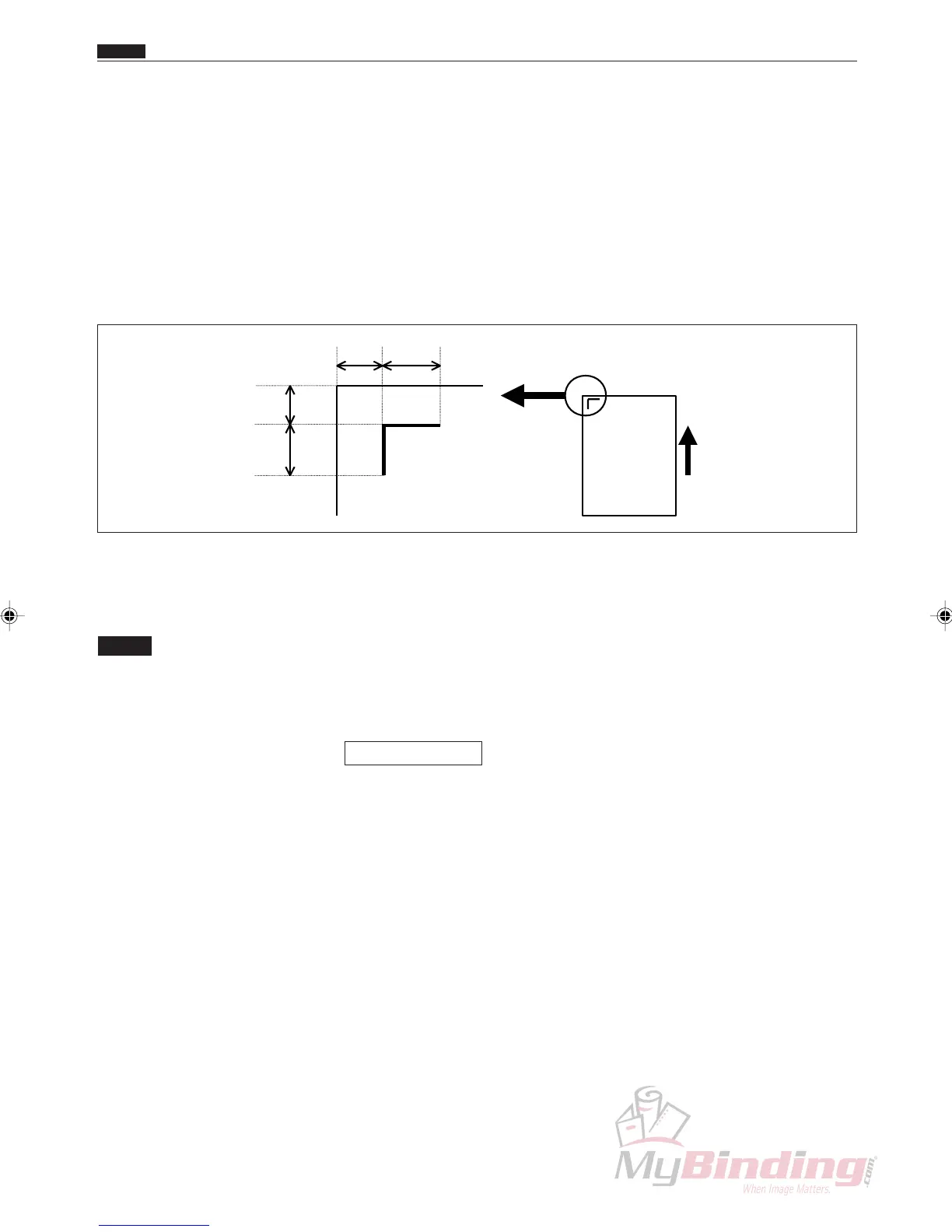
Adjusting the installation angle of the CCD.
2. How to make adjustments
q Prepare an adjustment sheet or make the markings
shown below on a piece of white paper.
w Turn on the power.
e Select P-77.
NOTE :
• Use a JOB that has the MARK 1 set to
70.0mm and MARK 2 set to 10.0 mm when
the preset program P-77 have been overwrit-
ten.
\See page 155
r Turn off bar code, turn on reg. mark, and then turn
off AUTO CUT.
t Turn off the power.
y Turn on the power while pressing the <SET> key.
u Paper can be fed in the following ways depending on
the type of machine.
<For DC-545HC>
• Place the sample paper that was prepared in Step 1 on
the feed tray, and then press the <START> key to start
feeding.
<For DC-545>
• Place the sample on the feed tray to start feeding.
b CCD Horizontal Line Alignment
10 10
10
10
b CCD Horizontal Line Alignment
Chap.4



 To Next Page