85
. Electric Section
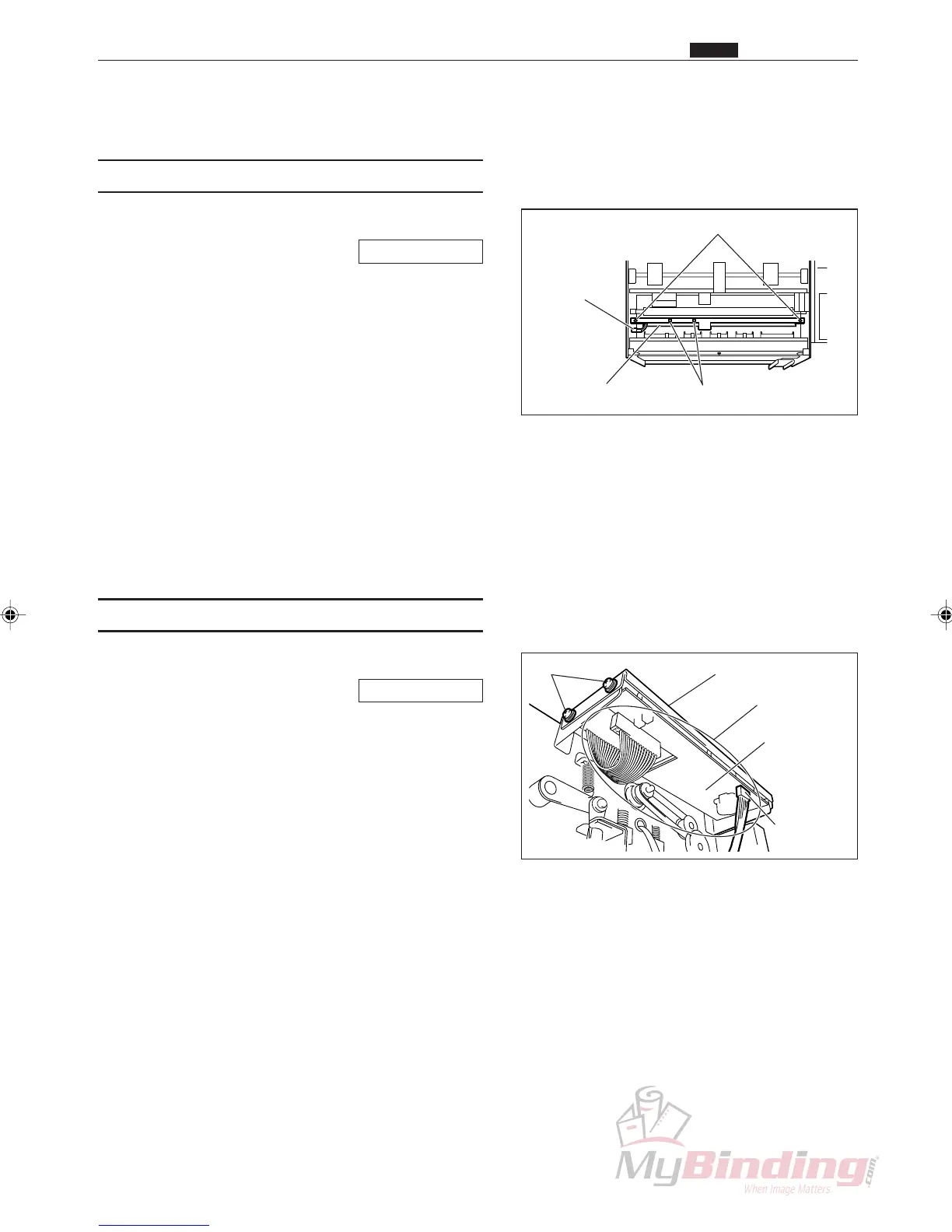
(1) Removing the PPS1 Phototransistor
q Remove the cover L unit from the DC-545.
\See page 50
w Open the cover (front) on the DC-545.
e Remove the connector for the guide plate unit.
(1position)
r Take out the 2 screws, and remove the guide plate
unit.
t Cut the tie wraps. (2 positions)
y Take out the 2 screws, and remove the
phototransistor.
Ref. Photodiode: Brown, blue
Phototransistor: White, blue
(2) Removing the Panel PWB Unit
q Remove the cover R unit from the DC-545.
\See page 49
w Remove the connector. (1 position)
e Take out the 4 screws, and remove the control plate
assembly.
r Undo the 8 nuts, and remove the panel PWB unit.
Screws
Connector
Control Plate Assembly
Panel PWB
Unit
Nuts
Screws
Tie Wrap
Connector
Guide Plate Unit
. Electric Section
Chap.3



 To Next Page