112
⁄3 Cover Switch (AF-100: 1 position, DC-545: 2 positions)
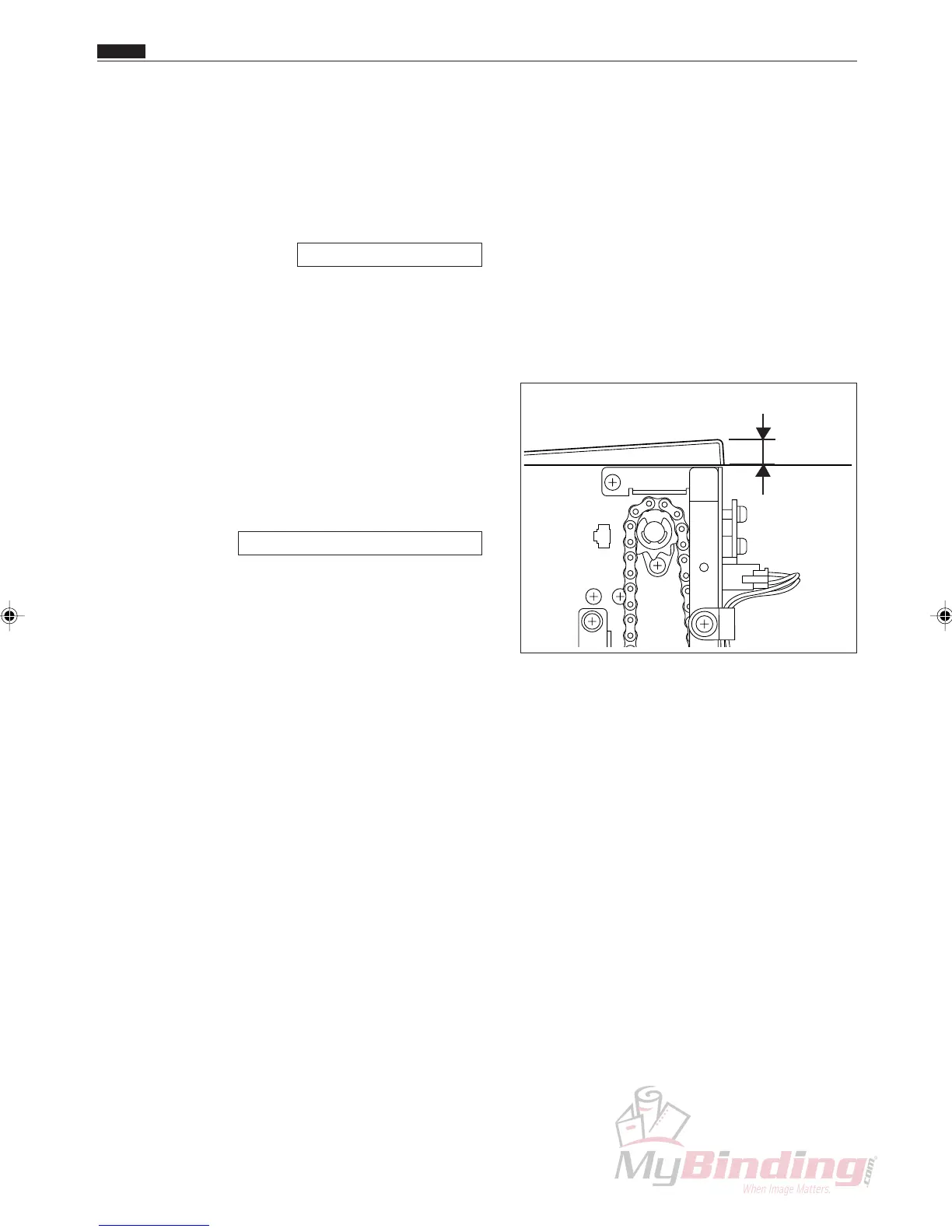
6 to 10mm
⁄3 Cover Switch (AF-100: 1 position, DC-545: 2 positions)
Chap.4
1.Objective
Adjusting the operating position of the cover switch.
• Removing the Cover Switch
\See page 50, 51, 58
2. How to make adjustments
q Turn the power off and disconnect the power cord.
w Adjust the cover switch so that the micro switch
goes on when the cover has been opened from 6 to
10 mm.
e After finishing the adjustments, access H-08 and
confirm that the status of “m” and “w” are operating
correctly.
HELP mode H-08 \ see p.143



 To Next Page