94
z LCD Panel
1. Objective
Adjusting the brightness and contrast of the LCD
backlight.
2. How to make adjustments
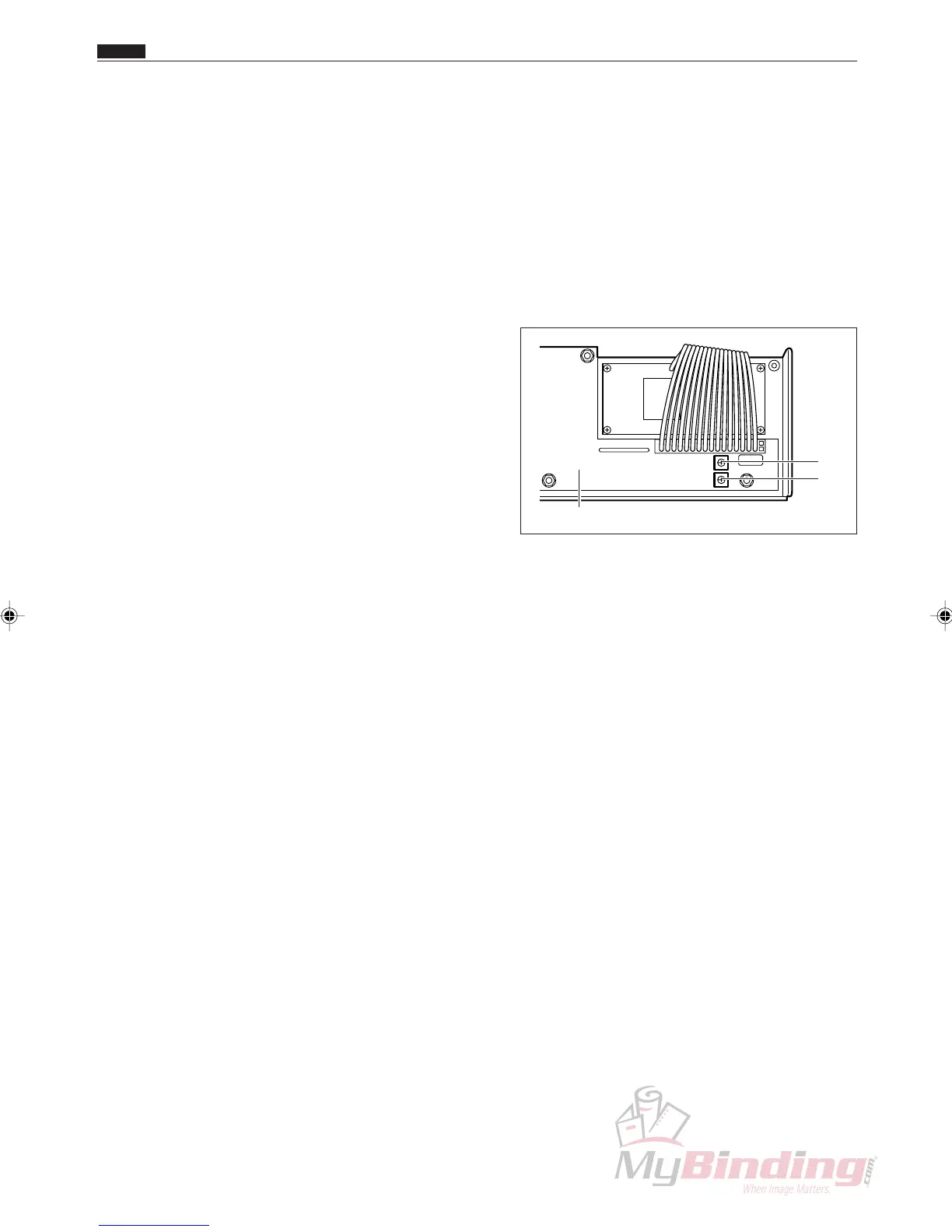
q Adjusting the LCD backlight
Turn VR1 to adjust the backlight.
• Turn VR1 clockwise to make the backlight darker.
• Turn VR1 counterclockwise to make the backlight
brighter.
w Adjusting the LCD contrast
Turn VR2 to adjust the contrast.
• Turn VR2 clockwise to make the text darker.
• Turn VR2 counterclockwise to make the text lighter.
VR1
VR2
Panel PWB unit
z LCD Panel
Chap.4



 To Next Page