49
z Exterior
Chap.3
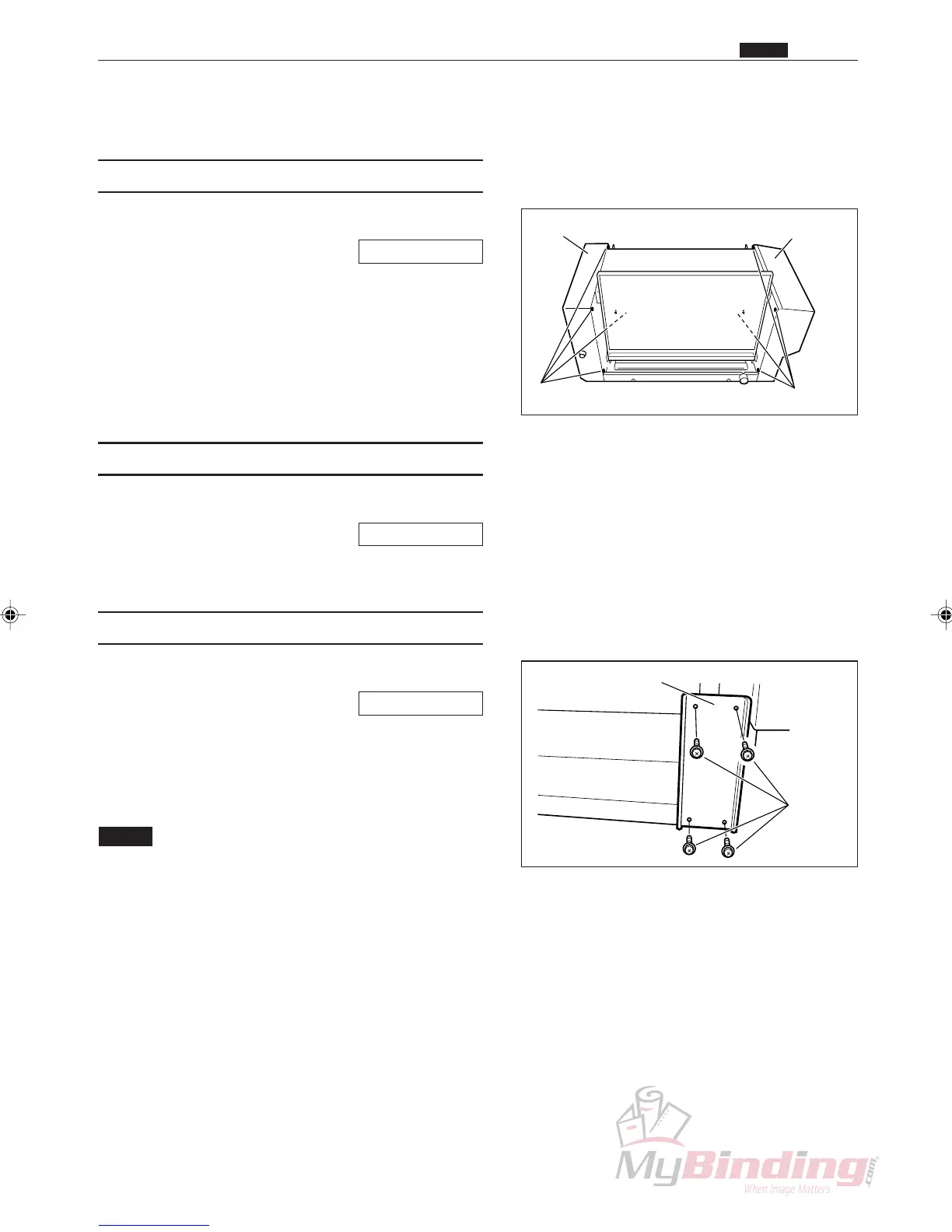
ScrewsScrews
Cover R UnitCover L Unit
Screws
Auxiliary Plate
z Exterior
(1) Removing the AF-100 Cover R Unit
q Remove the AF-100 from the stand.
\See page 52
w Take out the 4 screws, and remove the cover R unit.
(2) Removing the AF-100 Cover L Unit
q Remove the AF-100 from the stand.
\See page 52
w Take out the 4 screws, and remove the cover L unit.
(3) Removing the DC-545 Cover R Unit
q Remove the AF-100 from the stand.
\See page 52
w Take out the 4 screws, and remove the auxiliary
plate.
e Take out the 4 screws, and remove the cover R unit.
NOTE :
• Be sure to attach the auxiliary plate after
attaching the cover.



 To Next Page