69
n Creaser Section
(1) Removing the Creaser Motor
q Remove the cover L unit from the DC-545.
\See page 50
w Take out the 6 screws, and remove the lid.
\See page 50
e Remove the main P.W.B.
\See page 90
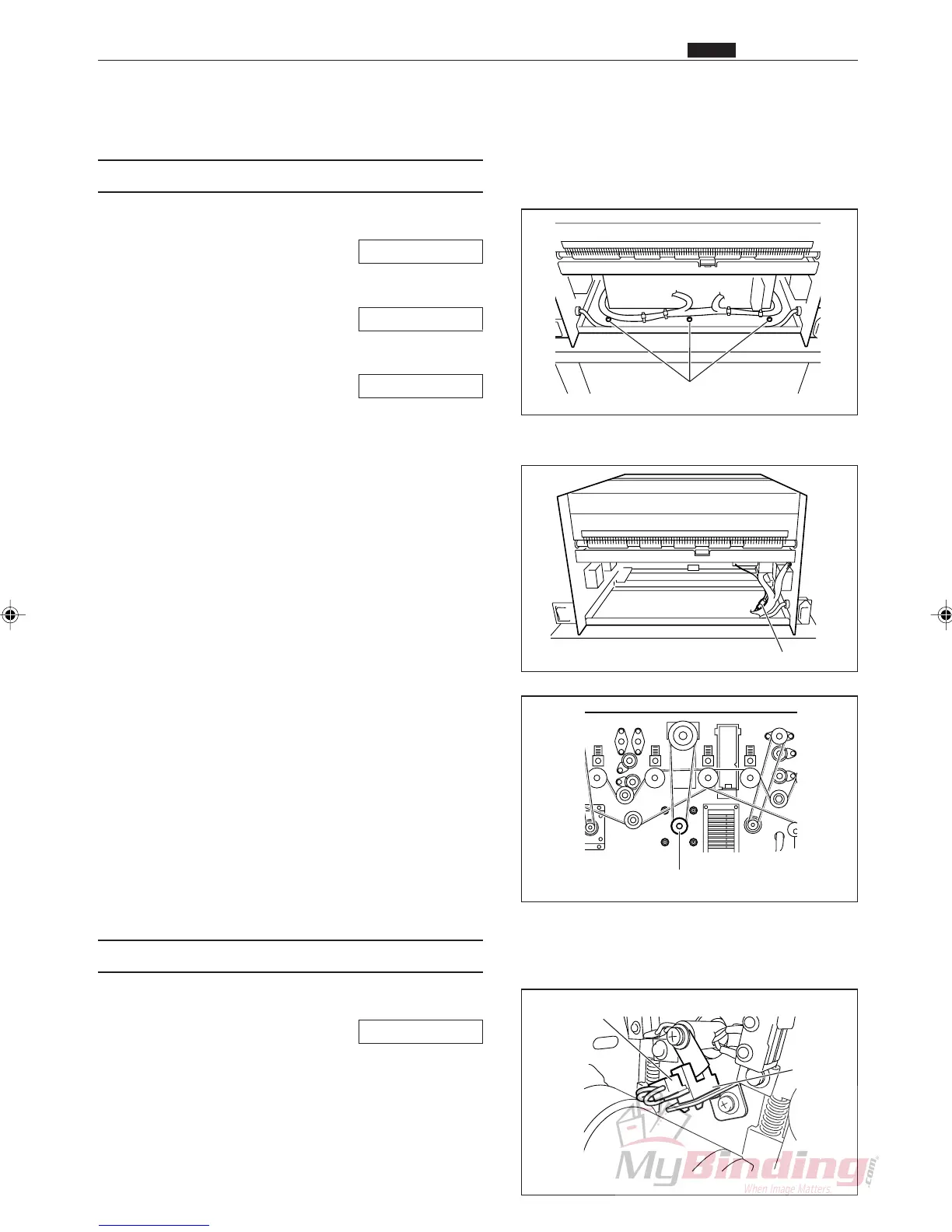
r Take out the 3 screws, and remove the plate.
t Remove the motor connector and Power Supply
PCB connector.
y Loosen the set screws, and remove the pulley unit.
u Take out the 4 screws, and remove the creaser motor
assembly.
(2) Removing the Creaser Sensor
q Remove the cover R unit from the DC-545.
\See page 49
w Remove the connector for the sensor. (1 position)
e Remove the creaser sensor from the sensor angle.
Screws
Connector
Pulley Unit & Set Screw
Connector
Sensor
n Creaser Section
Chap.3



 To Next Page