72
Chap.3
m Center Slitter Section
(4) Removing the Optional Slitter 1 Posi-
tioning Motor
q Remove the cover L unit from the DC-545.
\See page 50
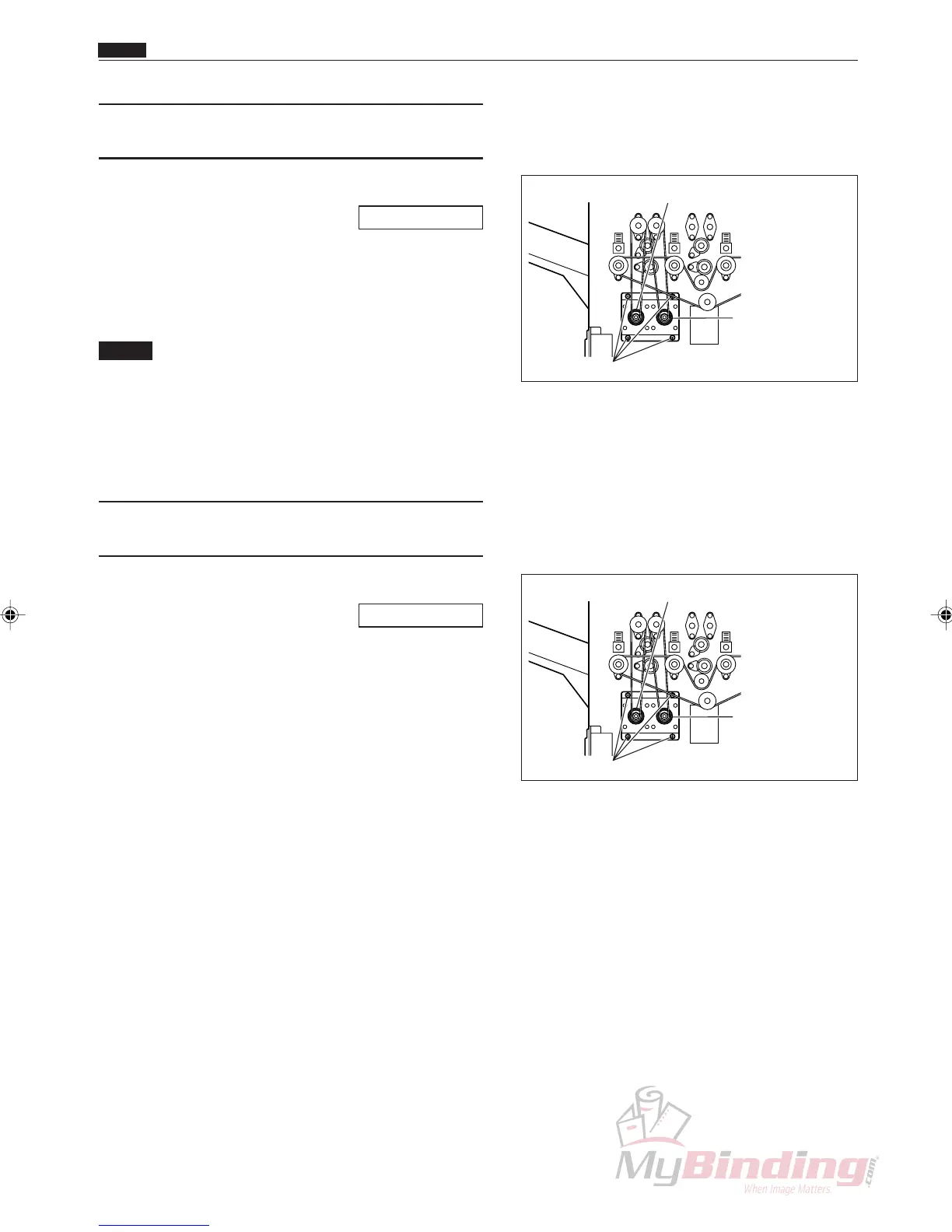
w Take out the 4 screws, and remove the optional
slitter positioning motor assembly.
e Remove the connector from the motor.
NOTE :
• There are two connectors when the optional
slitter 2 positioning motor is installed, but
only one connector when it is not installed.
r Take out the 4 screws, and remove the optional
slitter 1 positioning motor.
(5) Removing the Optional Slitter 2 Posi-
tioning Motor
q Remove the cover L unit from the DC-545.
\See page 50
w Take out the 4 screws, and remove the optional
slitter positioning motor assembly.
e Remove the connector from the motor. (2 positions)
r Take out the 4 screws, and remove the optional
slitter 2 positioning motor.
Optional Slitter 2
Positioning Motor
Screws
Optional Slitter 1 Positioning Motor
Optional Slitter 2
Positioning Motor
Screws
Optional Slitter 1 Positioning Motor



 To Next Page