118
⁄5 Creaser Sensor Plate Adjustment
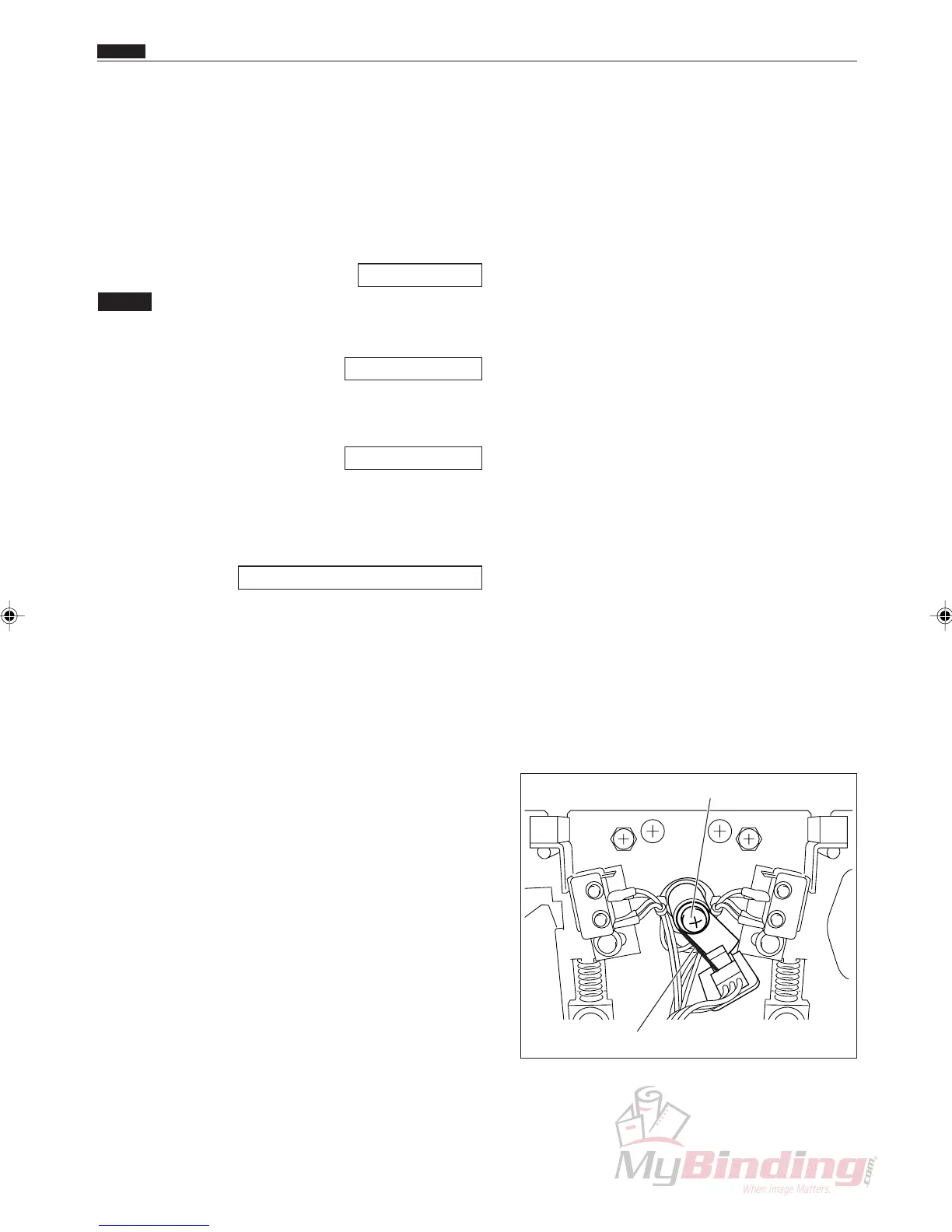
Sensor Plate & Screw
Sensor Plate Left Edge
⁄5 Creaser Sensor Plate Adjustment
Chap.4
1. Objective
Adjusting the standby position of the creaser’s upper
blade.
• Removing the Creaser Assembly
\See page 70
NOTE :
• You need to adjust the sensor plate after
installing the creaser assembly.
\See page 108
• You need to adjust the creaser perpendicu-
larity and creaser calibration after adjusting
the sensor plate.
\See page 100
2. How to make adjustments
q Access H-18.
HELP mode H-18 \ see p.145
w Stop the upper and lower blades with the <+> key so
that the space between them is wide.
e Use one screw to position the sensor plate so that its
left edge touches the middle of the sensor.



 To Next Page