68
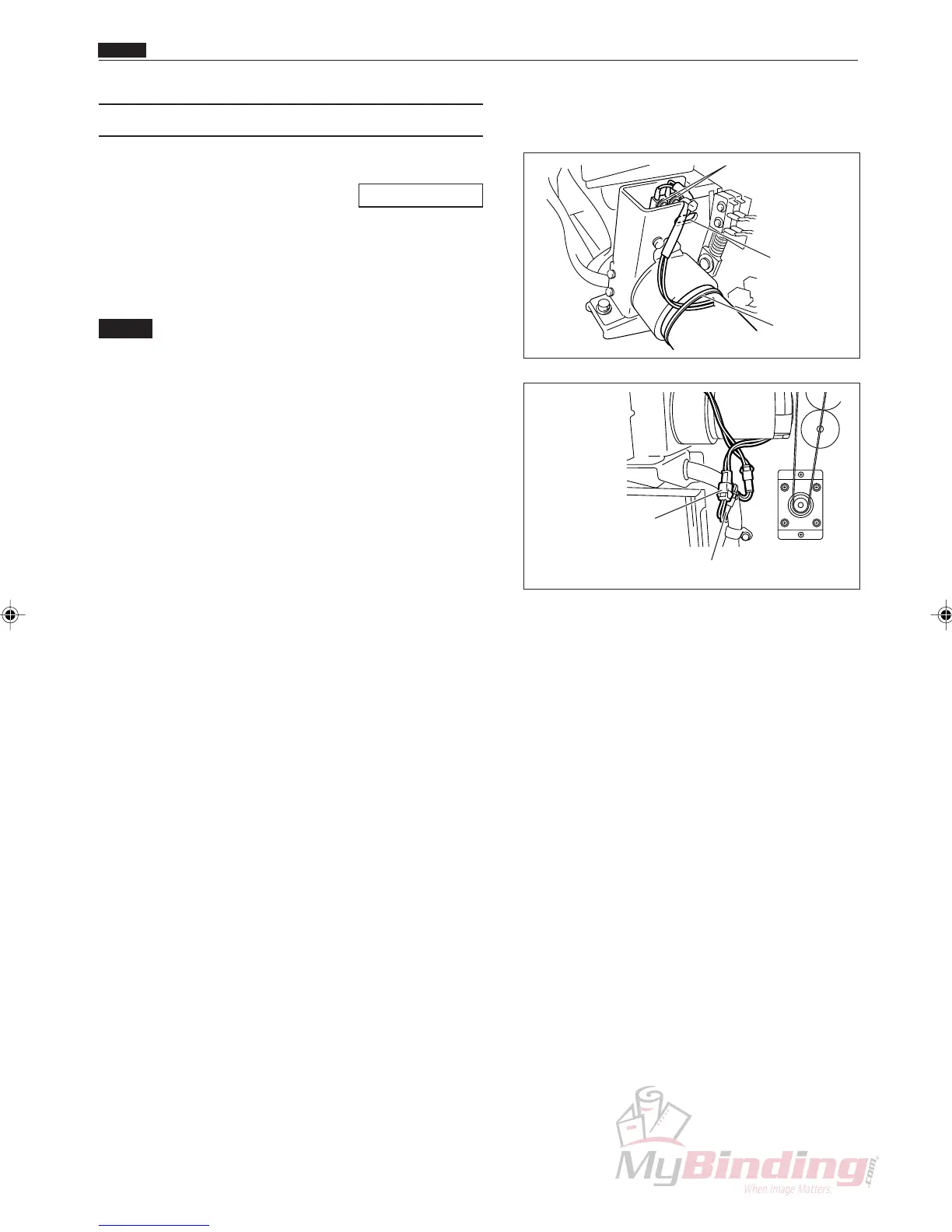
(3) Removing the Cutter Position Switch
q Remove the cover R unit from the DC-545.
\See page 49
w Cut the tie wrap on the cutter motor wires.
e Remove the connector for the switch and the motor.
(2 positions)
NOTE :
• Switch wires are yellow and yellow. Motor
wires are red and black.
r Take out the 2 screws, and remove the cutter
position switch.
Screws
Hole for
access
to screws
Tie Wrap
Motor Connector
Switch Connector
Chap.3
b Cutter Section



 To Next Page