Chapter 4: Programs
OneNote Mobile
Psion EP10 Hand-Held Computer User Manual
86
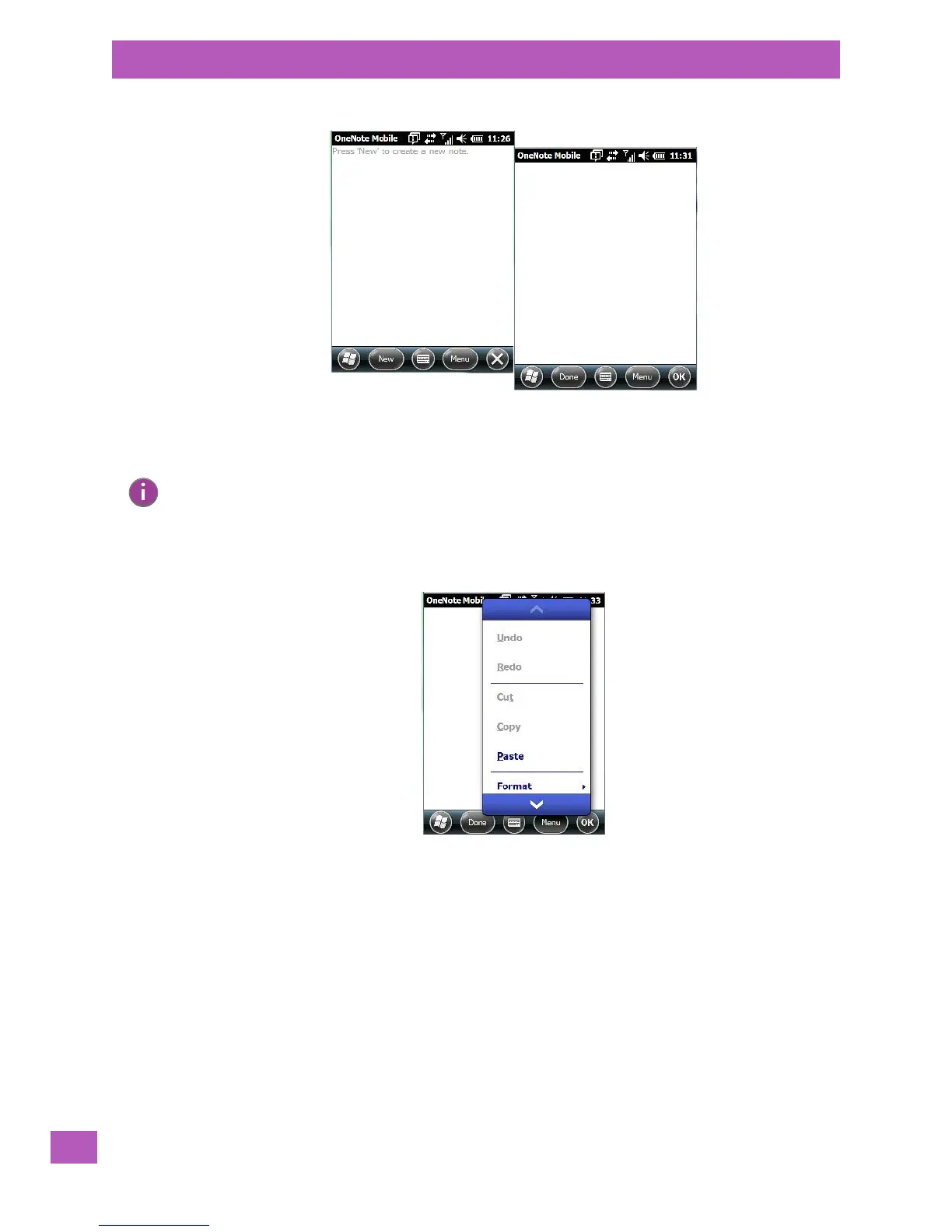
•Tap on New to create a note page. Begin typing.
• When you complete your note, tap on Done.
Using the OneNote Menu
Tapping on Menu displays a list of options to help you work with the OneNote Mobile applet.
• Undo, Redo, Cut, Copy and Paste: These commands operate in the same way as they do in any
Windows Office application.
• Format: Tapping on this command lists the formatting options you can apply to your note: Bold, Italic,
Underline, Strikethrough and Clear All.
• Ta ke Pi ctu re: When you tap on this option, the EP10 switches to camera mode so that you can snap a
picture to include in your note.
Note: Remember that you can tap on the Menu softkey to Undo typing, add Formats (Bold, Italic,
Underline, Strikethrough), and include Lists (Numbered, Bulleted, Clear).



 To Next Page