Chapter 4: Programs
OneNote Mobile
87
Psion EP10 Hand-Held Computer User Manual
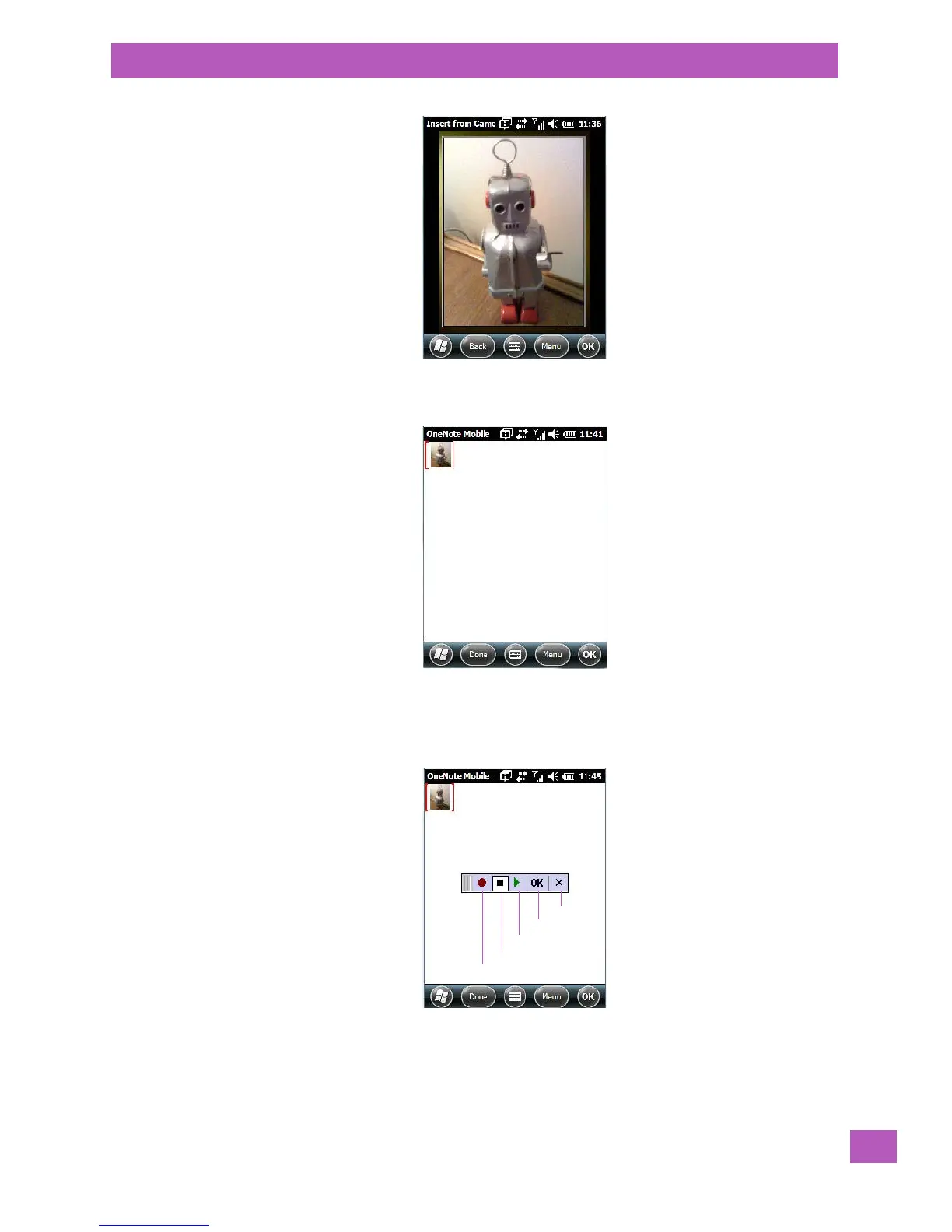
Press [ENTER] to snap a photo that is automatically inserted into your note.
• Insert Picture: Tapping on this command automatically displays your My Pictures folder where you
can tap on an existing picture to insert it into your note.
• Insert Recording: When you tap on this command, a recording panel is displayed.
Tap on the Record button to record your message.
Tap on Stop when you’ve completed your message.
Tap on Play to listen to your voice message.



 To Next Page