Data Management
R&S
®
FSPN
198User Manual 1179.4363.02 ─ 01
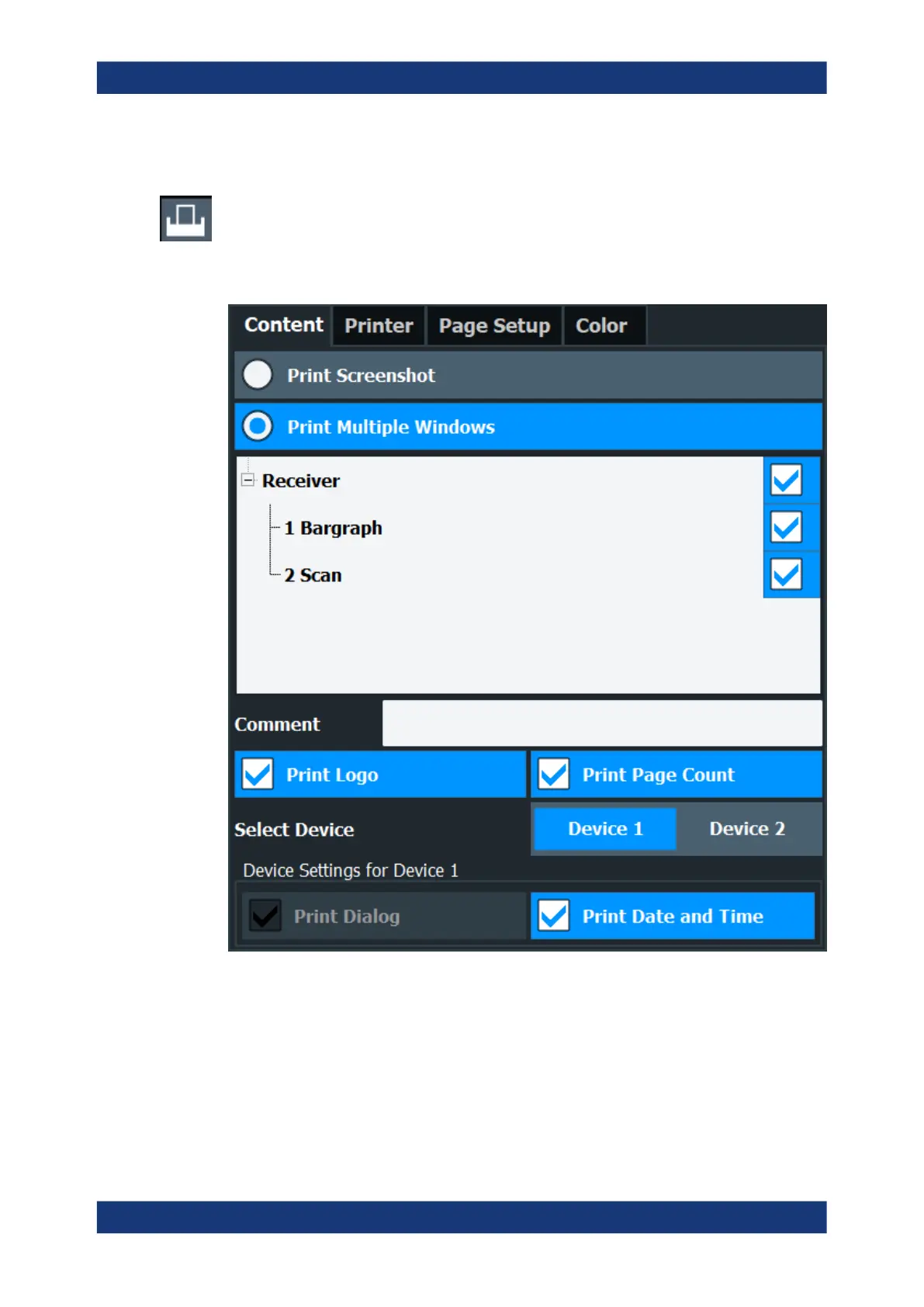
8.4.1.1 Print Content Settings
Access: "Print" > "Print Config" > "Content" tab
The content settings determine which data is included in the printout.
Note that some content settings are independent of the selected printing device, others
are printing device-specific.
Print Screenshot .........................................................................................................199
Print Multiple Windows ...............................................................................................199
Comment ....................................................................................................................199
Print Logo ...................................................................................................................199
Print Page Count ........................................................................................................199
Select Device 1/2 ....................................................................................................... 200
Print Dialog .................................................................................................................200
Print Date and Time ................................................................................................... 200
Creating Screenshots of Current Measurement Results and Settings



 To Next Page