Data Management
R&S
®
FSPN
200User Manual 1179.4363.02 ─ 01
Remote command:
HCOPy:PAGE:COUNt:STATe on page 468
Select Device 1/2
Selects the printing device to be configured.
Two different printout devices can be configured, for example one for printing and one
for storage to a file. When you execute the "Print immediately" function, the selected
printing device and its settings determine the behavior of the R&S FSPN.
Print Dialog
Includes any currently displayed dialog in the screenshot printout.
This setting is (printing) device-specific and only available if Print Screenshot is
selected.
Print Date and Time
Includes or removes the current date and time at the bottom of the printout.
This setting is (printing) device-specific.
Remote command:
HCOPy:TDSTamp:STATe<1|2> on page 472
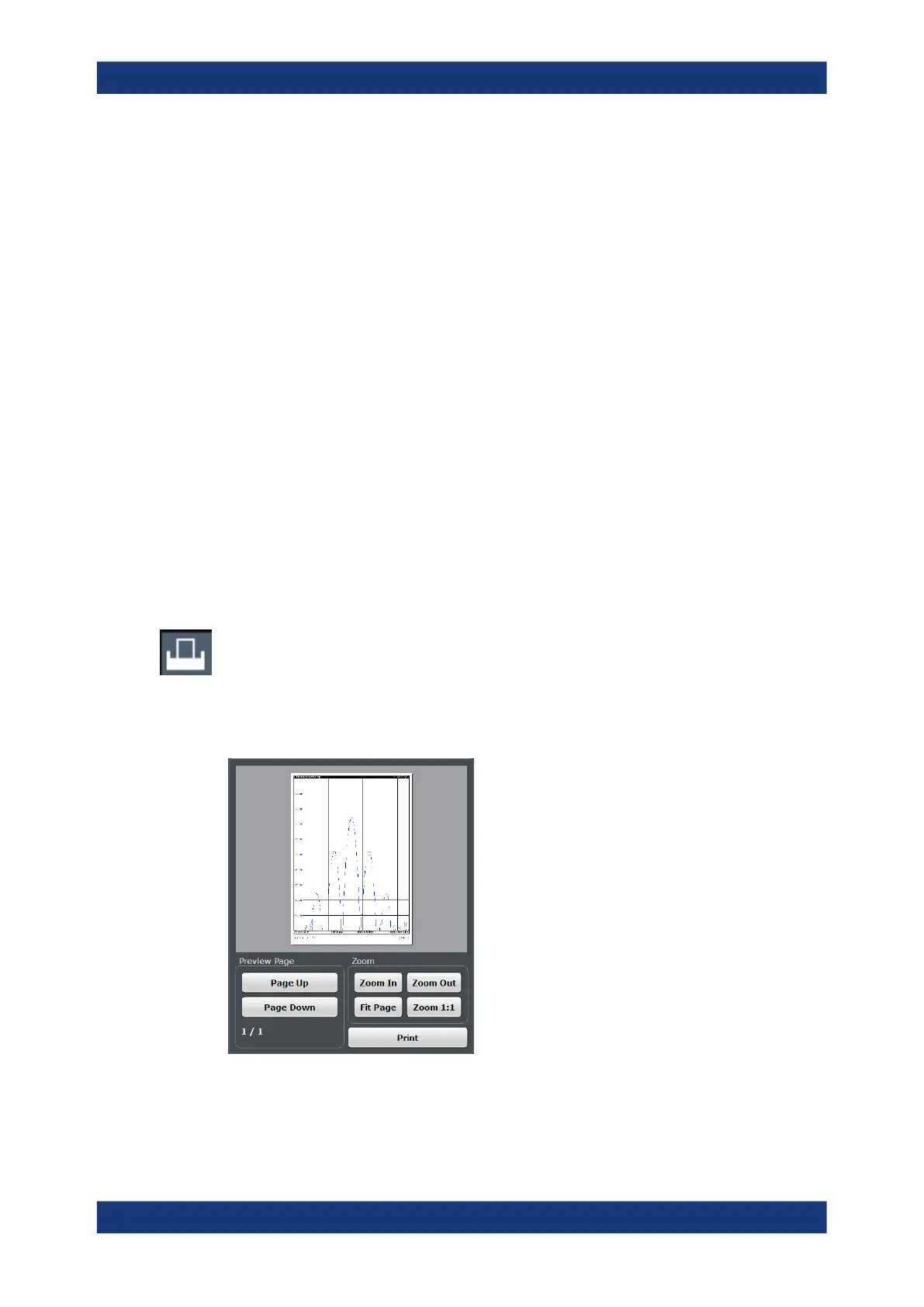
8.4.1.2 Print Preview Functions
Access: "Print"
The "Print Preview" of the printout according to the current configuration is available in
all "Print Settings" dialog tabs.
The preview display (not the functions) is device-specific (see " Select Device 1/2 "
on page 200).
Creating Screenshots of Current Measurement Results and Settings



 To Next Page