General Instrument Setup
R&S
®
FSPN
220User Manual 1179.4363.02 ─ 01
To activate or deactivate the front panel temporarily, press the [F6] key on the external
keyboard (if available) or the remote computer.
For more information, see Chapter 9.2.3, "How to Work with the Soft Front Panels",
on page 226.
Remote command:
SYSTem:DISPlay:FPANel[:STATe] on page 489
Mini Front Panel
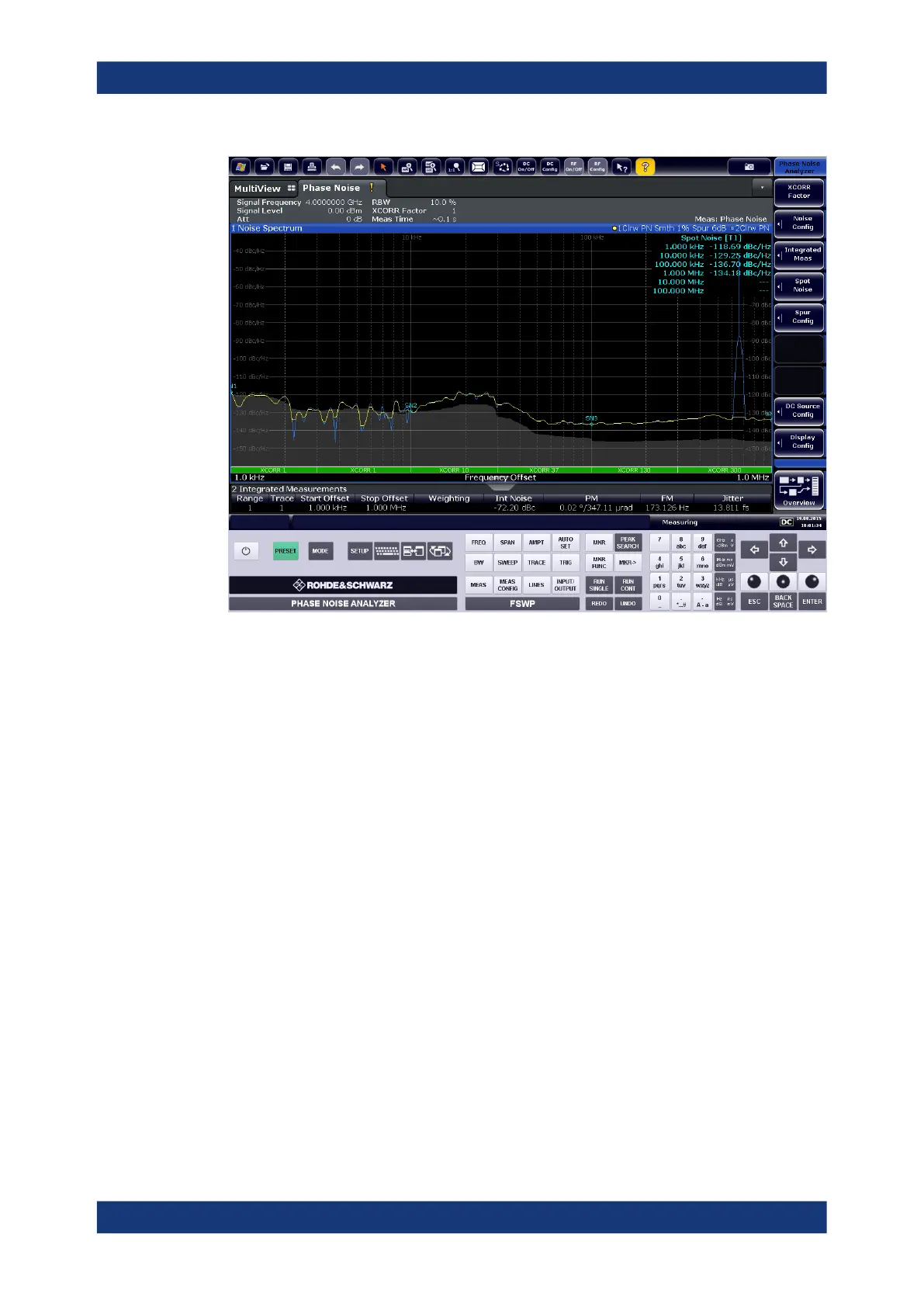
If you require a front panel display but do not want to lose too much space for results in
the display area, a mini front panel is available. The mini version displays only the main
function keys in a separate window in the display area.
Display Settings



 To Next Page