General Instrument Setup
R&S
®
FSPN
221User Manual 1179.4363.02 ─ 01
Note:
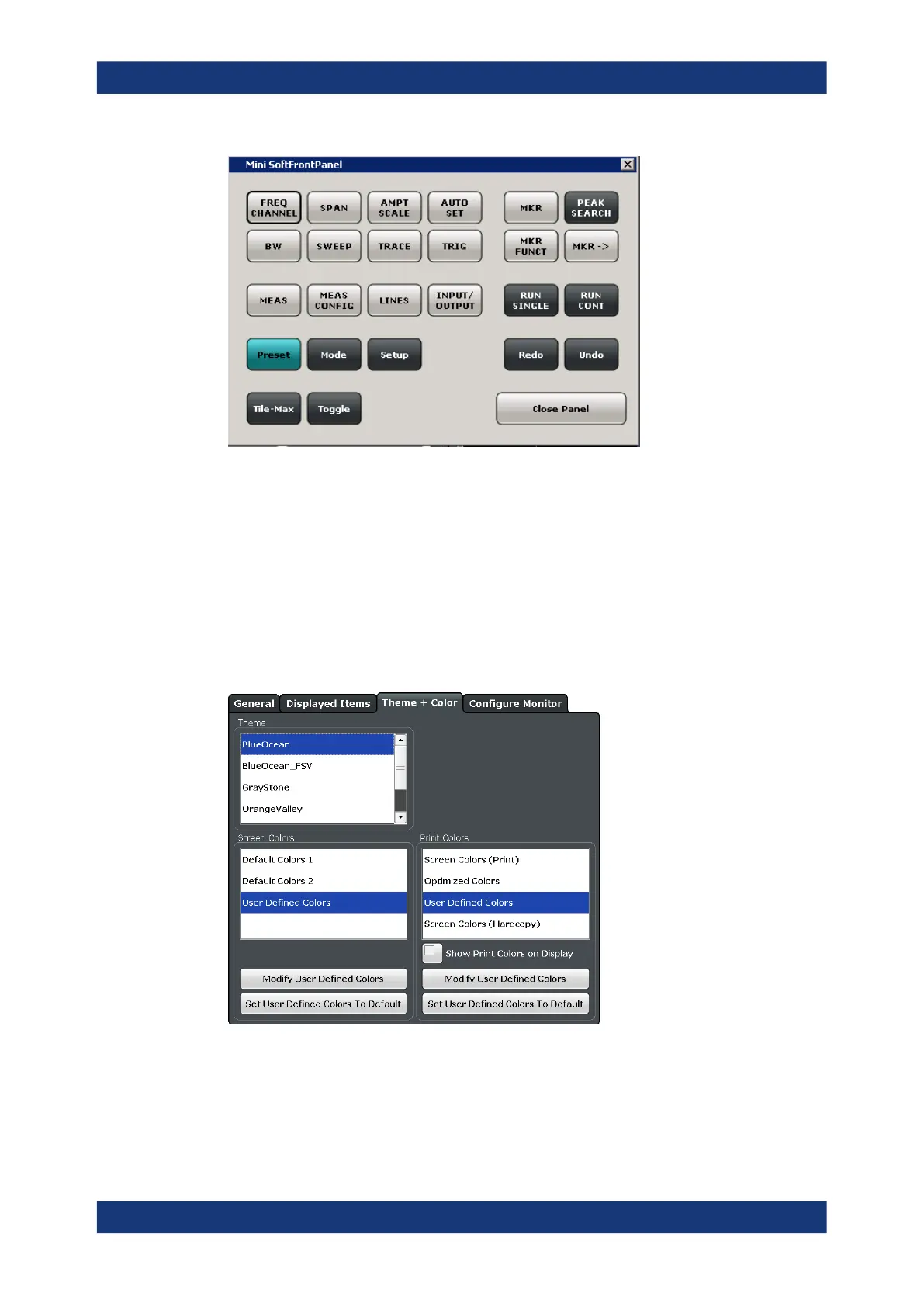
You can also activate the mini front panel using the key combination [ALT + m] (be
aware of the keyboard language defined in the operating system!). That is useful when
you are working from a remote PC and the front panel function is not active.
Remote command:
SYSTem:DISPlay:FPANel[:STATe] on page 489
9.2.1.3 Display Theme and Colors
You can configure the used colors and styles of display elements on the screen.
Theme ........................................................................................................................222
Screen Colors ............................................................................................................ 222
Print Colors ................................................................................................................ 222
Showing Print Colors on Display.................................................................................223
Modifying User-Defined Color Assignments............................................................... 223
Display Settings



 To Next Page