General Instrument Setup
R&S
®
FSPN
223User Manual 1179.4363.02 ─ 01
Showing Print Colors on Display
Temporarily shows the currently selected print colors on the screen display. This func-
tion can be used as a preview for printing.
Modifying User-Defined Color Assignments
You can configure the colors used to display and print individual screen objects accord-
ing to your specific requirements.
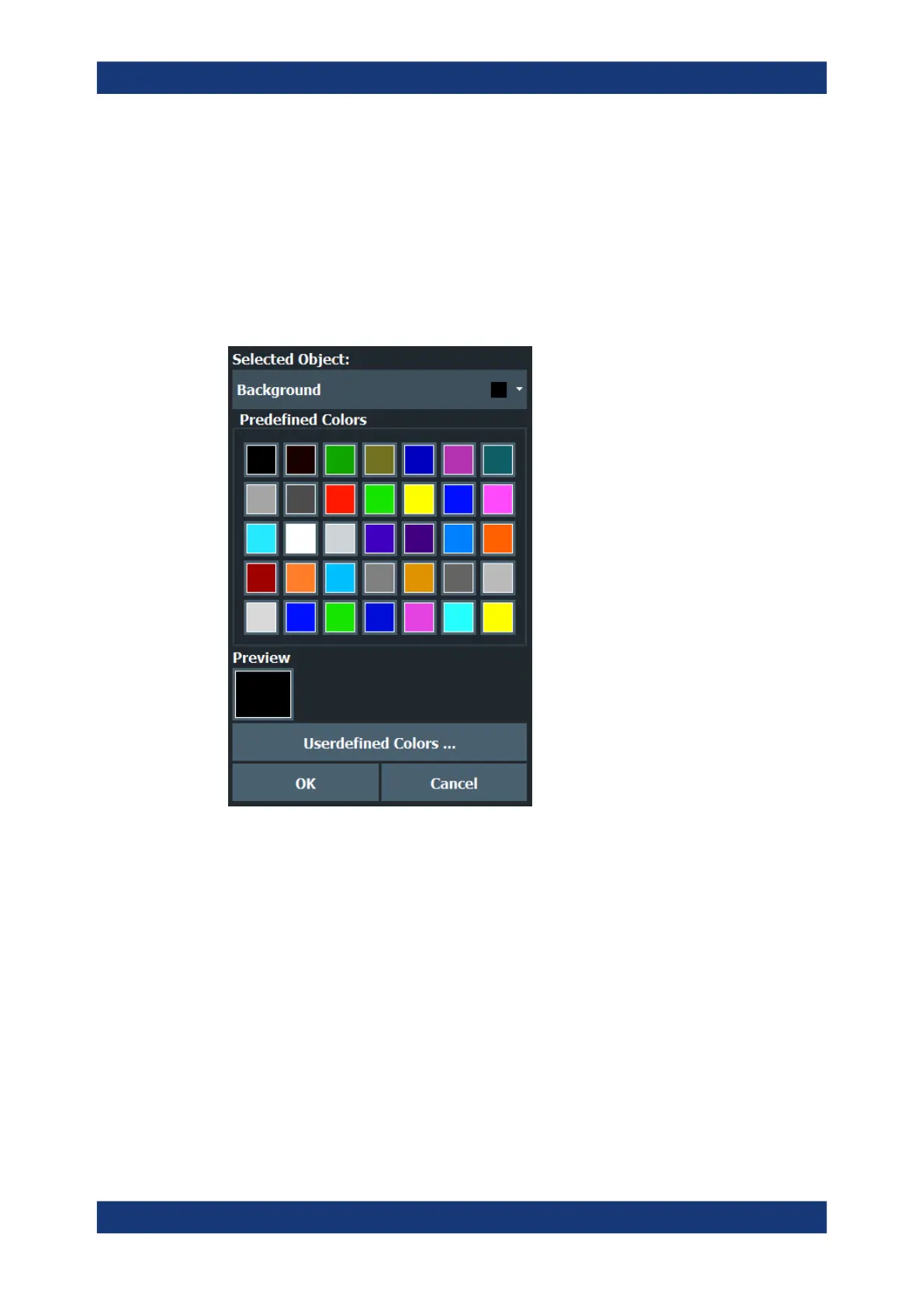
The colors are configured in the (identical) "Screen Color Setup" / "Printer Color Setup"
dialog boxes.
Selecting the Object ← Modifying User-Defined Color Assignments
Selects the object for which the color is to be defined. Colors can be defined for the
following objects:
●
Background
●
Grid
●
Individual traces
●
Display lines
●
Limit lines and check results
●
Markers and marker information
Remote command:
Each object is assigned to a specific suffix of the CMAP commands, see Chap-
ter 11.9.4.3, "CMAP Suffix Assignment", on page 491.
Display Settings



 To Next Page