Network and Remote Operation
R&S
®
FSPN
281User Manual 1179.4363.02 ─ 01
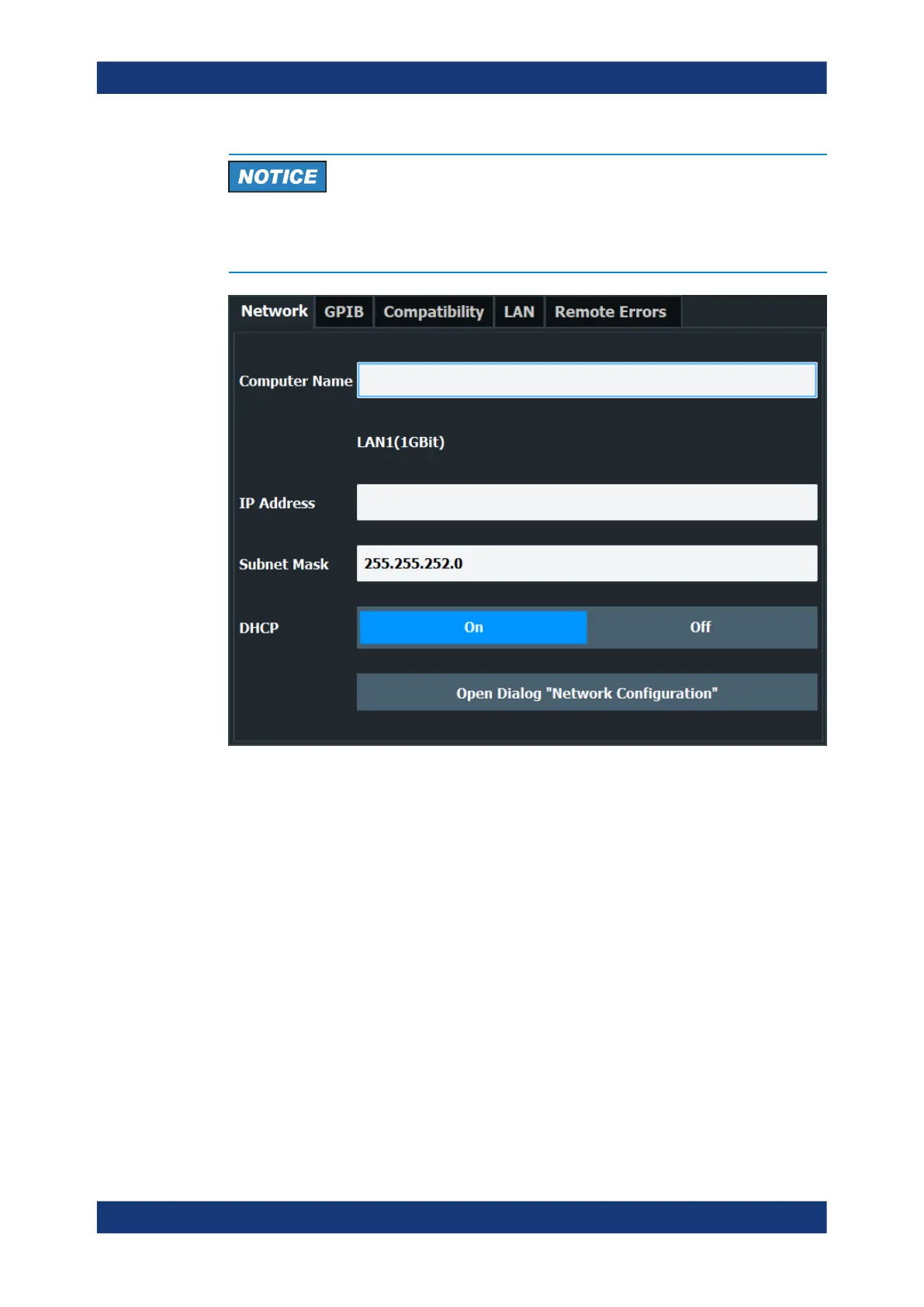
Risk of network problems
All parameters can be edited here; however, beware that changing the computer name
has major effects in a network.
Computer Name..........................................................................................................281
IP Address...................................................................................................................282
Subnet Mask............................................................................................................... 282
DHCP..........................................................................................................................282
Network Configuration.................................................................................................282
Computer Name
Each instrument is delivered with an assigned computer name, but this name can be
changed. The naming conventions of Windows apply. If too many characters and/or
numbers are entered, an error message is displayed in the status line.
The default instrument name is a non-case-sensitive string with the following syntax:
<Type><variant>-<serial_number>
The serial number can be found on the rear panel of the instrument. It is the third part
of the device ID printed on the bar code sticker:
Network and Remote Control Settings



 To Next Page