Getting Started
R&S
®
FSPN
51User Manual 1179.4363.02 ─ 01
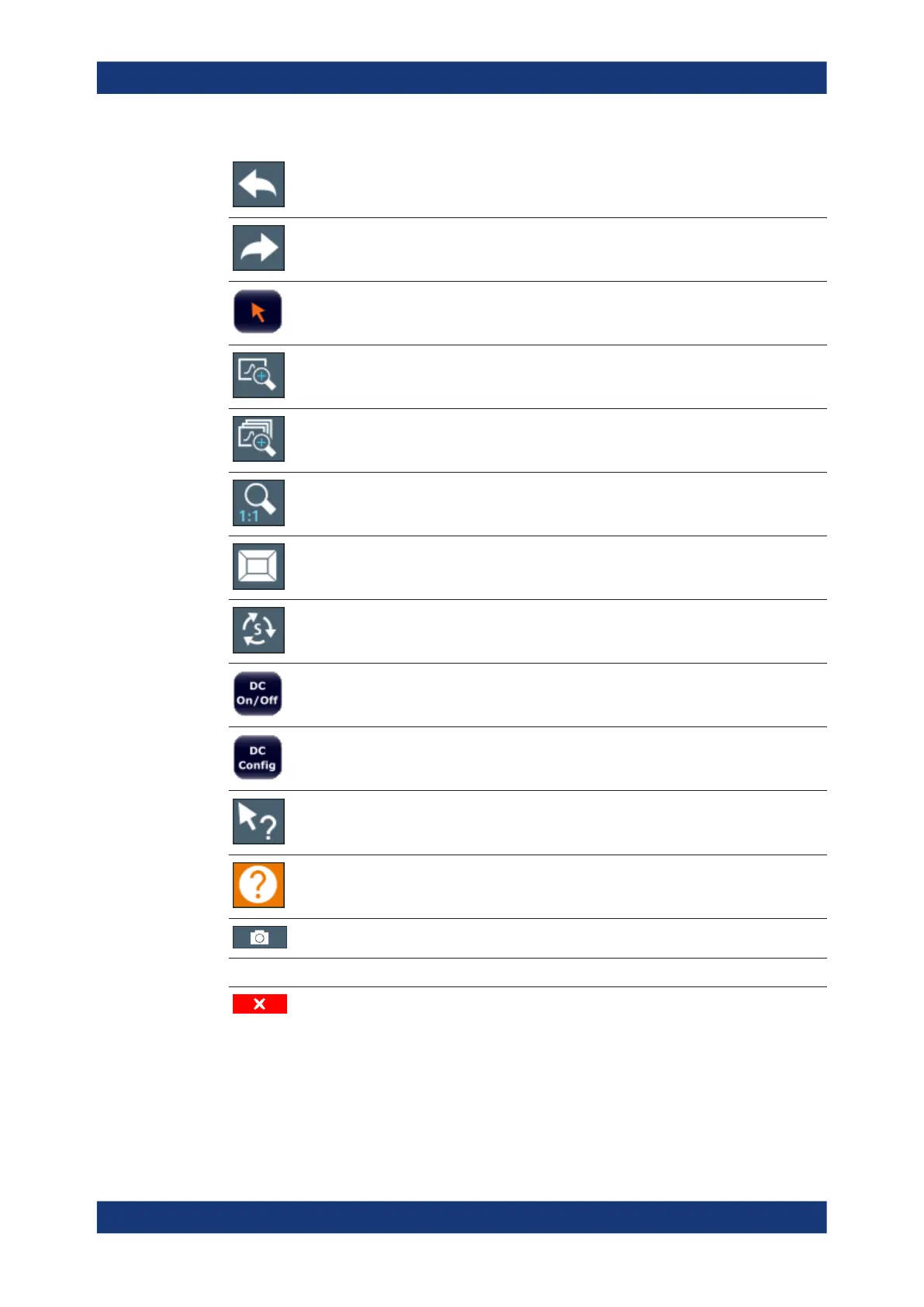
Undo: reverts last operation
Redo: repeats previously reverted operation
Select: the cursor can be used to select (and move) elements in the display (mark-
ers, lines etc.).
Zoom mode: displays a dotted rectangle in the diagram that can be expanded to
define the zoom area.
Multiple zoom mode: multiple zoom areas can be defined for the same diagram.
Zoom off: displays the diagram in its original size.
SmartGrid: activates "SmartGrid" mode to configure the screen layout.
Sequencer: opens the "Sequencer" menu to perform consecutive measurements.
DC Power: turns the DC power output on and off.
DC Configuration: provides quick access to configure the main parameters for DC
power supply.
Help (+ Select): allows you to select an element for which context-specific help is dis-
played.
Help: displays context-sensitive help topic for currently selected element.
Print immediately: prints the current display (screenshot) as configured.
In "SmartGrid" mode only:
Close: Exit "SmartGrid" mode.
3.3.2.2 Softkeys
Softkeys are virtual keys provided by the software. Thus, more functions can be provi-
ded than those that can be accessed directly via the function keys on the instrument.
Operating the Instrument



 To Next Page