Getting Started
R&S
®
FSPN
52User Manual 1179.4363.02 ─ 01
Softkeys are dynamic: depending on the selected function key, a different list of soft-
keys is displayed on the right side of the screen.
A list of softkeys for a certain function key is also called a menu. Softkeys can either
perform a specific function or open a dialog box.
Recognizing the softkey status by color
Color Meaning
orange associated dialog box is open
blue associated function is active; for toggle keys: currently active state
gray instrument function is temporarily not available due to a specific setting or missing option
You can hide the softkey display, e.g. when using remote control, in order to enlarge
the display area for the measurement results ("Setup > Display > Displayed Items").
See the User Manual for details.
3.3.2.3 Context Menus
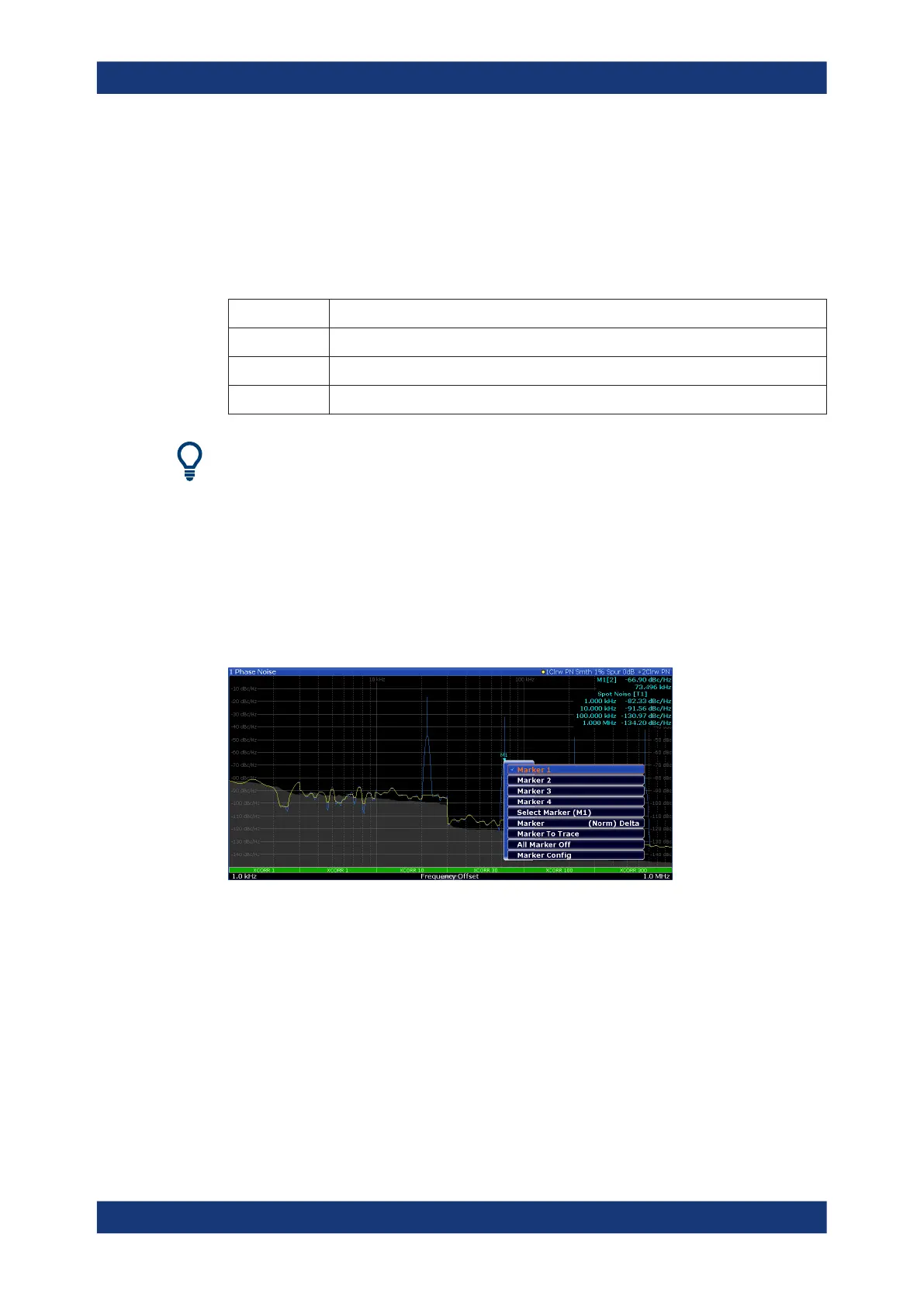
Several items in the diagram area have context menus (for example markers, traces or
the channel bar). If you right-click on one of these items (or tap it for about 1 second), a
menu is displayed which contains the same functions as the corresponding softkey.
This is useful, for example, when the softkey display is hidden.
3.3.2.4 On-screen Keyboard
The on-screen keyboard is an additional means of interacting with the instrument with-
out having to connect an external keyboard.
Operating the Instrument



 To Next Page