RFL 9780 RFL Electronics Inc.
November 1, 2000 7-6 (973) 334-3100
7.4.1 CONFIGURATION OF TRIP LATCH OPTION
The position of switch SW1-1 determines whether the Trip Latch option is enabled. Placing SW1-1 in
the ON position enables the Trip Latch option. The Trip Latch option latches the LEDs for Trips that
are transmitted. The Trip Sent relay, which picks-up when a Trip is transmitted is latched as well.
Pushbutton switch SW11 is used to un-latch the LEDs and the Trip Sent relay once the Trip condition
has been acknowledged.
7.4.2 CONFIGURATION OF POWER-BOOST LEVELS
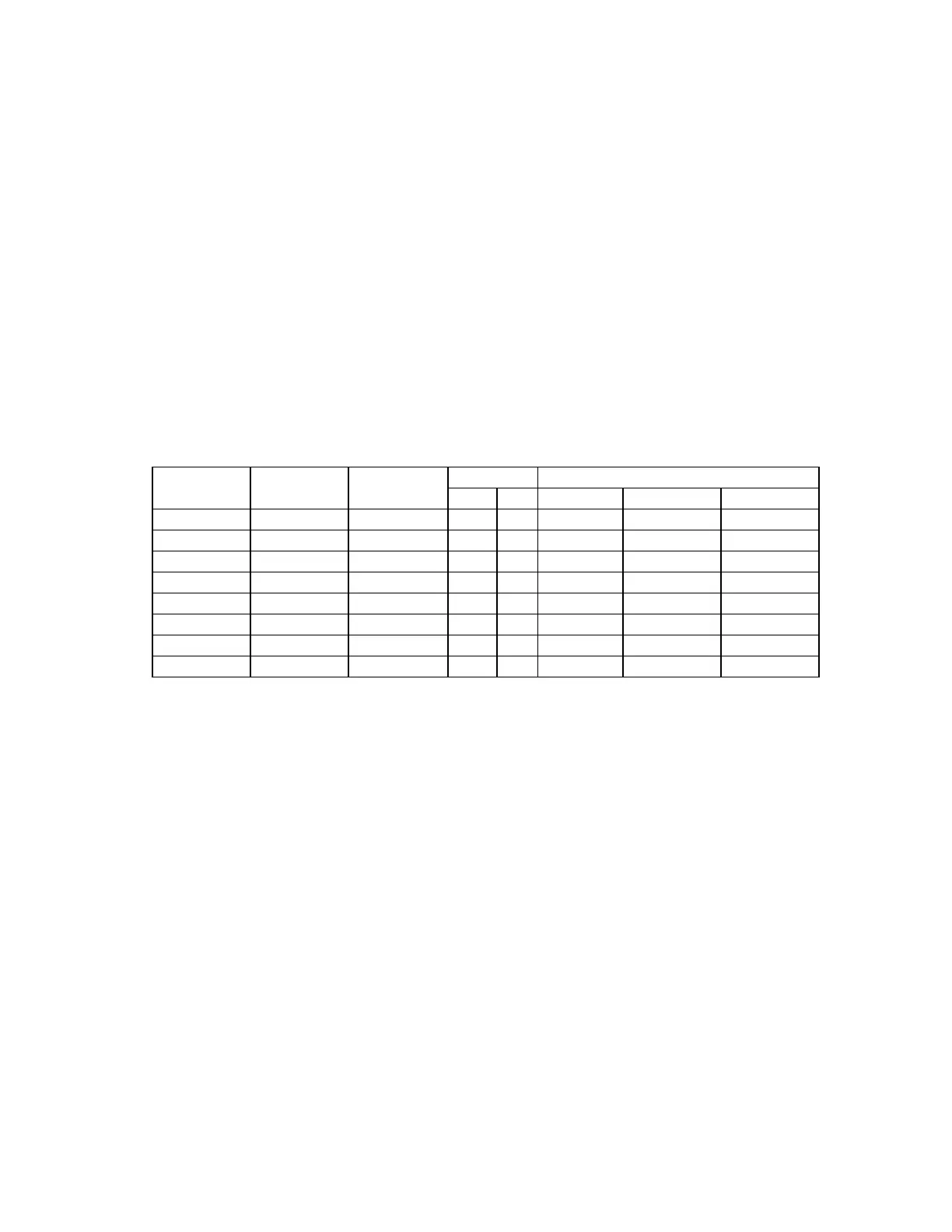
The position of switches SW1-2 through SW1-4 determines the boost modes for 2F and 3F systems for
each of the following conditions: Guard, TRIPIN_1 keyed, and TRIPIN_2 keyed. See Table 7-3 for
configuration of Power-boost levels. Refer to the Keying Modes in Table 7-4 to determine the state of
the system when TRIPIN_1 and/or TRIPIN_2 are keyed for the mode in which the system is being
configured.
Table 7-3. Configuration Of Power Boost Levels
MODE POWER BOOST LEVELSSW1 -2 SW1-3 SW1-4
2F 3F GUARD TRIPIN_1 TRIPIN_2
OFF OFF OFF X 1W 1W 1W*
OFF OFF ON X 1W 10W 1W*
OFF ON OFF X 10W 10W 10W*
OFF ON ON X 1W 1W 1W
ON OFF OFF X 1W 10W 1W
ON OFF ON X 1W 1W 10W
ON ON OFF X 1W 10W 10W
ON ON ON X 10W 10W 10W
*Power Boost levels indicated with an asterisk for TRIPIN_2 for 2F Mode apply to 2F Start/Stop
systems only. TRIPIN_2 (STOP) overrides TRIPIN_1 (START) reducing the power level to the same
as guard power level as indicated in Table 7-3.
7.4.3 CONFIGURATION OF TRIP OVERRIDE OPTION
This feature is used with the voice option, which is not being offered at this time. Switch
SW1-5 should be in the OFF position.



 To Next Page