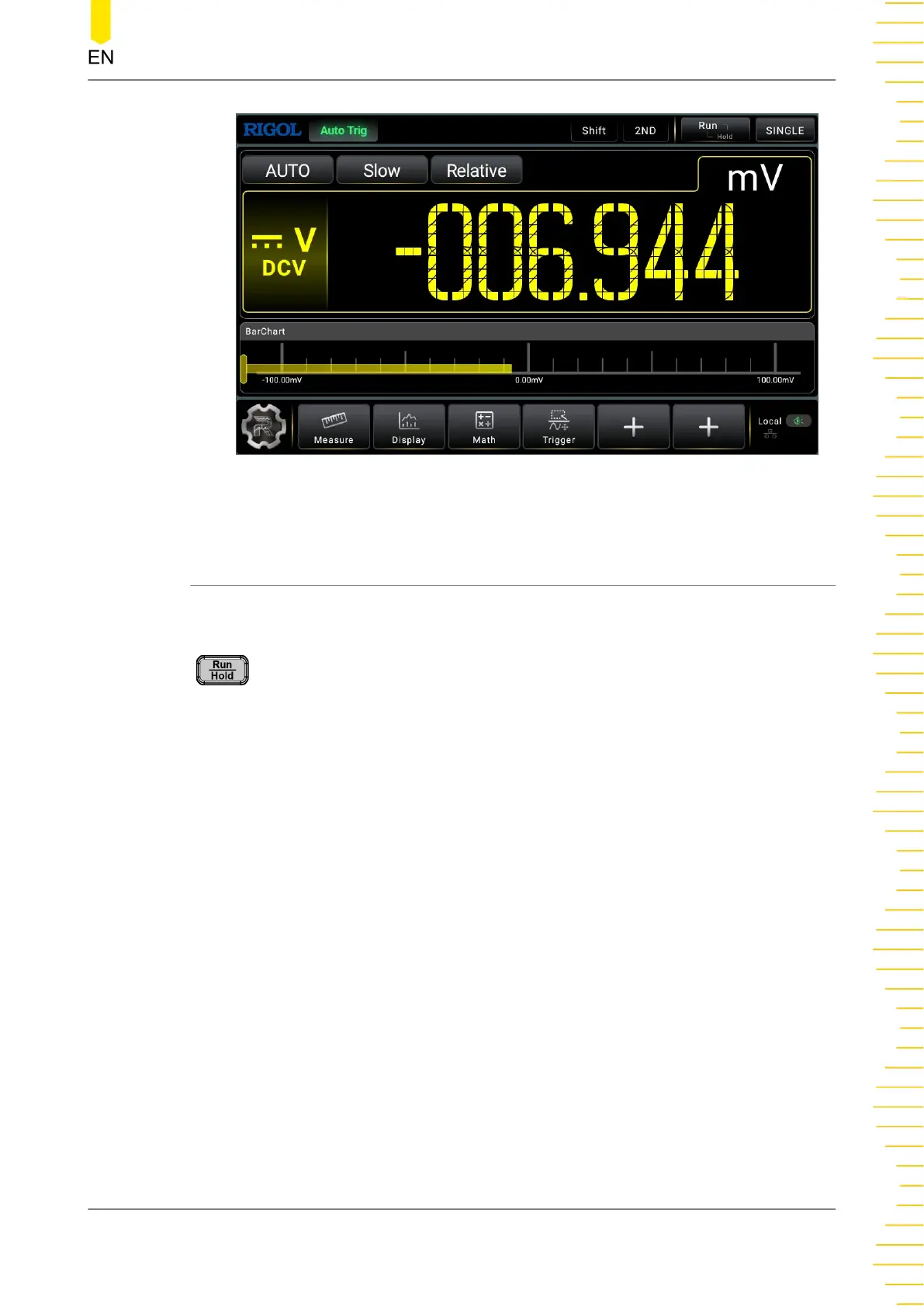
Figure 5.60 Bar Chart of DCV Measurement
5.8 Trigger
The optional trigger methods of the multimeter include Auto Trigger, Single Trigger
and External Trigger. The default trigger mode is Auto trigger at power-on.
: Press this key to enable Auto trigger, and then the instrument starts to
acquire data and obtain the reading continuously. Press this key again, the reading
holds and is displayed stably on the screen.
The multimeter reads a specified number of readings each time a trigger signal is
received and allows users to set the interval between the data acquisition and the
reading. Click or tap the Trigger label at the bottom of the screen to enter the trigger
setting menu.
Click or tap to select Auto, Single, or External trigger. By default, Auto is selected.
Auto: the instrument continuously takes measurements, automatically initiating a new
trigger as soon as a measurement is completed.
Single: the instrument initiates a trigger each time you press the front-panel Single
key.
External: the instrument initiates one trigger each time an edge of the appropriate
slope arrives on the rear-panel EXT TRIG connector.
Front Panel Operation
Copyright ©RIGOL TECHNOLOGIES CO., LTD. All rights reserved. DM858 Series User Guide
91



 To Next Page