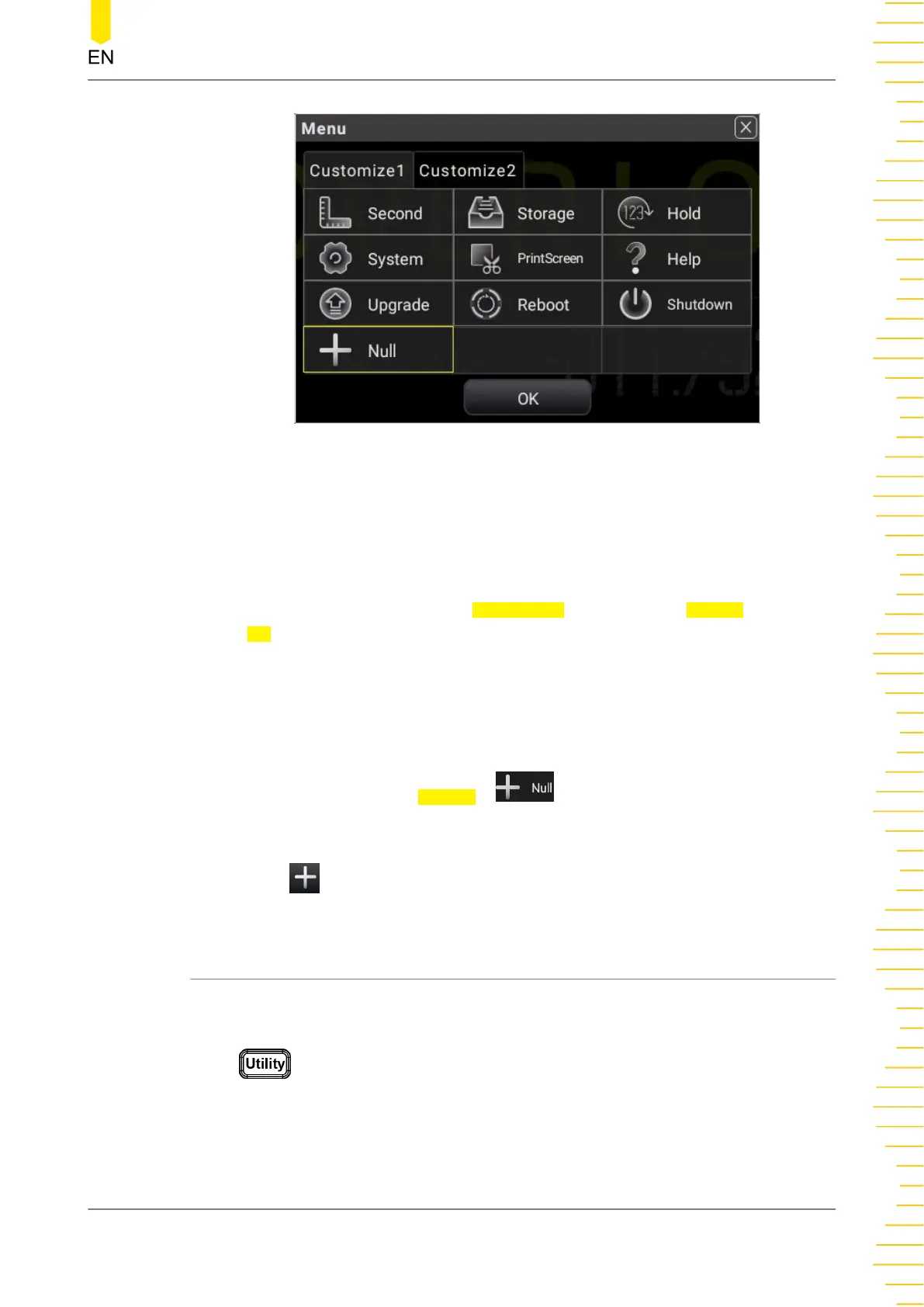
Figure 5.67 Customized Menu Setting Interface
2. The following section introduces how to add "Second" (2ND measurement) as the
customized menu to the shortcut menu label display area and delete it from the
shortcut menu label display area.
Add "Second" (2ND measurement) as the customized menu to the shortcut menu
label display area: Click or tap the
Customize1 tab, then select Second. Click or
tap OK to add "Second" (2ND measurement) to the customized menu, then
"Second" menu label is added to the shortcut menu label display area at the
bottom of the screen.
3. Delete the customized menu "Second" (2ND measurement) from the shortcut
menu label display area:
In
Figure 5.67
, click or tap Second > , then the "Second" (2ND
measurement) menu is removed from the shortcut menu label display area, as
shown in .
5.11 System Utility Function Setting
In the system utility function setting, you can set the parameters for the remote
interface and the system-related parameters.
Press to enter the system utility setting menu.
Front Panel Operation
Copyright ©RIGOL TECHNOLOGIES CO., LTD. All rights reserved. DM858 Series User Guide
101



 To Next Page