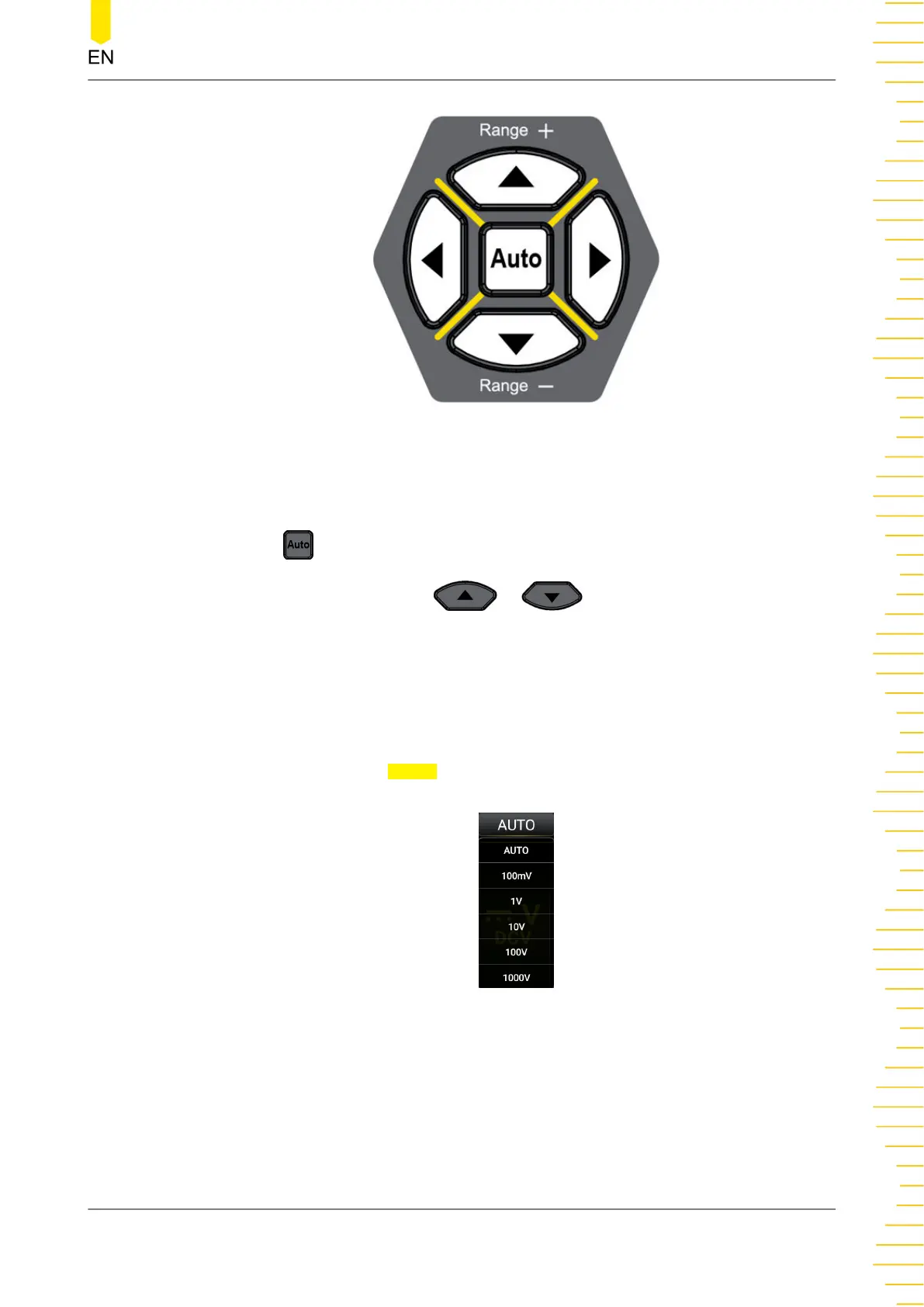
Figure 5.1 Range and Rate Selection Keys
Operation Method:
Auto: Press to set the range to Auto.
Specified range selection: Press or to select the available range.
You can also set the range for each measurement item in the specified measurement
interface.
For each measurement item displayed on the screen, click or tap the Measure label at
the bottom of the screen to enter the specified measurement item interface. Click or
tap the drop-down list of
Range to select AUTO or the specified range value.
Figure 5.2 Range Selection Menu
Remarks:
• When the input signal exceeds the current range (except the Frequency
measurement), a message "OVERLOAD" is displayed on the screen.
Front Panel Operation
Copyright ©RIGOL TECHNOLOGIES CO., LTD. All rights reserved. DM858 Series User Guide
31



 To Next Page